Comet introduces cost intelligence to track AI code spending precisely

Engineering teams adopting Claude Code and Codex are shipping faster, but most leaders still cannot answer a basic question: where exactly is the AI spend going? Cloud invoices show an aggregate number. They do not show which engineers, teams, or tasks drive it, or which configurations waste it. Comet's answer is Cost Intelligence inside its Opik observability platform: live, granular tracking of coding-agent spend across the engineering org.
What Opik cost intelligence tracks for Claude Code and Codex
Opik is Comet's AI observability and evaluation platform, covering agent tracing, debugging, LLM-as-a-judge evaluation, prompt management, and production monitoring. Cost Intelligence is the spend layer on top: it tracks coding-agent usage and cost across engineering teams, showing how every developer and team uses Claude Code and Codex in a single view, updated in real time.
The dedicated AI spend tracker page goes further into the mechanics. Cost Intelligence integrates with the team's Claude Code or Codex setup and breaks spend down past billing-level totals into inputs, outputs, and tool calls — then relates those expenditures to code performance. The audit surface includes MCP installs, skills, model selection, context retrieval, and configuration drift, so leaders see not just the number but what is driving it.
// The questions Opik answers, per its spend tracker page
// - Which developers and teams spend the most on coding agents?
// - Which MCPs, skills, and models drive the cost?
// - Which outcomes (features vs fixes) does the spend map to?
Why per-engineer spend visibility matters now
Coding agents stopped being experiments this year. Code writing, bug fixing, and workflow automation through Claude Code and Codex are day-to-day operations for teams pulling ahead — and token consumption now lands on the R&D line item every month. Without attribution, three problems compound.
First, aggregate bills hide costly patterns: bursty experimentation, developers defaulting to premium models for minor tasks, and stale configurations nobody owns. Second, leadership cannot connect spend to priorities — the routine question "are we investing AI budget in feature delivery or tech-debt cleanup?" has no data-backed answer. Third, budget conversations with finance devolve into guesswork, which leads to the worst outcome: blunt restrictions like arbitrary usage caps or revoked agent access that kill momentum instead of trimming waste.
Opik's pitch is that most token waste comes from inefficient configurations, not overuse — so the fix is visibility plus cleanup, not restriction. Comet states that teams see an average of 30 percent in recoverable spend from day one, framed explicitly as the vendor's own figure, and quotes one large enterprise engineering leader describing a path to millions in savings without changing how any developer works.
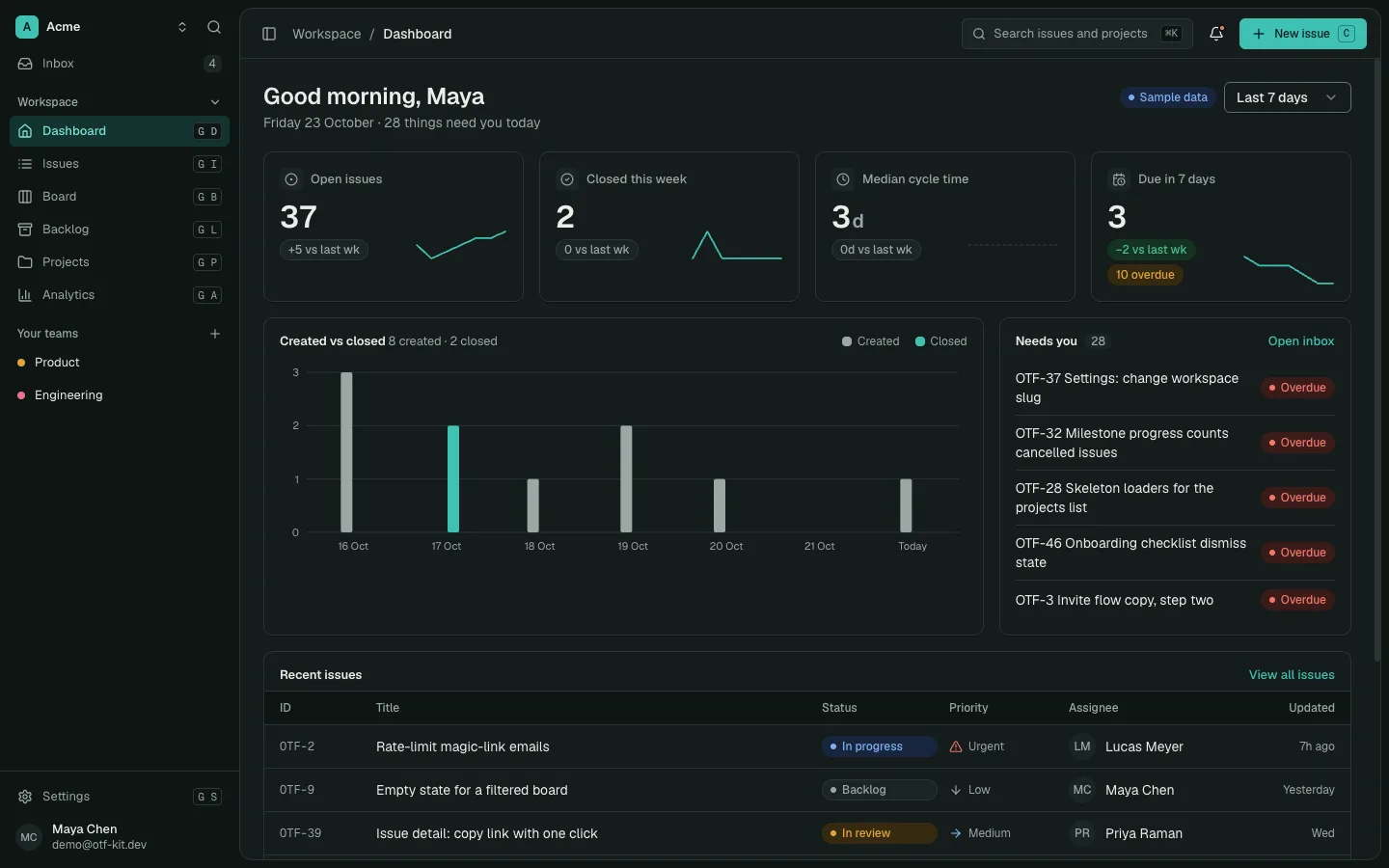
11 production screens. Login and database wired.
The SaaS Dashboard Kit includes login, a database, and a working dashboard. Live demo at saas.otf-kit.dev.
How teams act on cost intelligence data
Visibility is positioned as the starting point, not the product. The spend tracker page lays out four working motions worth adopting regardless of vendor.
Go deeper than invoices. Billing dashboards report totals after the fact. An instrumented setup attributes token spend to specific outcomes — new features versus bug fixes — so leaders can measure what coding agents return against what they cost and make informed budget decisions.
Keep configurations tidy as environments churn. Coding environments change weekly or faster: developers add skills, install MCPs, and experiment with models. Without auditing, old tools linger in agent context and inflate token cost silently. Opik flags which skills and MCPs actually have impact so platform owners can remove the dead weight.
Cut waste, not speed. The product's stated philosophy is that savings should come from fixing configurations — stale MCPs loading into context by default, misconfigured compaction letting history bloat before summarization — rather than from throttling developers. Policy becomes guidance informed by data instead of blanket restriction.
Attribute spend to outcomes. The end state is a feedback loop: every token maps to a user, a team, and a task, so spend reviews read like engineering reviews. Which workflows are most AI-cost-intensive? Where is spend growing fastest, and is the output justifying it? Those answers turn the AI budget from a scary line item into a managed input.
// Policy as guidance, not restriction
if (teamSpend > MONTHLY_BUDGET) {
  notify("AI spend above plan — review skill/MCP audit", teamId)
}
A weekly spend-review cadence that actually sticks
Dashboards only save money if someone looks at them on a rhythm. The teams that get value out of spend attribution tend to converge on the same lightweight cadence, and none of it requires new tooling beyond the breakdowns described above.
Start Monday with the per-team number. One screen, one trend line per squad, compared against what each squad shipped that week. The question is never "who spent the most" in isolation — it is whether the most expensive workflows map to the most valuable output. A squad burning twice the tokens to ship the week's headline feature is a success story. A squad burning twice the tokens on retries and rework is a coaching opportunity.
Rotate the audit focus weekly so nothing goes stale. One week, review model selection: which tasks ran on premium models, and did the cheaper tier ever get a fair trial for the routine ones? The next week, review the skill and MCP inventory: anything with zero invocations in the last thirty days comes out of the shared configuration. The week after, review context hygiene: compaction settings, retrieval breadth, history windows. Each pass takes under an hour once the data is attributed, and each pass removes a different species of silent waste.
Bring exactly one number to sprint planning: cost per shipped feature. Not a budget lecture — a single trend line the whole room can see. When engineers watch that line move, they self-correct faster than any policy could make them. And set one automated guardrail: an alert when any team's daily spend bursts far above its trailing average, so runaway loops get caught in hours, not at invoice time.
Where spend tracking fits in a production AI stack
Cost intelligence sits alongside the rest of production discipline: error tracking, background-job observability, and ship checklists. If you run Sentry error tracking in React Native production, you already accept that aggregate crash counts are useless without per-release, per-device attribution — AI spend deserves the same granularity. Likewise, teams running AI workloads in background jobs know that untracked async token consumption is where budgets leak fastest, and anyone working through a ship-to-production checklist should add a spend-attribution step before agents become load-bearing infrastructure.
Two trims from the earlier version of this page are worth noting for transparency. The original claimed Opik was the first platform to solve this problem — a superlative Comet itself does not make on its product pages, so it is cut. The original also cited a third-party launch article for its feature claims; every claim above now traces to Comet's own live pages, which is the stronger citation anyway.
The bottom line is simple: once coding agents are infrastructure, their cost needs infrastructure-grade observability. Per-developer, per-team, per-task spend data turns the AI budget from a surprise into a dial the team controls.
Ready to ship AI features on infrastructure you can actually observe? OTF Kit gives you production-ready templates with observability baked in — so spend tracking, error tracking, and background jobs are wired up from day one instead of bolted on after the invoice shocks you.
Sources
- Opik by Comet — AI observability and evaluation platform — confirms Opik's tracing/evals scope and that Cost Intelligence tracks Claude Code and Codex usage and cost in a single real-time view.
- AI spend tracker for Claude Code and Codex — Comet — confirms per-developer/team breakdowns, MCP/skill/model auditing, outcome attribution, and the vendor's stated 30 percent recoverable-spend figure.
Ship the product, not the setup.
- 11 production screens — auth, team, analytics, and settings
- Login and a real database are wired in
- AI configs pre-tuned so your agent extends instead of regenerates
Ship your first screen tonight — free starter in your inbox
The quickstart, the SDK repo and the live kit demos, on this screen and in your inbox.
No spam. Unsubscribe any time.