Gluestack UI v5 skips Next.js for now — stay on v4 or split your surfaces

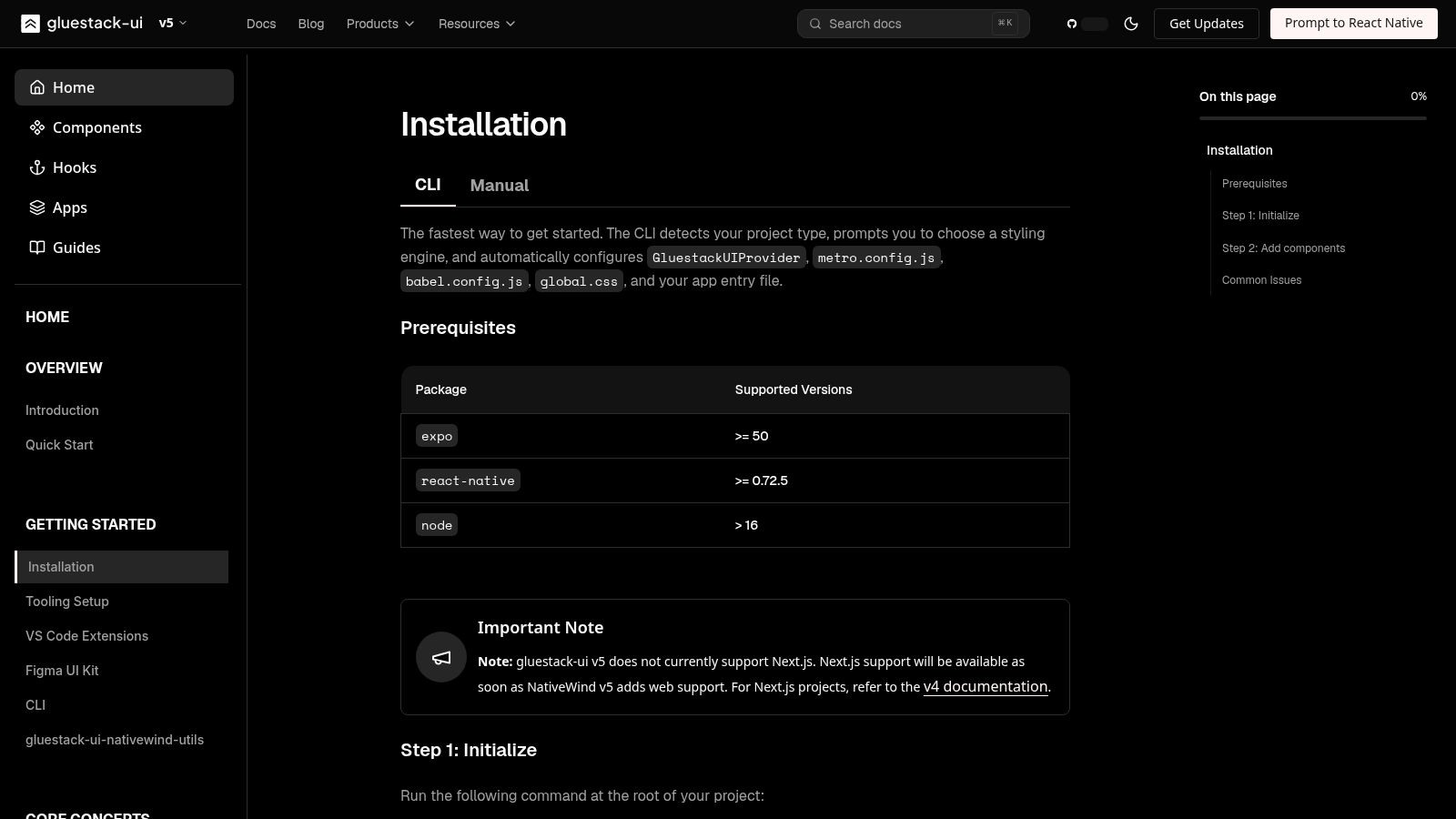
gluestack-ui sells a clear promise: copy-paste components that work across React, React Native, and (historically) Next.js, with theming you control. The current installation guide for v5 adds a hard platform note that changes what you should do today: gluestack-ui v5 does not currently support Next.js. Next.js support returns when NativeWind v5 adds web support. Until then, Next.js projects are pointed at the v4 documentation.
That is not a buried footnote. It is a ship/don't-ship gate for anyone who planned one universal UI install across a marketing web app and a mobile client. Mobile-first Expo / React Native work can move to v5. A Next.js surface cannot—not on the v5 line, not yet.
This post is a version-and-platform decision, not a redesign of your whole product kit. Appraise what v5 enables on mobile, then pick a deliberate web path so agents and humans do not invent a second stack by accident.
What v5 actually ships today
The installation page lists prerequisites aimed at mobile toolchains: Expo >= 50, React Native >= 0.72.5, and Node > 16. Initialize with:
npx gluestack-ui@latest initThe CLI then asks for a styling engine:
- NativeWind v5 — Expo and React Native CLI, powered by Tailwind CSS v4 + PostCSS
- UniWind — Expo-only, Tailwind CSS v4 with no PostCSS build step
Add components the same way:
npx gluestack-ui@latest add buttonThat path is real progress for RN-first teams. You get the modern styling engines and the copy-paste ownership model the introduction still describes: modular components, accessibility by default, theming without a monolithic dependency.
What you do not get on v5 today is a supported Next.js install. The docs say so in plain language and route Next.js work to v4 until NativeWind v5 web lands.
If your product is Expo / React Native only for this milestone, v5 is the line to evaluate. If your product includes a Next.js web app in the same UI program, treat "@latest everywhere" as a trap.
The decision: one stack fantasy vs pinned surfaces
Universal UI marketing still sounds right: same components, web and mobile. The install matrix is the truth table.
Choose v5 on mobile when
- The active work is Expo or React Native CLI.
- You want NativeWind v5 or UniWind as the styling engine.
- Web is absent, deferred, or allowed to stay on a different major.
Stay on v4 for Next.js when
- Production web is Next.js today.
- You need the documented supported path, not a fork you maintain yourself.
- You refuse to block web releases on an upstream NativeWind web milestone.
Split majors on purpose when
You keep v5 on mobile and v4 on Next.js until web support returns. Write that split in the repo (package versions, ADR, agent rules). Unwritten splits become thrash: one agent upgrades @latest, another "fixes" web by mixing majors.
Do not paper over the gap with "it probably works." The vendor’s install guide is the primary source. When it says Next.js is unsupported on v5, plan as if that is final until the docs change.
A related post on copy-paste universal components (different question: per-platform ownership of shadcn-style sources) lives at /blog/shadcn-react-native-universal-components. This article is only about the v5 platform gate.


One codebase. iOS, Android, and web.
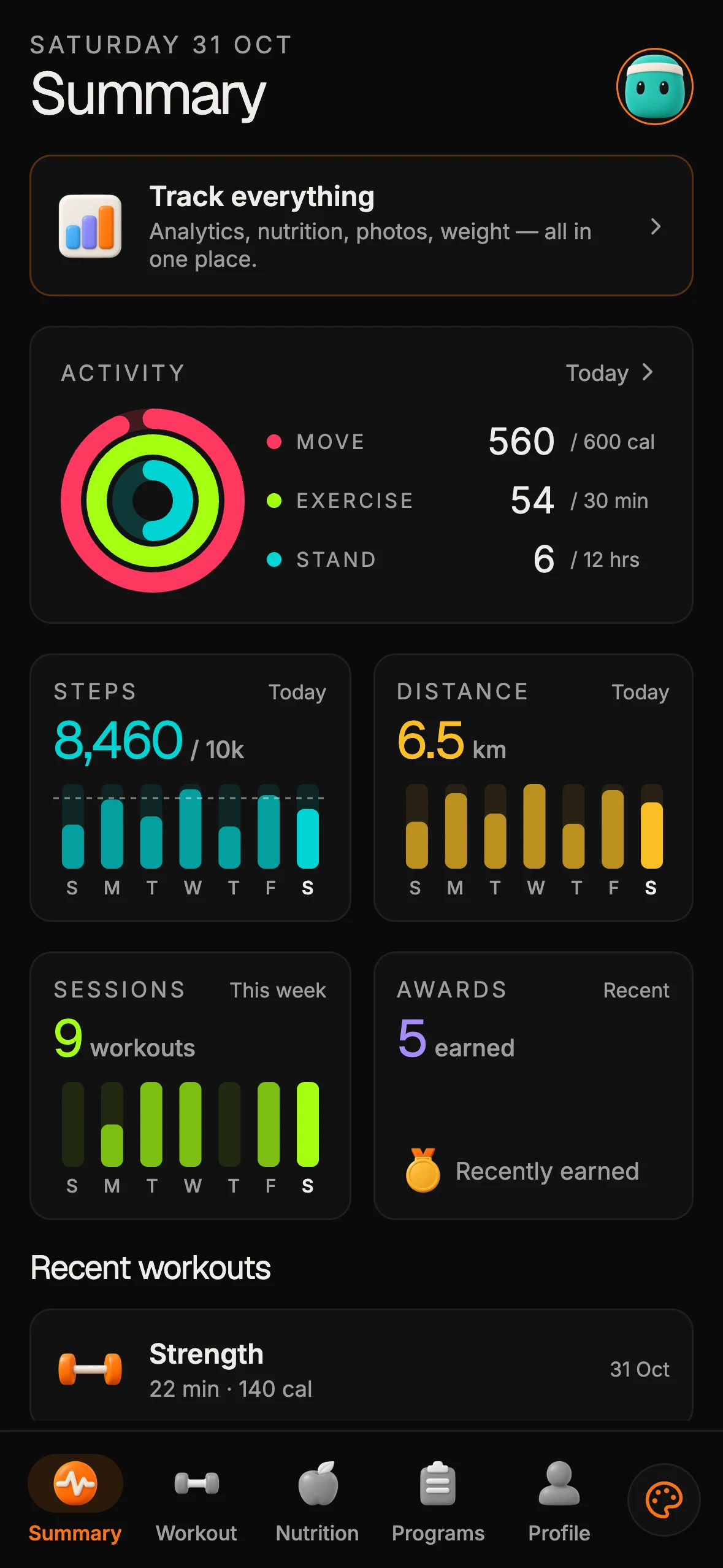
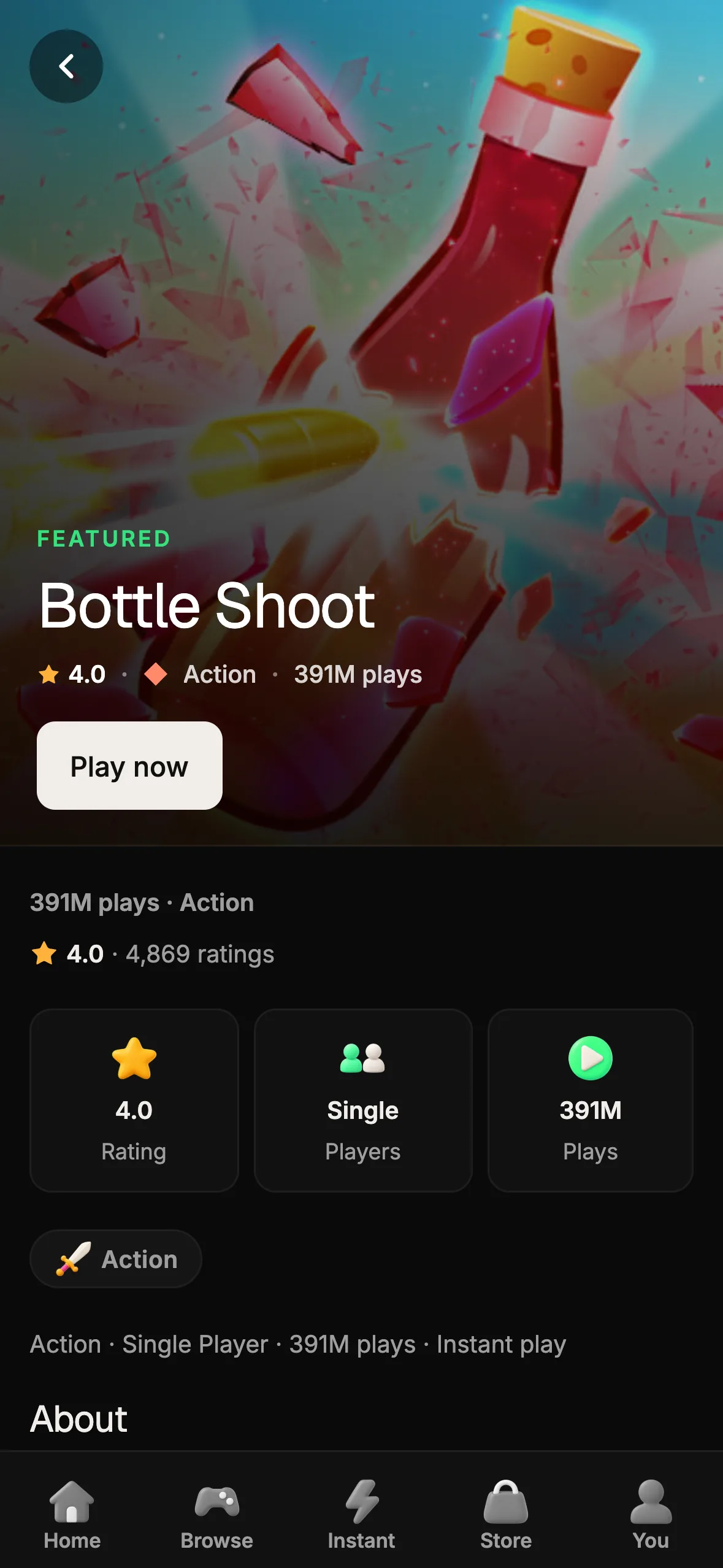
The Fitness Kit is a mobile starter with its own API, with sign-in and a database. Live demo at fitness-preview.otf-kit.dev.
How to use this today
Concrete steps for a team that already likes Gluestack’s model:
-
Read the install note before any upgrade PR. Open https://gluestack.io/ui/docs/home/getting-started/installation and confirm the Next.js sentence still matches reality. Docs can move; do not memorize a stale chat summary.
-
Inventory surfaces. List which apps are Expo / React Native CLI vs Next.js. If both exist, you already need a dual-track plan.
-
Pin majors per surface. Example policy (illustrative): mobile apps may take
gluestack-ui@latest/ v5; Next.js apps stay on the v4 docs line until NativeWind v5 web support is documented. Encode pins in lockfiles and in agent instructions so "upgrade everything" does not silently break web. -
Initialize only where supported. On mobile:
npx gluestack-ui@latest init
npx gluestack-ui@latest add button
On Next.js, follow the v4 documentation the install page links—not the v5 CLI path.
-
Watch the stated unblocker. The install note ties Next.js on v5 to NativeWind v5 web support. Track that dependency; do not invent a private web port unless you budget for owning it.
-
Keep product spine separate. Version pins solve UI toolkit compatibility. They do not replace screens, schema, auth, billing, or agent project memory. If those are missing, fix them on purpose—Gluestack’s job here is the component/install matrix.
Common install footguns called out on the same page still apply on mobile: directory names with spaces can stall Expo rebuilds; peer dependency fights may need --legacy-peer-deps; UniWind theme tokens need top-level .light {} selectors, not nested ones.

What changes for AI coding agents
Agents love @latest. That habit is unsafe across this gate.
Put three rules in the repo the agent reads:
- Never run
npx gluestack-ui@latest initinside a Next.js app while v5 docs say Next.js is unsupported. - Never unify mobile and web onto one Gluestack major without checking the install matrix that week.
- Prefer explicit major pins and a one-line ADR over "make the UI consistent" prompts that erase the platform split.
Shared context for a coordinator-style workflow should include the install URL and the current decision (v5 mobile / v4 Next.js, or mobile-only). Otherwise each session rediscovers the gap by breaking the web build.
OTF’s angle stays complementary: keep an owned product repo with screens, data, auth, AI configs, and ship scripts at https://otf-kit.dev/templates and https://github.com/otf-kit/sdk, while your UI library majors stay honest about what each surface supports.
What not to do
Do not treat the homepage marketing line about the same code for Next.js and Expo as a substitute for the install guide. Marketing pages lag install gates. Do not "polyfill" Next.js support by forcing v5 packages into a web app without a vendor path. Do not let a single monorepo root depend on one floating @latest for every surface. And do not reopen the UI-library-versus-owned-kit debate in the same PR that pins majors—those are different decisions with different acceptance tests.
Takeaway
Gluestack’s copy-paste, multi-surface idea remains strong. v5 currently delivers that idea for Expo and React Native CLI with NativeWind v5 or UniWind—and explicitly not for Next.js until NativeWind v5 web support arrives. Appraise the mobile win, keep Next.js on the documented v4 path (or accept a written major split), and teach your agents the install matrix so @latest cannot undo it.
Sources
- https://gluestack.io/ui/docs/home/getting-started/installation — v5 prerequisites, NativeWind v5 / UniWind engines, Next.js unsupported note, CLI commands, common issues
- https://gluestack.io/ui/docs/home/overview/introduction — copy-paste / universal positioning and goals
- https://gluestack.io/ — product marketing for React and React Native components
- https://otf-kit.dev/templates — owned full-stack kits
- https://github.com/otf-kit/sdk — OTF SDK

Stop wiring. Start shipping.
- Sign-in and a database wired in, with its own API
- iOS + Android + web from one codebase
- AI configs pre-tuned + 20+ task prompts per kit included
Ship your first screen tonight — free starter in your inbox
The quickstart, the SDK repo and the live kit demos, on this screen and in your inbox.
No spam. Unsubscribe any time.