
The Missing Step: From Preview URL to Your Own Domain

The *.vercel.app lie
Every demo video in the last three years ends the same way: a screen recording of someone clicking through my-app-git-main-myteam.vercel.app. It looks shipped. It is not shipped. The URL belongs to the platform. The cert belongs to the platform. The DNS record will vanish the moment you delete the branch. None of it is yours.
The hard part of shipping — owning the domain, pointing DNS at it, getting a TLS cert the platform didn't issue for you, keeping the cert renewed — is the part nobody demos. Every "look what I built in a weekend" clip cuts away before that step. So it stays invisible, and the gap between "running on a preview URL" and "running on yourdomain.com" keeps catching people.
This post is about closing that gap, concretely, with a script a kit can ship.
What "shipped" actually means
Shipped is not "it loads when I curl it." Shipped is four things, in order:
- A domain you own, with
whoispointing at you. - DNS records (A, AAAA, or CNAME) that resolve that domain to a real, stable target.
- A TLS cert for that domain — not a wildcard the platform issued, a cert that proves this exact hostname.
- A redirect from the old preview URL to the new one, so links in old tweets, old PRs, and old emails don't 404.
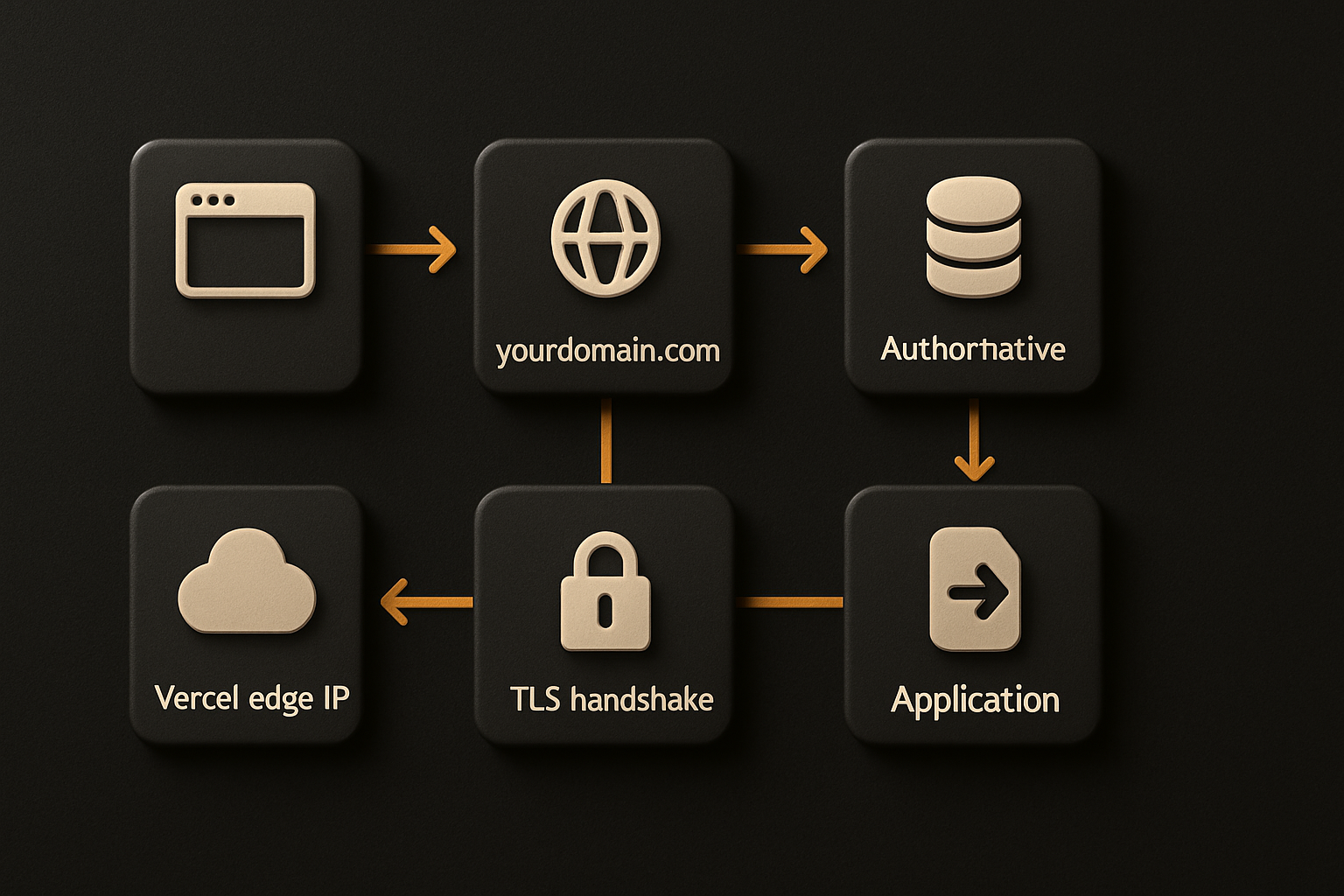
If any of those four is missing, you don't have a product. You have a preview environment with a marketing claim.
11 production screens. Login, database, payments — all wired.
The SaaS Dashboard Kit ships everything already connected. Nothing to set up. Live demo at saas.otf-kit.dev.
The DNS dance everyone gets wrong
DNS is the part that makes smart engineers feel stupid, because the failure modes are silent. dig returns nothing, you wait, you wait more, you re-run dig, and 30 minutes later it suddenly resolves. Or it resolves from your laptop but not from a phone on a different network, because the TTL was 3600 seconds and you set the record four minutes ago.
The actual mechanics:
# verify the domain resolves where you expect
dig +short yourdomain.com A
dig +short www.yourdomain.com CNAME

# check the TTL — if it's 3600, you're waiting an hour per change
dig yourdomain.com A | grep -E '^yourdomain'

# confirm the platform's authoritative nameservers are in charge
dig +short yourdomain.com NS
Two failure modes I see weekly:
- Apex vs
www.yourdomain.com(the apex, no subdomain) cannot have a CNAME per the DNS spec. You need an A record or an ALIAS/ANAME. Most platforms publish the A records you need; you paste them into your registrar's UI and wait for propagation. wwwvs apex mismatch. You set the apex A record but forgot thewwwCNAME, so half your users land on a working site and half land on a registrar parking page. Or vice versa.
The fix is not clever. The fix is a checklist, written down, run before you call it shipped.
TLS, and the 5-minute outage that teaches everyone
TLS is the part that works until it doesn't. The cert gets issued. HTTPS works. You forget about it. 60 or 90 days later — depending on the CA — the cert expires, browsers start showing NET::ERR_CERT_DATE_INVALID, and you spend the afternoon figuring out why.
If you're using the platform's managed certs (Vercel, Cloudflare, Fly, Render — pick one), the renewal is automatic. If you terminated TLS yourself with certbot on a VM, the renewal is whatever cron job you remembered to set up. Most people did not remember.
# if you're running certbot yourself — verify the renewal timer is alive
sudo certbot renew --dry-run
systemctl list-timers | grep certbot

# ACME challenge files must be served from your origin during issuance
# most platforms handle this; a raw VM does not
The outage that teaches everyone is the one where the cert expired on a Saturday at 3am and the only person who knew how to renew it was on a flight. The deploy script catches this because the script owns the cert lifecycle end-to-end — it issues, it renews, it verifies the renewal actually happened.
AI agents made the deploy-last-mile worse
This is the part that didn't used to be a problem. Three years ago, a team built one app, shipped it once, and moved on. The DNS/TLS dance was a one-time cost, annoying but bounded.
Now an AI coding agent can spin up ten preview URLs before lunch. The agent builds a feature, pushes a branch, gets a URL, demos it, deletes the branch. Each one of those URLs is a half-shipped product by the definition above. The agent doesn't care — it has no skin in yourdomain.com. It has no memory of the DNS A record you set six months ago. It has no concept of the cert that needs renewing in 47 days.
So the cost of the last mile compounds. Every team that adopts agent-driven development is paying the demo-to-domain tax more often, and the tax doesn't get cheaper with repetition. The agent will keep producing preview URLs until the repo tells it what "shipped" actually means.
What a kit that ships the deploy script looks like
A template that hands you the UI is half the job. The other half is the script that gets the template to your domain, with the cert, with DNS pointing at it, in one command.
That's the explicit bet: every kit ships with a deploy.sh (or deploy.ts, whatever) that takes a domain and a registrar API token and runs the whole sequence. You don't read the Vercel docs. You don't fight with DNS propagation. You run the script, you answer two prompts, you wait four minutes, your domain serves your app over HTTPS.
The kit is the artifact that travels with the code. When you copy-paste the template, or npm install it, the deploy script comes with it. When the next developer on your team clones the repo, the script is there. When an AI coding agent extends the template, the script is part of the conventions it reads in CLAUDE.md and .cursorrules — it doesn't try to ship a *.vercel.app URL because the repo told it not to.
The script, in concrete terms
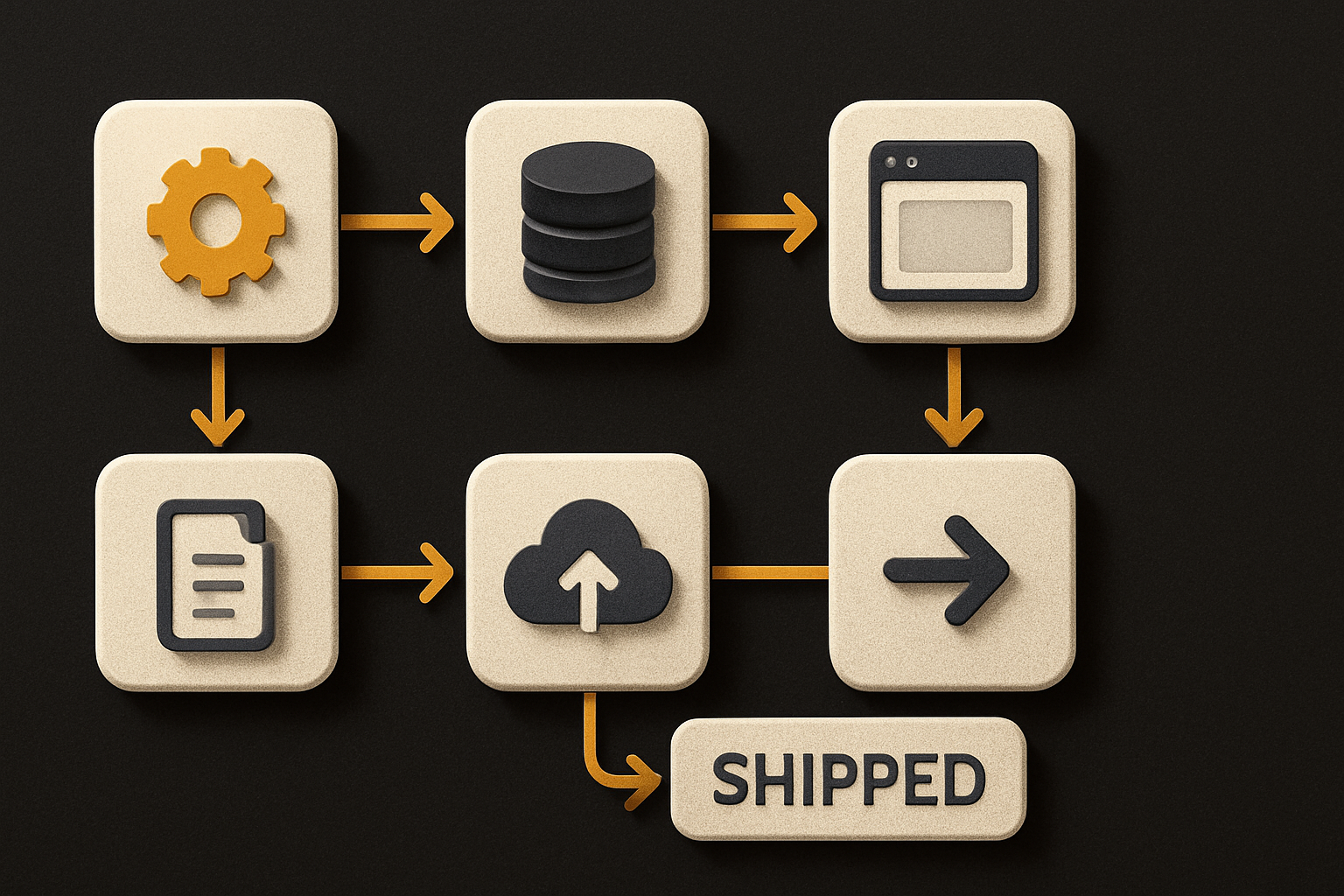
Stripped to its skeleton, the script does six things:
#!/usr/bin/env bash
set -euo pipefail

DOMAIN="$1"
REGISTRAR_TOKEN="$2"

# 1. read the kit config — what platform are we deploying to?
PLATFORM=$(jq -r '.deploy.platform' kit.config.json)

# 2. verify the user owns the domain — TXT record challenge
deploy-cli verify-domain "$DOMAIN" --token "$REGISTRAR_TOKEN"

# 3. set DNS records at the registrar
deploy-cli dns set "$DOMAIN" A     @   "$PLATFORM_IP"
deploy-cli dns set "$DOMAIN" CNAME www "$DOMAIN"

# 4. trigger TLS cert issuance on the platform side
deploy-cli tls issue "$DOMAIN"

# 5. build the production bundle
pnpm build

# 6. deploy + health check + redirect
deploy-cli ship --domain "$DOMAIN" --health-check "/api/health"
deploy-cli redirect set www → apex
That's it. Six steps. Each one has a failure mode the script catches and surfaces with a real error message — not "something went wrong," but DNS TXT record not found at _verify.yourdomain.com — registrar TTL 3600s, elapsed 47s.
The script is small enough to read end-to-end in five minutes, and it lives in the repo so any developer who clones it inherits the same path. No tribal knowledge. No "ask Sam, he did it last time."
What this gets us
The interesting part isn't the time saved on one deploy. It's the second-order effects.
When the deploy script is part of the template, every feature a coding agent builds inherits a known path to production. The agent's CLAUDE.md says "ship means run ./deploy.sh yourdomain.com, not vercel deploy." The agent doesn't accumulate preview-URL debt because the convention tells it not to.
When the cert lifecycle is owned by the script, the Saturday 3am outage stops happening. Renewal is verified, not assumed.
When DNS is set by the same code that builds the app, the apex/www mismatch stops happening. The script either succeeds for both or it fails loudly before claiming victory.
The preview URL is for demos. The custom domain is for shipping. The gap between them is what a kit closes, with a script, with a checklist, with conventions the next developer — human or agent — can read.
Ship the product, not the setup.
- 11 production screens — auth, billing, team, analytics, settings
- Real database, payments, and login — all wired on day 1
- AI configs pre-tuned so your agent extends instead of regenerates