
enable Six-Figure Revenue with a Productized AI Marketing System

Six-figures from prompts that travel with the model
Ryan Doser turned one-off prompts into a 40-skill SOP library, credited it with six-figures in attributed revenue, productized it as the Claude Code Skills Stack, and moved $10,000 of copies before the year was out. This week, V2 made the whole thing vendor-agnostic: a single markdown file now runs the same skills in Claude Code, OpenAI's Codex, Gemini CLI, and Cursor. Same library, any assistant, no migration.
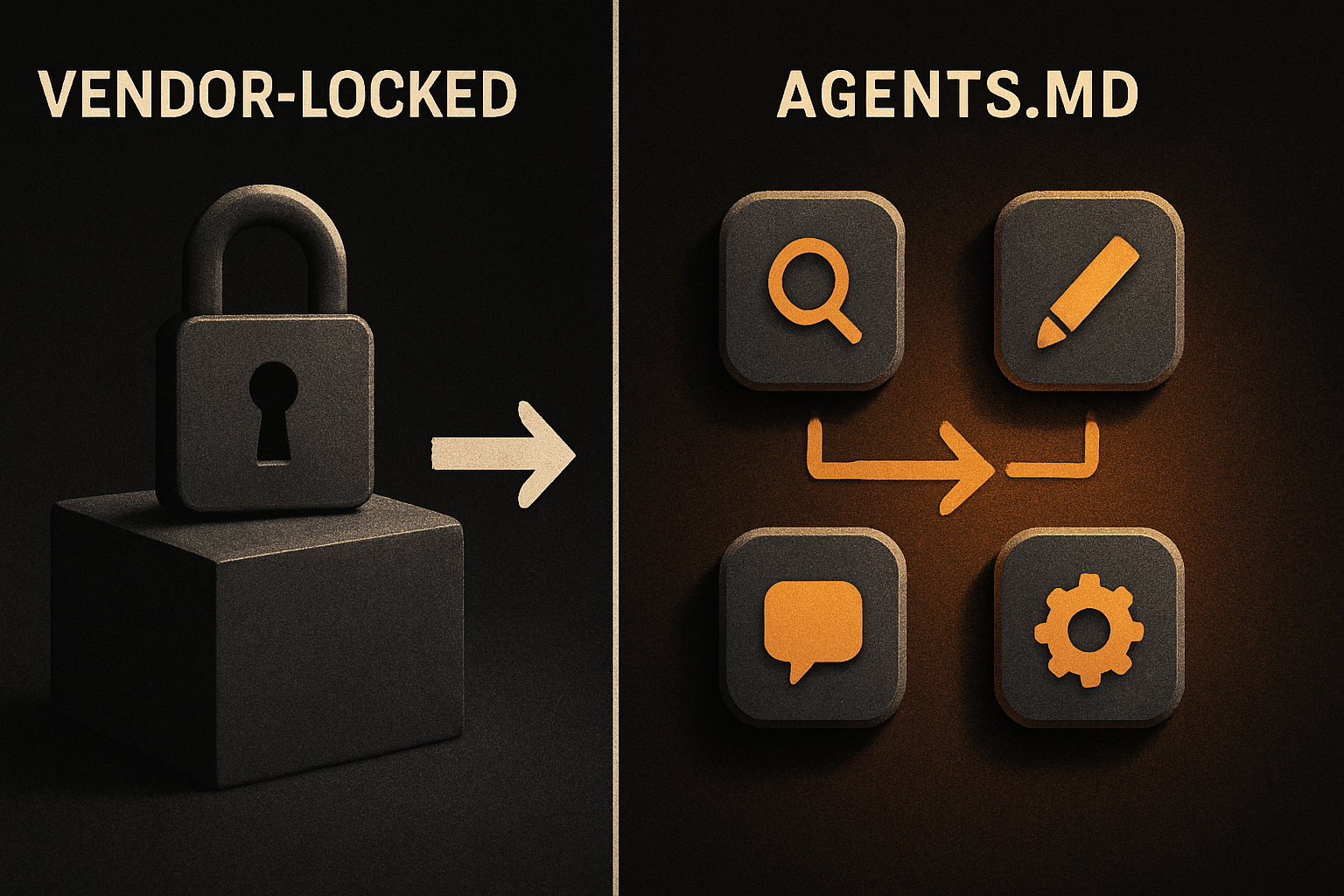
That's the headline worth sitting with. The thing that broke every previous "AI workflow" wasn't the prompt — it was the lock-in. The instant a workflow was authored inside one assistant, switching to a competitor meant rebuilding it. Vendor-agnostic instructions are a real enable, and the cheapest kind: a flat file in your repo.
The problem Doser actually solved
Most people use AI assistants as places to type a question. They get an answer, the conversation scrolls off, and the next question starts from zero. Workflows built this way are local to one vendor, one chat, one session. When the vendor changes the model, ships a bad update, or raises prices, the workflow — and the muscle memory around it — disappears with it.
Doser treated the assistant as a workforce instead. Every repeatable marketing job became a documented SOP, scored against a built-in checklist, so the assistant produces the same production-quality output every run. The library now spans more than 40 skills across eight categories — SEO, content creation, YouTube, design, research, and system setup among them — and the checklist is what turns a prompt into a skill. Without it, the assistant has nothing to score itself against.
The system is credited with over $100,000 in attributed revenue across new clients, digital product sales, and affiliate commissions. The productized version — the same library, packaged for sale — has earned more than $10,000 since launch, delivered as plain files that cost almost nothing to ship.
11 production screens. Login, database, payments — all wired.
The SaaS Dashboard Kit ships everything already connected. Nothing to set up. Live demo at saas.otf-kit.dev.
What "skill" actually means here
Each skill is a markdown file with a goal, a checklist, and an output contract. The shape is the point — three sections, in that order, no exceptions. Goal says what the skill produces. Checklist says what "done" looks like. Output contract says what shape the deliverable has to land in.
The checklist is the secret. Without it, a prompt is a wish. With it, the assistant has a self-scoring rubric: did the hook land in the first line, did the CTA close the final paragraph, does the keyword show up in H2? When the answer is no, the skill rewrites before returning. That's the difference between a prompt and a procedure — and it's the reason Doser's library produces "the same production-quality output every time it runs."
The cross-platform mechanism
V2's update is a small file and a big enable. The library ships its core configuration as plain markdown in two files — CLAUDE.md and an identical AGENTS.md. Both encode the same instructions. AGENTS.md is the emerging open convention that lets the same instructions run in any markdown-friendly assistant; CLAUDE.md is Claude Code's own loader.
That means switching from Claude Code to Codex, or from Cursor to Gemini CLI, is no longer a migration. It's a copy. The file is the API. The platform is incidental.
How to actually use this today
A "how to try it" section is the part most reviews skip. Here's the actual setup, no migration required:
# 1. Buy V2 from the landing page (one-time $99, lifetime updates)
# 2. Clone your private GitHub repo (link arrives in the purchase email)
git clone
cd claude-code-skills-v2

# 3. Point ANY of these assistants at the same files:

# Claude Code — auto-loads CLAUDE.md when launched in this dir
claude

# Cursor — Settings → Rules for AI → paste CLAUDE.md contents
# Gemini CLI — auto-loads AGENTS.md from the working directory
gemini

# OpenAI Codex CLI — pipe AGENTS.md in as the system prompt
codex --system "$(cat AGENTS.md)"
The point: one git pull later, your skills are updated everywhere. No per-vendor wrapper. No lock-in. The same markdown file that worked in Claude Code on Monday runs in Codex on Wednesday — early buyers saw this during V2's pre-release testing.
A skill file looks roughly like this — the actual files are richer, but the shape is the point:
---
name: blog-post-outline
checks: [hook-in-first-line, 3-subheads-min, cta-in-final-para]
---

# Blog post outline

Generate a blog outline for the given keyword. The first heading
line must work as a hook — if it doesn't, rewrite before continuing.

## Checklist
- [ ] Hook present in H1
- [ ] 3+ subheadings
- [ ] CTA in final paragraph
Three things to notice. The checks frontmatter is machine-readable, so a future CI step could lint skills before merge. The "if it doesn't, rewrite before continuing" line is the rubric in prose — it's what the assistant scores itself against when no linter is around. And the contract is on disk, not buried in a model's weights, which is what makes the skill portable in the first place.
Why plain files matter
Shipping as plain markdown costs almost nothing to distribute, forks cleanly, lives in version control, and — most importantly — survives every AI vendor's product cycle. V2 ships as a private GitHub repository with lifetime updates included, so every new skill Doser builds reaches existing owners automatically at no extra cost. No subscription. $99 once.
This is also the bit that ages well. The vendors above will not all exist in two years. Some will ship bad updates, some will pivot, some will get acqui-hired and shut down. The skills don't care. They live in your repo, in your diff history, under your control. If the next Cursor-equivalent ships next quarter, your SOPs are already portable enough that adopting it is a clone, not a rewrite.
The layer the markdown skills can't reach
Skills that travel between assistants are a real win for the producer side — workflows, marketing playbooks, code-review checklists, sales SOPs. They don't, by themselves, solve the rendering side.
Run a PricingCard skill inside Cursor. Run the same skill inside Codex. You'll get two components that are syntactically correct, look fine in isolation, and ship to production with subtle drift: a different shadow on web, a missing accessibility attribute on Android, a gesture that works on iOS but not in the browser. The skill is portable. The output isn't.
That's the layer below the tool churn. Vendor-agnostic instructions are the first enable. Vendor-agnostic output — the same button, the same accessibility tree, the same gesture handling on the three platforms your users actually live on — is the durable layer underneath. It's the bit we focus on at OTF: components that look and behave the same on web, iOS, and Android from one API, so the skill output lands somewhere consistent regardless of which AI assistant wrote it.
What this gets you
- A marketing system you can audit in git.
diffshows you exactly what changed. - A workforce that gets cheaper as the model improves, not more expensive.
- A migration path that isn't a rewrite when the next Cursor, Cline, or Aider ships.
- A way to onboard a new AI tool without losing the months of playbook you paid for.
- A revenue number you can actually attribute: $100k+ tied to one documented system, not vibes.
If you've ever lost a workflow to a vendor deprecation — and most production teams have — V2's markdown-as-config approach is the anti-lock-in receipt you can copy into your own repo today. Buy it, fork the structure, replace the skills with your own SOPs. The mechanics outlive Doser's library; that's the point.
The port-the-skill-between-models move is the right pattern. The next time the AI-tool-of-the-month lands, your SOPs should already be portable enough that the migration is a clone. And the components those SOPs generate — the buttons, the cards, the forms — should land on every platform the same way, regardless of which assistant wrote them. That's the durable floor.
Ship the product, not the setup.
- 11 production screens — auth, billing, team, analytics, settings
- Real database, payments, and login — all wired on day 1
- AI configs pre-tuned so your agent extends instead of regenerates