
Design Tokens as AI Guardrails: Keeping AI-Generated Screens On-Brand

The coding agents got good at layout. Ask Cursor, Claude Code, or Lovable for a pricing card and you get a recognisable, mostly-correct row of features with a button on the bottom — in about three seconds. The thing they're not good at is the part underneath: which blue, how much spacing, which grey for borders, what radius pairs with what shadow. They pick from an infinite palette and they pick badly.
A constrained token set is the cheapest, most reliable guardrail you can put in front of that. The surprise isn't that tokens help. The surprise is how aggressively they help the agent — not the human.
1. The actual failure mode
Here's what an unconstrained agent produces for "build me a pricing page" in a fresh project, most of the time:
<section className="bg-white">
  <div className="max-w-6xl mx-auto px-4 py-16">
    <h1 className="text-4xl font-bold text-gray-900">Pricing</h1>
    <p className="text-gray-600 mt-2">Choose a plan that fits...</p>

    <div className="grid md:grid-cols-3 gap-6 mt-12">
      <div className="border rounded-lg p-6">
        <h2 className="font-semibold text-xl">Starter</h2>
        <p className="text-3xl font-bold mt-2">$9</p>
        <button className="mt-4 w-full bg-blue-500 text-white rounded-md py-2">
          Choose
        </button>
      </div>
      {/* two more cards */}
    </div>
  </div>
</section>
Nothing is wrong with it. That's the problem. It is the most-average possible pricing page in 2025 — bg-blue-500, text-gray-900, rounded-lg, text-3xl font-bold. It will sit in your codebase looking fine and meaning nothing. Three months later you have forty-eight slightly different "brand blues" and none of them match.
The agent didn't fail at code. It failed at taste — because taste requires a palette, and the palette wasn't available.
2. Why tokens specifically, not conventions or comments
You can leave a CLAUDE.md that says "use our brand colors." The agent will read it, retain most of it, and reach for bg-blue-500 on the next prompt anyway. Documents are suggestions; tokens are types.
Prose conventions are unreliable because:
- The agent reads them once per session, not per render.
- They compete with the model's prior over what "good" looks like.
- "Brand blue" doesn't mean anything when the model has seen ten thousand design systems in training.
Tokens mean something concrete. There are 12 blue values, and the agent can pick any of them — but not the unbranded default unless you've shipped a token called brand.600 that resolves to your actual color.
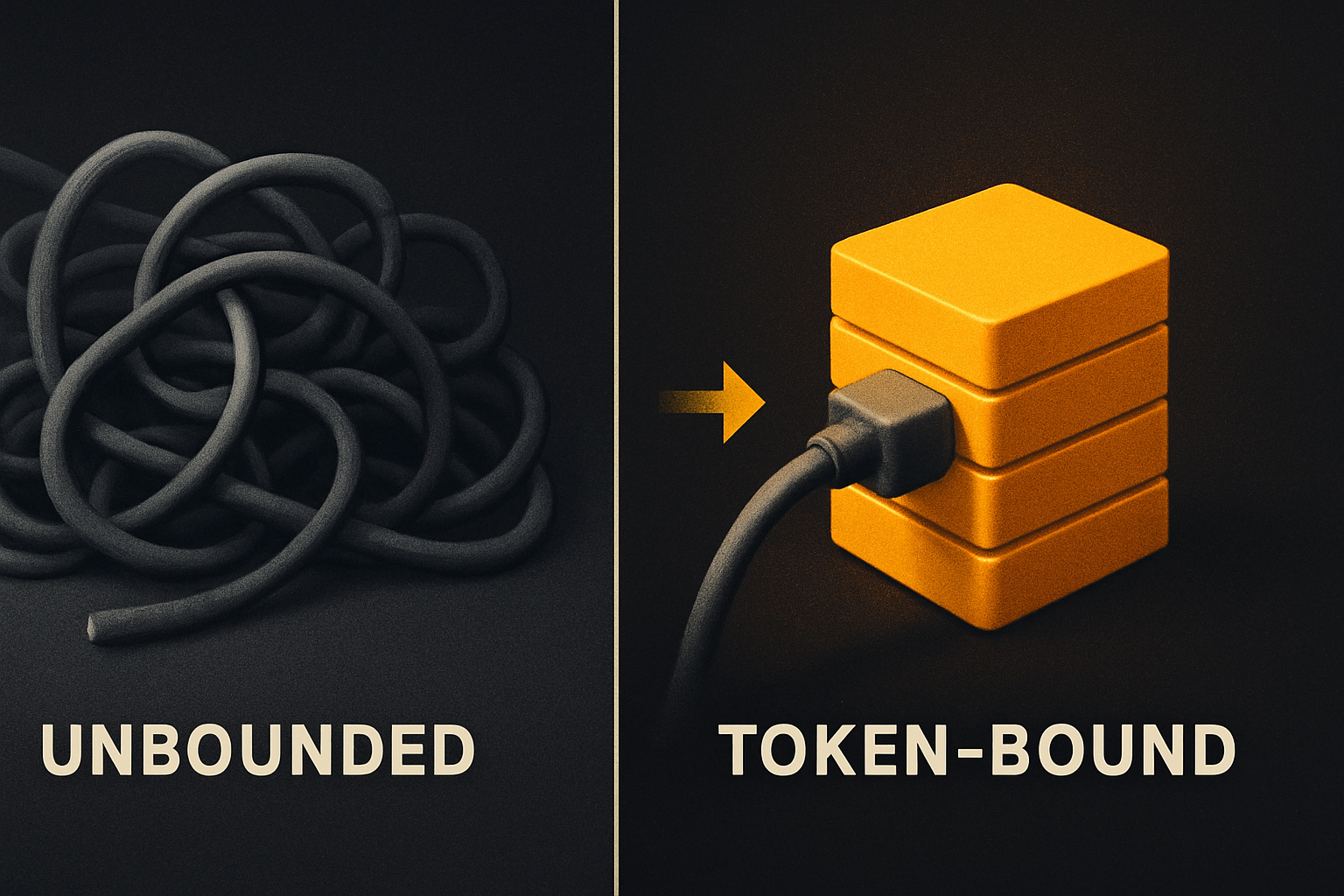
The mechanism is reduction, not instruction. You are not telling the agent to be on-brand; you're removing the off-brand options from the API it consumes.
11 production screens. Login, database, payments — all wired.
The SaaS Dashboard Kit ships everything already connected. Nothing to set up. Live demo at saas.otf-kit.dev.
3. The token layer is the API the agent actually wants
Treat tokens like a typed API. Each surface — color, spacing, radius, shadow, type scale, motion — is a closed set of named values. The agent picks from the set, the lint enforces the set, and "did I make a design system?" becomes a binary, not a vibe.
| Surface | What it constrains to | Example |
|---|---|---|
| Color | Semantic roles, all themes | brand.600 |
| Spacing | 4px-grid scale | space.4 |
| Radius | Stepped, paired with shadow | radius.md |
| Type scale | Size + line-height pairs | text.2xl |
| Shadow | Elevation steps | shadow.2 |
| Motion | Durations + easing curves | motion.fast |
That's a finite set of atomic decisions instead of an infinite one. The agent no longer has to pick a #3B82F6; it has to pick brand.600. The lint no longer has to flag "you used bg-blue-500"; the lint has to flag "you used a value not in the token namespace."
// @otfdashkit/tokens — what the agent actually imports
import { tokens } from "@otfdashkit/tokens";

tokens.color.bg.surface   // "#FFFFFF" in light, "#0B0B0C" in dark
tokens.color.fg.muted     // muted text colour
tokens.space.4            // 16px on the grid
tokens.radius.md          // the default card radius
tokens.shadow.2           // subtle elevation
When an agent is told to build a card, it imports tokens and references tokens.color.bg.surface — not #FFFFFF. The output is theme-aware by construction. The same component drops into a dark theme with no agent involved.
4. Tokens alone are not a guardrail — lint + AI directives are
A token file on disk is still a suggestion. The thing that turns tokens into a real guardrail is the lint and the AI-tool configs working together. Three layers:
Layer 1 — the lint. A script runs on every generated file and checks that any color literal, spacing value, or radius is either a token reference or a documented exception. Off-token values fail the build. No bg-[#3B82F6]. No p-[13px]. No rounded-[7px].
Layer 2 — the AI directives. A CLAUDE.md and .cursorrules ship with the kit. They don't lecture — they enumerate which files contain tokens and which imports are valid. The agent consumes them on every prompt:
<!-- CLAUDE.md fragment -->
- Colors MUST come from `@otfdashkit/tokens`. Never hardcode hex.
- Spacing MUST use the `space.*` scale. No arbitrary `p-[13px]` values.
- Radius MUST use the `radius.*` scale.
- If a needed value is not in the token namespace, ASK before adding it.
- Component imports come from `@otfdashkit/ui` (web) or `@otfdashkit/ui-native` (iOS/Android).
The "ASK before adding it" line matters more than it looks. It pushes the agent out of one of its worst behaviours: inventing a new shade because the prompt didn't constrain it.
Layer 3 — the prompt library. Twenty-odd tested prompts — "build a pricing page", "redesign this card dark-mode-safe", "add a billing screen with a usage meter" — that reference tokens by name. The agent starts from a working scaffold every time, so its deviation budget is small.
5. What "validated" means at kit-ship time
A token that ships in @otfdashkit/tokens has cleared a 24-item design checklist before anyone sees it. The shape of that checklist:
- Every color has a documented text-on-background pair that passes WCAG AA.
- Every spacing step is on a 4px grid; arbitrary values are not allowed by the lint.
- Every radius has a sibling shadow that matches its elevation intent —
radius.fulldoesn't pair withshadow.5, because a pill on a modal-level shadow looks wrong, and the rules know it. - Every type step ships both a size and a line-height, tuned for ~60ch measure.
- Every motion duration respects
prefers-reduced-motionvia a hook that auto-bypasses.
When the agent picks brand.600 from that surface, it inherits the audit. That's the part the agent cannot reproduce on its own in a fresh prompt — six months of pairwise decisions about contrast, pairing, and elevation, compressed into a name.
6. The durable layer underneath the model churn
Every few months a new coding model ships, costs less, and gets better at UI. The pattern that doesn't change across model generations is: a constrained, audited token surface, plus a lint that fails on drift, plus a directive file the agent consumes, plus a prompt library that's been tested against real outputs. The model gets faster; the guardrail stays.
This is the layer worth investing in. Specificity beats flexibility. A typed token namespace ages better than a CLAUDE.md paragraph does — three models from now, the paragraph is still prose, but tokens.color.brand.600 is still the truth.
For teams shipping AI-generated screens today: the highest-use move isn't a better prompt, it's a token file that fails the build when the agent reaches outside it.
7. How to use this today
A two-minute setup. Install the token package, point the lint at it, drop the directives into your repo.
# 1. Install tokens (no full kit required)
npm i @otfdashkit/tokens
npm i @otfdashkit/ui            # ~200 web components
npm i @otfdashkit/ui-native     # same components for iOS + Android

# 2. Add the token lint to your dev dependencies
npm i -D @otfdashkit/lint-tokens

# 3. Drop the agent directives into your repo root
# (CLAUDE.md, .cursorrules, ai/prompts/* — copy from any OTF kit)
Or pull a full kit that ships tokens + lint + directives pre-wired:
# SaaS Dashboard — full-stack web, auth + billing + DB + Stripe
# Fitness — one codebase for iOS / Android / web
# Booking — scheduling flow end-to-end
# $99 each, Everything Bundle $149
npx otf-kit          # copy-paste CLI walks you through selection
Either path gives you the same outcome: any prompt to your agent of choice ("build a pricing page", "add a billing screen") lands on tokens.color.brand.600, not bg-blue-500. The lint catches anything that drifts. The 24-item checklist already passed for the values the agent is allowed to reach for.
What this gets us
A pricing page that ships in three seconds and looks like it came from the same team as the dashboard. A dark mode that "just works" because the token layer flips one theme across web and mobile. A codebase where grep "bg-blue" returns nothing because the agent was never offered the option. A model swap that doesn't reset the design — the next model reads the same tokens and produces the same shade of brand.600.
The agent got better at the layout. The tokens — quietly — got better at everything underneath.
Ship the product, not the setup.
- 11 production screens — auth, billing, team, analytics, settings
- Real database, payments, and login — all wired on day 1
- AI configs pre-tuned so your agent extends instead of regenerates