The Production Wall: Why MVP Tools Fail to Scale

A working MVP in under 10 minutes is real
Three weeks ago I watched a designer ship a working SaaS dashboard inside Lovable. She opened the editor, typed "two-column settings page with billing toggle and team avatars," and thirty seconds later the page existed, styled, responsive, with a fake Stripe panel wired to a mock endpoint. She then said "add a sidebar nav with five entries," and that existed too. It was not magic. It was a frontier model inside a tight editor with a built-in UI kit. It was genuinely impressive — and it would have been a week of design-deck ping-pong two years ago.
This is the part the cynical takes miss. A working, demoable, structurally correct app — auth screens, settings, navigation, billing — in the time it used to take to scaffold a project. The 10-minute MVP is real. Builders should use it; teams should let non-engineers ship one and learn from the result. It's the fastest known loop for "I wonder if this idea has legs."
How to actually try one today
If you haven't, it's ten minutes you can't get back any other way. Open the Lovable editor and describe a settings page:
# In the Lovable editor prompt:
"Two-column settings: left rail with Billing, Team, API keys, Webhooks,
 Danger zone. Right column shows the active section. Use a Card for each
 section, a Switch for boolean toggles, a primary Button for save actions.
 Mock data is fine."
Then ask it to extend:
"Add a 'Transfer ownership' modal in the Danger zone. Two-step
 confirmation with the user typing the org name. Disabled until the typed
 name matches."
You get a deploy URL with the modal working. Fork it, send the link to a stakeholder, iterate on copy. This is the speculative-building loop the sandbox is great at: try things, throw most away, keep the ones that survive. Use it. It's how you get from idea to something a human can react to before lunch.

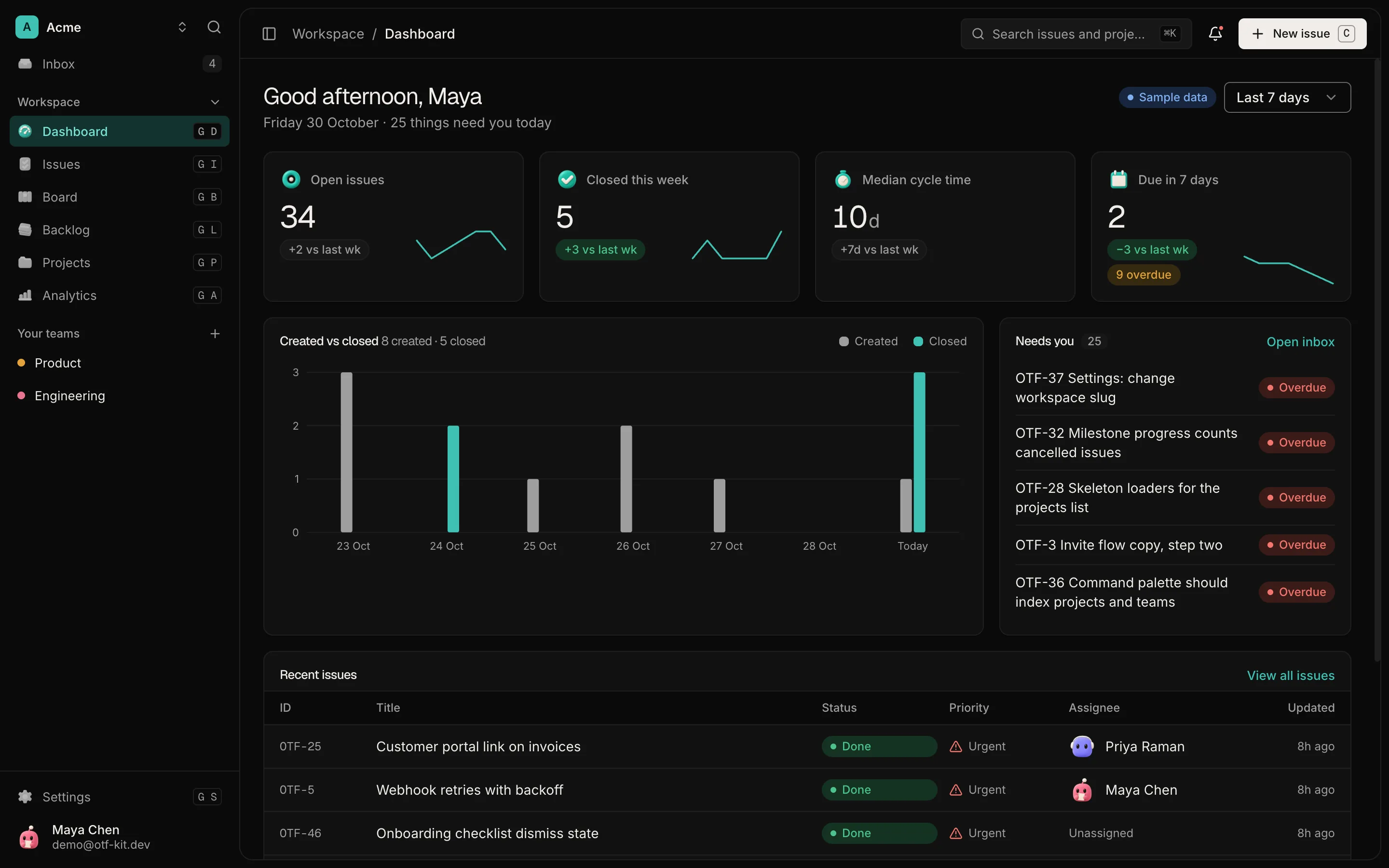
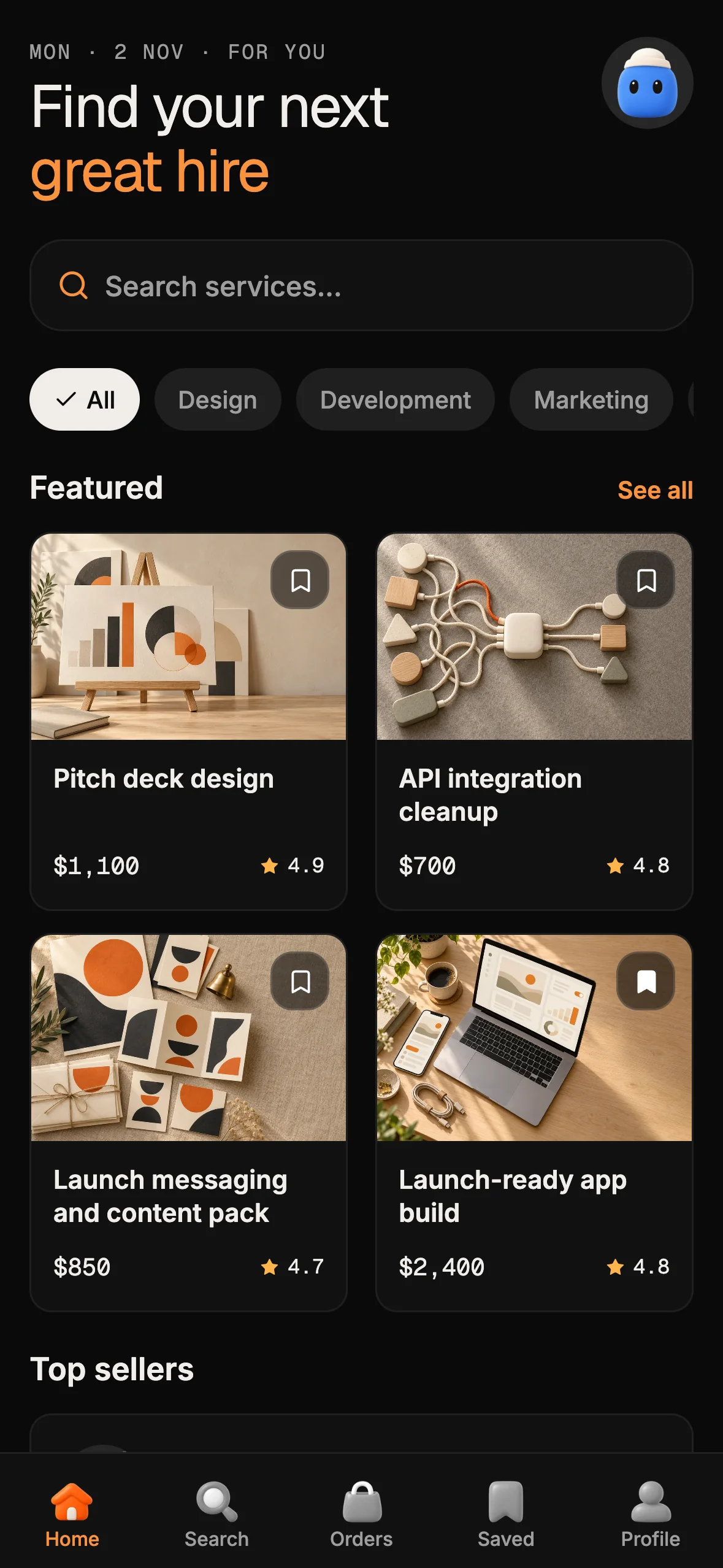
12 production screens. Login and database wired.
The SaaS Dashboard Kit includes login, a database, and a working dashboard. Live demo at saas.otf-kit.dev.
The part the sandbox can't reach: naming the handoff gap
Then comes the second Monday. You liked what you saw. You want to merge it into the codebase your team actually ships from. The export-to-GitHub button works. But once you git clone the result, four specific things are missing:
- Repo context. The sandbox built against its own ephemeral copy. It doesn't know your monorepo, your routes, your auth wiring, your existing
<Button>. The exported code is a stranger. - Conventions. Your team encodes decisions in
CLAUDE.md,.cursorrules,docs/conventions.md. The sandbox never saw them. It invented its own component naming, its own file layout, its own way of handling forms. - MCP servers. Your agent runs against Postgres, Sentry, Linear, Figma, your internal docs — wired through
.cursor/mcp.jsonor your CLI's MCP config. The sandbox doesn't see those. The agent inside the sandbox can't query your schema, can't read your issue tracker, can't pull real component docs. - Deploy. No DNS, no TLS, no custom domain, no environment promotion, no signed mobile builds, no app-store metadata. The sandbox URL is fine for a demo and unshippable as the thing customers hit.
Call it the handoff gap: the delta between "runs in the sandbox" and "ships from your repo." It is a real, named thing. It is also not the builder's fault — that's the scope. For one hands-on example of moving from a builder export into owned code, see the Lovable project handoff guide.
Why it's the scope, not the bug
The sandboxed builder is making a deliberate trade. In exchange for the 10-minute MVP, it gives up access to your filesystem, your secrets, your monorepo's prior art. It can't run your tests because it doesn't have your tests. It can't see your conventions because it doesn't have your repo. Even the best general-purpose model is hallucinating when it doesn't have ground truth. Some builders let you upload a "context zip" — a snapshot of your repo. Helpful, but stale the moment you merge main.
The honest framing: sandboxed builders optimize for the speculative idea-to-screen gap, not the spec-to-production gap. They are the best tool I know for the first. They are an inadequate tool for the second. That's not a critique. It's a scope statement.
What an owned kit changes
Thesis: an owned kit is the file-system context a sandboxed builder can't synthesize. The handoff gap closes because the kit is the agent's ground truth.

What you want at the handoff is a file-system agent against a codebase that is already shaped the way you want it shaped. The companion article on persistent context layers for AI coding agents explains how those repo instructions remain available across sessions. That's an owned kit: source code you control, conventions encoded in files the agent reads, deployment files and a guide for configuring the target platform, domain, DNS, TLS, and any mobile build separately.
The kit that earns its keep does three things at the root, by default:
<!-- CLAUDE.md — what every agent reads first -->
# This codebase

- Stack: TypeScript, one web app, one Expo native app, sharing design tokens.
- UI: components live in `@otfdashkit/ui` (web) and `@otfdashkit/ui-native`
  on mobile. Shared names where packages overlap; use each package's documented props. Do NOT recreate them locally.
- Forms: every form uses the shared Form + Field + Zod schema helpers.
- Routes: file-based. New page → `app/(group)/[slug]/page.tsx`.
- Deploy: follow the kit's deployment guide for the target platform. Configure credentials, domain, DNS, TLS, and mobile builds separately.
<!-- .cursorrules — same content, Cursor-flavoured -->
[project]
stack = typescript, single design-system shared across web + native
[ui]
import-from = "@otfdashkit/ui" | "@otfdashkit/ui-native"
never-recreate = button, card, dialog, input, select, switch, tabs
[forms]
use = shared/Form + Zod schema
errors = via Field component, never inline
[deploy]
guide = deployment guide
configure-domain = separatelyThe moment those files exist at the root, every file-system agent — Cursor, Claude Code, Codex — gets the same operating picture. They write a <Button> because the rules say to import the shared one. They don't recreate Card. They route through app/.... They don't try to deploy from the sandbox. The invented naming and the invented layouts that came out of the sandboxed build can't survive the merge — they'd violate rules the agent can read.
The file-system agent + the kit, working together
This is what walking through the handoff gap actually looks like.
You've got an exported sandbox build sitting in sandbox-export/. You want to fold its settings page into your real app:
# In the real repo, in a Cursor or Claude Code session
> The settings page in sandbox-export/SettingsPage.tsx has the structure
  I want. Port it into app/(dashboard)/settings/page.tsx. Use the shared
  Card, Switch, Button, and Dialog components — do NOT bring over the
  sandbox's local ones. Use Zod for the schema. Run `bun tsc --noEmit`
  before you're done.
The agent can do this. It has the repo, the rules, the shared components, the test runner, and the type-checker. It cannot in any sandbox, because the sandbox has none of those.
A deploy with a custom domain still requires separate configuration for the target platform, domain, DNS, TLS, and any mobile build. Follow the kit's deployment guide and verify each step in the target service; the kit does not ship one command that performs this whole sequence.
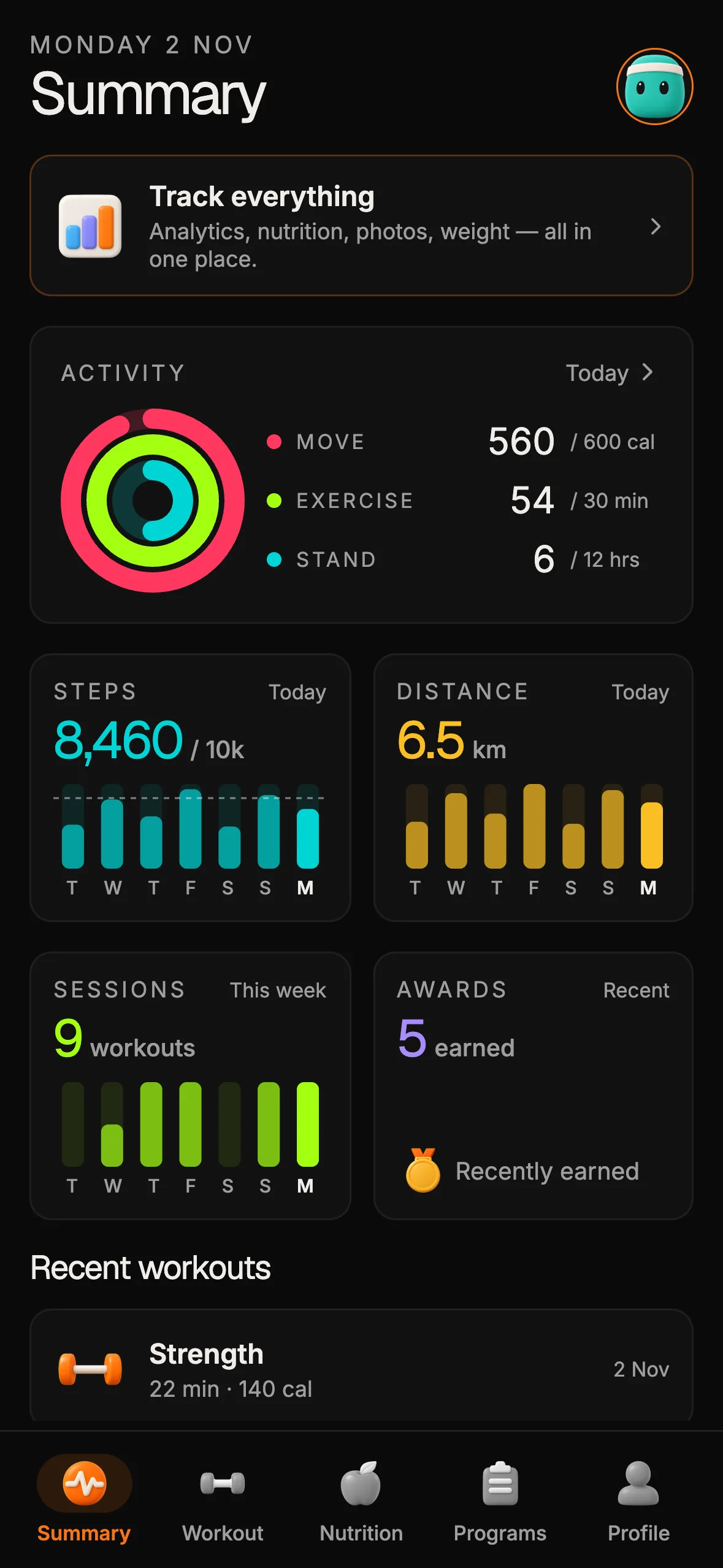
The owned kit + a file-system agent is the layer that doesn't churn underneath. Your CLAUDE.md works in Cursor this month and Claude Code next month. Related web and React Native components follow package-specific APIs today and can be mapped to future surfaces using shared names and tokens. The deployment guide describes setup; credentials and platform actions remain part of your deployment work. That durability is the actual asset — the part that survives the model churn.
Build the ten-minute MVP in the sandbox. Then walk it through the handoff into a kit you own. That's the loop.
Sources
- SaaS Dashboard deployment documentation — read 10 October 2026.
- Fitness kit deployment documentation — read 10 October 2026.
Related guides
- A shared codebase across platforms — see where reusable structure helps and where platform differences remain.
- Design systems as agent context — keep conventions visible to coding agents.

Ship the product, not the setup.
- 12 production screens — auth, team, analytics, and settings
- Login and a real database are wired in
- AI configs pre-tuned so your agent extends instead of regenerates
Ship your first screen tonight — free starter in your inbox
The quickstart, the SDK repo and the live kit demos, on this screen and in your inbox.
No spam. Unsubscribe any time.