
Why MCP Hookups, Not Just Models, enable Agent Potential in Production

The unsexy part of the agent story is the part that decides whether it ships or stalls. Frontier models can plan, refactor, write tests, and read your codebase. What they can't do, on their own, is reach your real services. They don't know your Postgres schema, can't tail your deploy logs, can't hit your auth provider. Without a connection to the world outside the editor, the agent is a brilliant writer in a sealed room.
Model Context Protocol is the part that opens the door. It's a standardized handshake between an agent and a tool — one spec, one discovery mechanism, one call shape. The ecosystem is filling in around it fast: Stripe, Postgres, Sentry, Cloudflare, Linear, Notion, all of them. A server written once works in Cursor, Claude Code, Continue, Windsurf, and whatever ships next year. That part deserves to be celebrated, not waved off. The hard part isn't the spec. The hard part is wiring it into your repo so the agent can reach the five tools that actually matter on day one.
How to wire MCP into an agent today
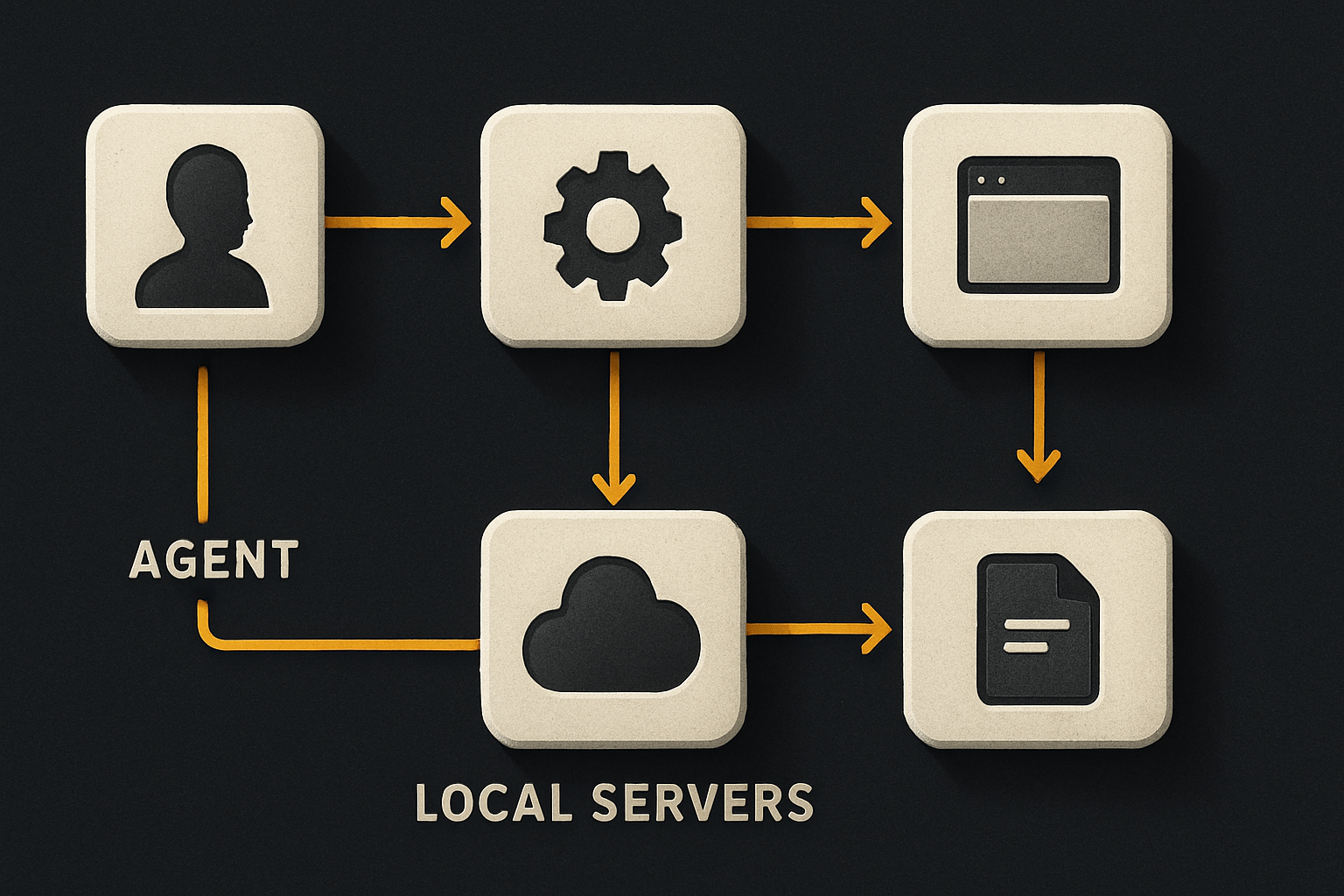
The mechanics are simple. You run an MCP server — usually a local process — and tell the agent where it lives. The server exposes tools with JSON-Schema inputs. The agent discovers them at startup, picks the right one, and calls it.
For Claude Code, the config lives in .mcp.json at the repo root:
{
  "mcpServers": {
    "stripe": {
      "command": "npx",
      "args": ["-y", "@stripe/mcp"],
      "env": {
        "STRIPE_SECRET_KEY": "${env:STRIPE_SECRET_KEY}"
      }
    },
    "postgres": {
      "command": "npx",
      "args": ["-y", "@modelcontextprotocol/server-postgres"],
      "env": {
        "DATABASE_URL": "${env:DATABASE_URL}"
      }
    }
  }
}
For Cursor, the same shape lives under "MCP Servers" in settings. For Windsurf, a ~/.codeium/windsurf/mcp_config.json. One file, one shape. The model just needs to be told the tools exist — the protocol handles the discovery.
That's the floor. Anything more interesting than that floor is where the agent stops being a demo and starts being a teammate.
What "pre-wired" actually means
A kit that ships "with MCP support" is doing four things, and only the fourth is interesting:
- Pinning the right server versions so a fresh clone just works.
- Wiring the env vars from a single
.env.localinstead of a config rabbit hole. - Writing the prompts that teach the agent when to use which tool.
- Picking the small set of tools the agent will actually need in a real app — and omitting the rest.
The first three are table stakes. The fourth is the enable. A blank MCP catalog with 200 servers is a worse starting point than a curated set of five. The agent's context window is finite. Every tool listed is a tool the model has to decide about, weigh against the others, and possibly misfire on. Curation is the feature.
11 production screens. Login, database, payments — all wired.
The SaaS Dashboard Kit ships everything already connected. Nothing to set up. Live demo at saas.otf-kit.dev.
The five tools a production kit should ship
Here's the minimum set a SaaS kit should expose on day one, in priority order:
- Database — read schema, run a query, explain a plan. Without this, the agent writes migrations blind.
- Payments — list products, create a price, attach a webhook, read the last 50 events. Without this, the agent can't verify a checkout.
- Deploy — list environments, tail logs, trigger a redeploy, roll back. Without this, "ship it" is a manual hop.
- Auth — list users, create a user, impersonate for debugging, revoke a session. Without this, the agent can't test login flows end-to-end.
- Email — send a templated message, list the last 20 sends, read the bounce report. Without this, password resets and onboarding flows are unverified.
Five. The kit's job is to make those five work on a fresh clone with three env vars and a single pnpm dev. The agent's job is to use them well.
Why the wiring beats the model
A worked example. The bug: "users in Germany see EUR prices but get charged in USD." With no wiring, the agent greps for currency, finds the Stripe call, edits the line, writes a test, says done. Whether it's actually fixed is a coin flip — it has no way to read the live Stripe customer, no way to verify the locale-aware price was created, no way to check the webhook payload.
With the payments MCP wired, the agent does this instead:
> Look up the German test customer in Stripe and list the prices for that locale.
> [tools: stripe.list_customers, stripe.list_prices]
> Create a EUR price for the Germany locale if one doesn't exist.
> [tools: stripe.create_price]
> Read the last 5 webhook events for that customer and confirm currency matches.
> [tools: stripe.list_events]
> Run the integration test against the test customer and paste the result.
> [tools: stripe.create_payment_intent]
Same model. Same prompt. Completely different outcome. The agent verifies its own work because it can reach the system under test.
The other half: prompts that know the wiring
Tools are only useful if the agent knows about them. This is the part most "AI-ready" templates skip — they ship a config file and call it a day. The model discovers the tools, sure, but it doesn't know which tool fits which task, or what the team's conventions are, or what the failure mode looks like.
A kit that takes this seriously ships a prompts directory:
ai/prompts/
  00-overview.md           # what this codebase is, what "done" means
  10-database.md           # when to query directly vs. write a migration
  20-payments.md           # which Stripe helpers exist, when to use them
  30-deploy.md             # the deploy script, the rollback procedure
  40-auth.md               # how sessions work, the impersonation tool
  50-on-call.md            # what to do when a user reports X
Each prompt names the tools, names the patterns, names the failure modes. The agent reads them once, at session start, and they become the operating manual. The durable layer isn't "avoid AI" — it's "give AI the right context so it does the job."
What OTF ships today
Every full-stack OTF kit — SaaS Dashboard, Fitness, Booking — lands with that operating manual pre-installed. A fresh clone has a CLAUDE.md, a .cursorrules file, and an ai/prompts/ directory with 20+ tested prompts that tell the agent the codebase's conventions, the patterns to follow, and the failure modes to watch for. When you wire MCP on top — Stripe, Postgres, your deploy provider, your auth — those prompts are what steer the agent toward the right tool at the right moment.
The kit isn't pre-wired to a specific SaaS in the sense of shipping a working server — that's your integration, and rightly so. What the kit ships is the context that lets the agent use your integration correctly the first time, and a one-script deploy that wires domain, DNS, TLS, and the mobile build when you're ready to ship. SaaS ships with auth, billing, DB, and Stripe wired in the kit itself; Fitness and Booking extend the same wiring pattern across one codebase that runs iOS, Android, and web.

The durable layer is the wiring
The most useful thing you can do for your codebase in 2026 isn't pick the right model. It's make the right things reachable. The model will keep getting better on its own. What won't change is that Stripe still needs a secret, Postgres still needs a URL, your deploy still needs a command, and your agent still needs to be told how your codebase works. The kits that ship those things pre-wired — with prompts that explain them — are the ones where the agent actually ships on day one. The rest of the stack churns. This part doesn't.
Ship the product, not the setup.
- 11 production screens — auth, billing, team, analytics, settings
- Real database, payments, and login — all wired on day 1
- AI configs pre-tuned so your agent extends instead of regenerates