
Defining 'Production-Ready' for Real Apps: A Line-by-Line Breakdown

The "production-ready" word does 90% of the work and pays for 10% of it
Every starter on the planet ships a green Deploy button. Click it, your app is on the internet. Anyone who has tried to charge money for the result knows what that button does not do.
I'm going to define "production-ready" line by line — seven specific, falsifiable checks — score a typical sandbox MVP against them, and then walk through how a full-stack kit closes the gap without burying you in ceremony.
The seven checks
A "production-ready" app, as a working engineer would defend the term, has to pass these seven. Order matters; #1 is the failure that kills more startups than the other six combined.
- Auth is real, with sessions
- The database has migrations, not
db.push() - Payments reconcile to a ledger you can audit
- Every screen has loading, empty, and error states — and they match
- Errors are observable: a request ID survives to the log
- A deploy pipeline runs the tests, then ships
- A custom domain is wired with a real TLS cert
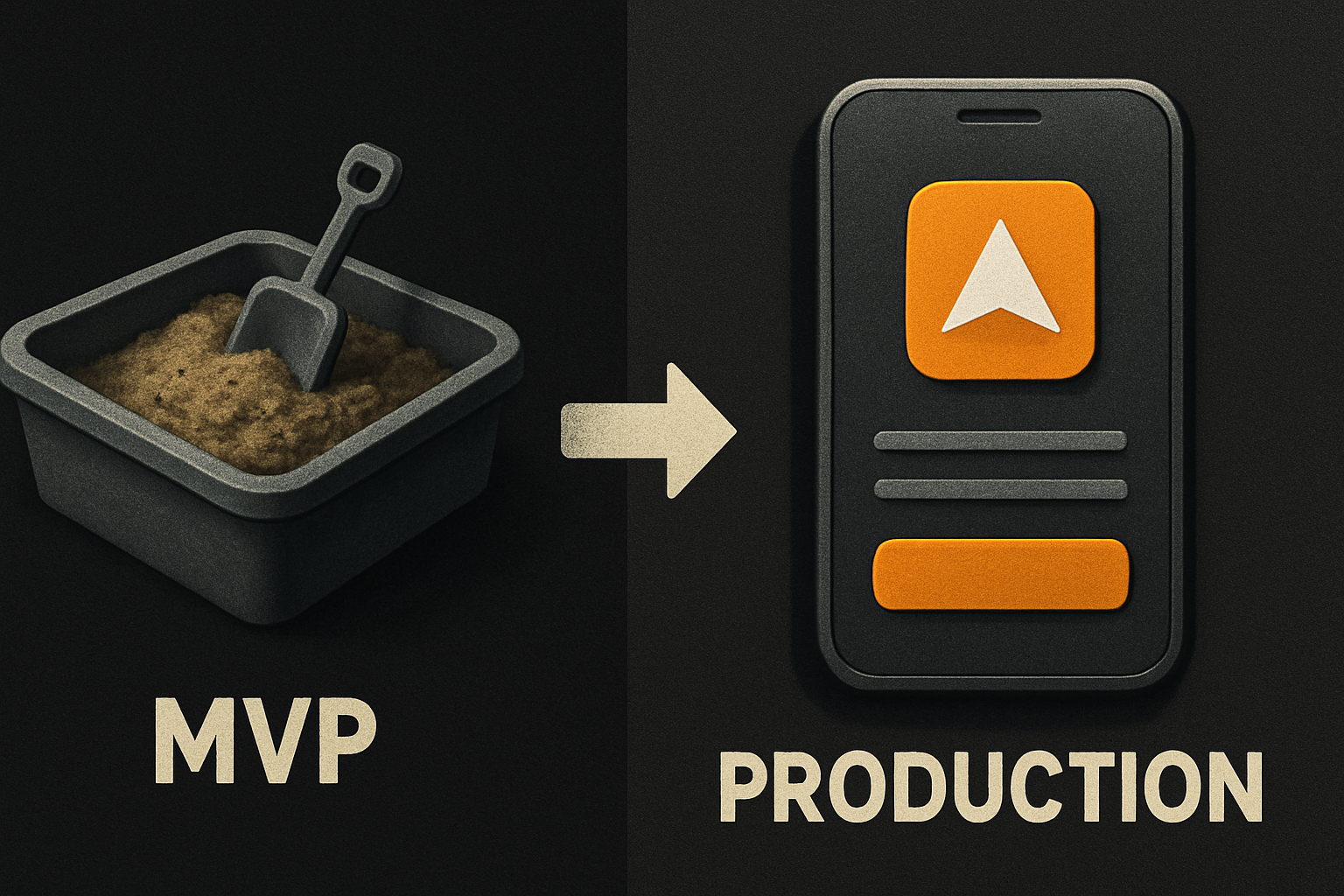
Let's score a typical sandbox MVP against them. By "sandbox MVP" I mean what you get in an afternoon from a vibe-coded starter — a beautiful UI, a hosted Postgres project, maybe a Stripe test-mode toggle, a hosted URL.
1. Auth: real sessions, not localStorage
The MVP has a hosted Postgres project, an email+password form, and a JWT in localStorage. That works until your tokens show up in a CSRF-able context, your SSR pages flicker because the session is client-only, or you try to revoke a session and discover there is no server-side list to revoke from.
Production wants sessions: a server-readable cookie (or a server-issued token), a signOut that invalidates the row in the session table, and a way to list every active session per user so they can kill the laptop they lost.
// what a real session middleware looks like
export async function requireUser(req: Request) {
  const sessionId = req.headers.get('cookie')?.match(/sid=([^;]+)/)?.[1]
  if (!sessionId) throw redirect('/login')

  const session = await db.sessions.findUnique({
    where: { id: sessionId },
    include: { user: true },
  })
  if (!session || session.expiresAt < new Date()) {
    throw redirect('/login?expired=1')
  }
  return session.user
}
The MVP score here: partial credit. Signup works. Sessions don't.
2. Database: migrations, not db.push
The MVP was built by pushing schema straight to the DB. There is no migration history. There is no rollback. The seed data was re-imported twice and now the users table has duplicates with email LIKE '%+staging%'.
Production wants versioned migrations, one per change, reversible. It wants migrations to be a deploy gate, not a developer memory.
# the script your CI should run
pnpm db:migrate:check     # asserts every migration is applied; CI fails if not
pnpm db:migrate:apply     # applies pending migrations; only runs in the deploy step
pnpm db:seed              # idempotent — safe to re-run
The MVP score: failing. db.push got you here. It will not get you to a second environment.
3. Payments: reconcile, don't trust
The MVP has a Stripe Checkout button and a paid boolean on the user row. That boolean was set by a webhook handler you wrote at 1am — with a try/catch that swallows errors and returns 200 either way. Sound familiar?
Production wants a ledger. Every payment event — checkout.session.completed, invoice.paid, charge.refunded, customer.subscription.deleted — lands as a row in a payments table with event_id as the unique key, deduplicated, and tied back to a subscription state machine. The webhook returns non-200 on failure so Stripe retries.
// webhook handler that won't lie to you
export async function stripeWebhook(req: Request) {
  const sig = req.headers.get('stripe-signature')!
  const event = stripe.webhooks.constructEvent(rawBody, sig, process.env.STRIPE_WEBHOOK_SECRET!)

  await db.paymentEvent.upsert({
    where: { id: event.id },                    // idempotent by Stripe event id
    create: { id: event.id, type: event.type, payload: event },
    update: {},                                  // re-deliveries are no-ops
  })

  switch (event.type) {
    case 'checkout.session.completed':    await activateSubscription(event); break
    case 'invoice.paid':                  await recordPayment(event); break
    case 'customer.subscription.deleted': await cancelAccess(event); break
  }
  return new Response('ok')
}
The MVP score: accepts money, doesn't know it. One webhook re-order away from a double-activation.
4. UI states: loading, empty, error — match
The MVP has the happy path. Loading is a spinner you remembered to add on one screen. Empty is the table with zero rows, no message. Error is something went wrong in red, hardcoded, in the corner.
Production wants three states per data view, designed, not afterthoughts:
function InvoicesTable({ status }: { status: 'loading' | 'empty' | 'error' | 'ready' }) {
  if (status === 'loading') return <Skeleton rows={8} />
  if (status === 'empty')   return (
    <EmptyState
      title="No invoices yet"
      hint="They'll show up after your first payment."
      action={<NewInvoiceButton />}
    />
  )
  if (status === 'error')   return (
    <ErrorState title="Couldn't load invoices" onRetry={refetch} />
  )
  return <Table data={data} />
}
A shared skeleton, empty, and error component — same shape on every screen — is what separates "looks good in the demo" from "looks good on a customer's bad day."
The MVP score: incomplete. The tokens and components exist for this; the screens just never got them.
5. Observability: a request ID, end to end
The MVP has console.log. Production wants every log line to carry a requestId generated at the edge, passed through every async hop, attached to every DB query, and printed in the user's error banner so a screenshot of the error contains enough to find it.
// log shape every endpoint should emit
logger.info('invoice.create', {
  requestId, userId: user.id, invoiceId: result.id, durationMs,
})
And the user-facing error banner:
<ErrorBanner>
  Something went wrong on our end. Reference: {error.requestId}
</ErrorBanner>
The MVP score: blind. When a customer emails support, you have nothing to grep.
6. Deploy pipeline: tests, then ship
The MVP deploys on a button click. Production wants a pipeline: install, typecheck, lint, test, build, apply migrations, ship, smoke-test the live URL. If the smoke fails, the deploy rolls back.
# the deploy step that earns the word "production"
- run: pnpm install --frozen-lockfile
- run: pnpm typecheck
- run: pnpm test
- run: pnpm build
- run: pnpm db:migrate:apply
- run: pnpm deploy
- run: curl -fsS  || (pnpm rollback && exit 1)
The MVP score: manual. You are the smoke test. That is fine until you ship at 11pm on a Friday.
7. Custom domain: wired, with TLS
The MVP is on <your-app>.hosted.example. Production wants yourcompany.com with a real cert, automatic renewal, and a redirect from www to apex.
# the one script that does it
./scripts/attach-domain.sh yourcompany.com \
  --dns=cloudflare \
  --tls=auto
The MVP score: placeholder. Functionally fine. Brand-wise, the line between "real company" and "weekend project" runs through the URL bar.
11 production screens. Login, database, payments — all wired.
The SaaS Dashboard Kit ships everything already connected. Nothing to set up. Live demo at saas.otf-kit.dev.
Scoring the MVP
Let's add it up.
| # | Check | MVP status |
|---|---|---|
| 1 | Real auth + sessions | Partial |
| 2 | DB migrations | Failing |
| 3 | Payment reconciliation | Accepts, doesn't know |
| 4 | Loading / empty / error states | Incomplete |
| 5 | Observability (request IDs) | Blind |
| 6 | Deploy pipeline | Manual |
| 7 | Custom domain + TLS | Placeholder |
Five of seven are partial or failing. The MVP is a demo. It is not what you charge money for.
How a full-stack kit closes the gap
This is where a kit earns its keep — not by hiding code from you, but by shipping the boring parts already written, tested, and wired together. A full-stack kit is a starter you own: the repo, the source, the scripts. You read it, you change it, you keep every line.
What you actually get, line by line:
- Auth. Email + password, OAuth, magic link — all wired with real server sessions, a
sessiontable, and asignOutthat revokes. You write a signup form; the session machinery is already there. - Database. Versioned migrations from day one. The deploy step applies them; the local dev script resets safely. The schema is documented at the column level, not the table level.
- Payments. Stripe wired end to end: a
paymentstable keyed by Stripe event id (idempotent), a subscription state machine, customer portal link, a webhook handler that returns non-200 on failure so Stripe retries, and a reconciliation script you can run on the first of the month. - UI states. ~200 components in the design system, every data view ships loading, empty, and error variants out of the box. You compose them; you don't build them.
- Observability. Structured logger with
requestIdpropagation, error boundary that surfaces the id in the user-facing banner, log query examples for the common failure modes (404, 500, payment-rejected, webhook-stuck). - Deploy. A
deploy.ymlyou don't have to write — install, typecheck, test, build, migrate, ship, smoke, roll back. Plus a one-script domain attach for the custom domain + TLS + DNS step. - Design quality. A 24-item design checklist a script runs before any kit ships, so typography, spacing, color, and accessibility are not your problem at 2am.
You own the code. The kit is not a black box — it's the boring 80% of a production app already done, so your week goes to the 20% that is actually your product.
What this gets you
Three concrete wins.
- You ship in a week, not a quarter. The seven checks above are roughly a quarter of senior-engineer time on a greenfield app. Pre-built, they cost an afternoon of reading and a day of plumbing.
- The kit stays out of the way. Every kit ships with
CLAUDE.md,.cursorrules, and 20+ tested prompt files so when you sit down with Claude Code or Cursor to extend the app, the agent extends the kit instead of regenerating it. Convention beats configuration — and the convention is in the repo before you arrive. - The components work everywhere. The same
<DataTable>component, with the same props and the same look, ships on web, iOS, and Android from one codebase — because the design tokens flip one theme across all three. Write once, ship everywhere, keep the design consistent without policing it.
Closing
"Production-ready" is a checklist, not a vibe. Seven checks: auth with sessions, versioned migrations, reconciled payments, designed states, observable errors, a deploy pipeline, a real domain. A sandbox MVP passes two of them and calls it done. A kit you own passes all seven on the first commit, and your week goes to the parts that are actually yours.
The full-stack kits (SaaS Dashboard, Fitness, Booking) are $99 each; the Everything Bundle is $149. Live demo at saas.otf-kit.dev.
Ship the product, not the setup.
- 11 production screens — auth, billing, team, analytics, settings
- Real database, payments, and login — all wired on day 1
- AI configs pre-tuned so your agent extends instead of regenerates