Why 'Just Exporting' Your Vibe-Coded App Isn't a Real Launch Plan

A GitHub export can be a real starting point. It gives you code and a place to review changes; it does not, by itself, prove that a fresh clone installs, that production credentials are handled safely, or that the app is ready for customers. Those are separate checks you can make against the repository you actually received.
That distinction matters because “export” describes a handoff, not a quality grade. Lovable documents GitHub export and two-way sync, including working locally and deploying outside Lovable. v0 says a connected GitHub repository becomes the source of truth for the project code. These are useful portability paths. They still leave you responsible for understanding and operating the code after the handoff.
The useful question is not whether an AI builder’s export is “real code.” Open the repository and verify whether it can become the codebase your team intends to maintain.
Start with a clean clone
Use a fresh directory or a clean CI environment. Follow the repository’s own setup instructions, install dependencies with the lockfile and package manager it specifies, and run the documented development command. Record what you had to add or change to get that far. A successful build on the original author’s machine is weaker evidence than a clean install another developer can reproduce.
Check the basics before changing architecture: is there a package manifest, a lockfile, a clear entry point, and a README that describes setup? Are scripts named and documented? Do the app’s local development and production build commands behave as their documentation says? If the repository is missing a piece, note that as a concrete gap to resolve; don’t assume every builder export has the same gap.
For a GitHub-connected project, inspect the branch and sync model too. Lovable documents one active branch at a time, with changes syncing in both directions. v0 describes a working branch and pull request flow. Those details affect how you review and merge work. They do not replace ordinary Git practices: protect the production branch, inspect diffs, and keep a recoverable history.

Check configuration and secrets
Search the repository and its history for credentials, but distinguish public client configuration from privileged secrets. Some browser applications intentionally contain public identifiers or publishable keys; their safety depends on the service’s documented model and the access controls around the data. A privileged server key, signing secret, database password, or private API token is different: it belongs in an appropriate secret store and must not be shipped to a browser or committed to Git.
Do not copy a value from an example and decide it is safe based on its name. Identify each environment variable, where it is read, which runtime needs it, and how production supplies it. Confirm that a local example file contains placeholders rather than working credentials, and that secret files are excluded from version control. If a real credential has already entered Git history, rotate it; deleting it from the latest commit does not erase earlier copies.
Then inspect the authorization behind the configuration. For a database-backed app, verify who can read or change each record and where those rules are enforced. A filtered query in a UI is not an authorization boundary. Review the database or API rules that protect one user’s data from another user, and test both allowed and denied cases with accounts that represent the people who will use the product.

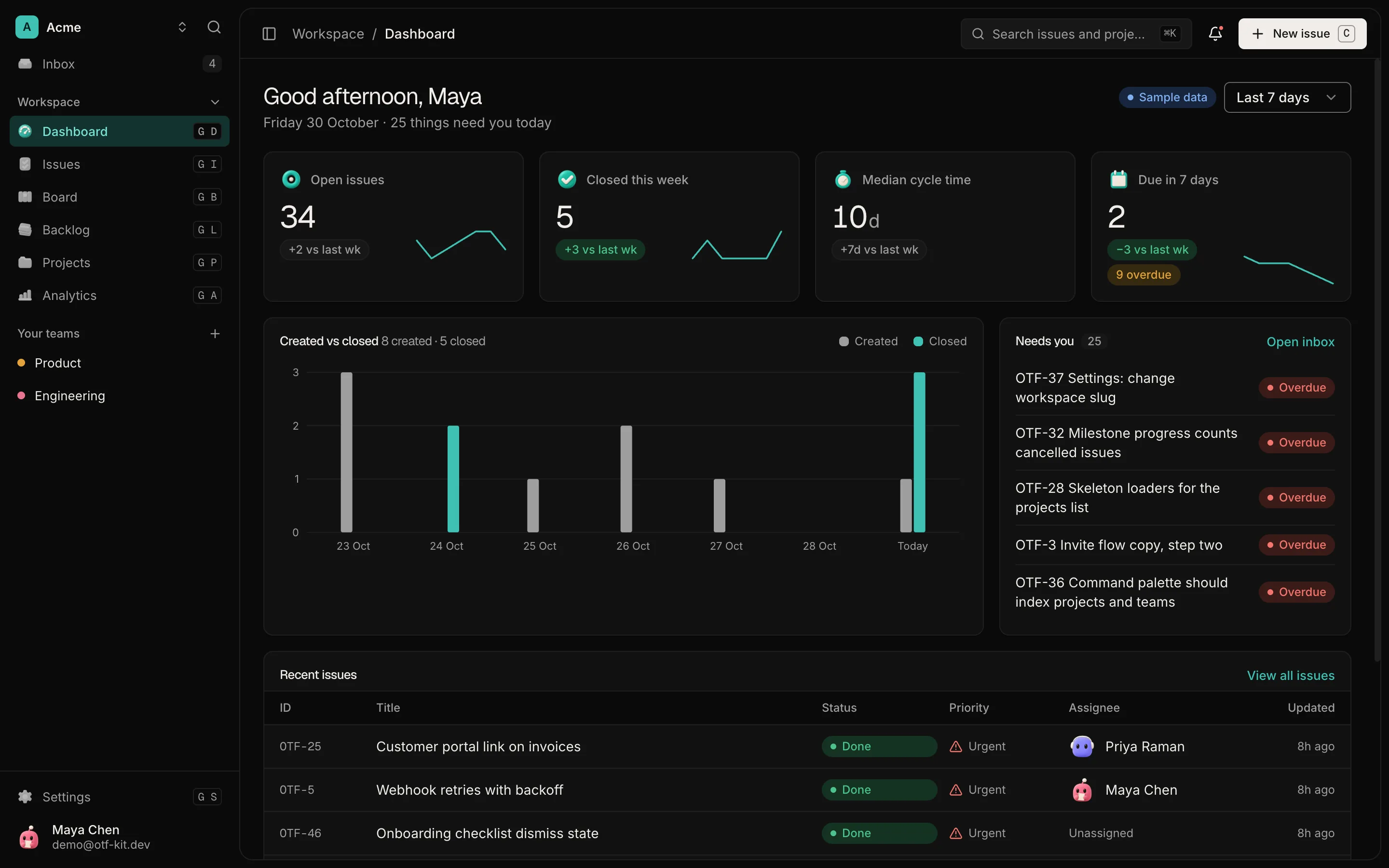
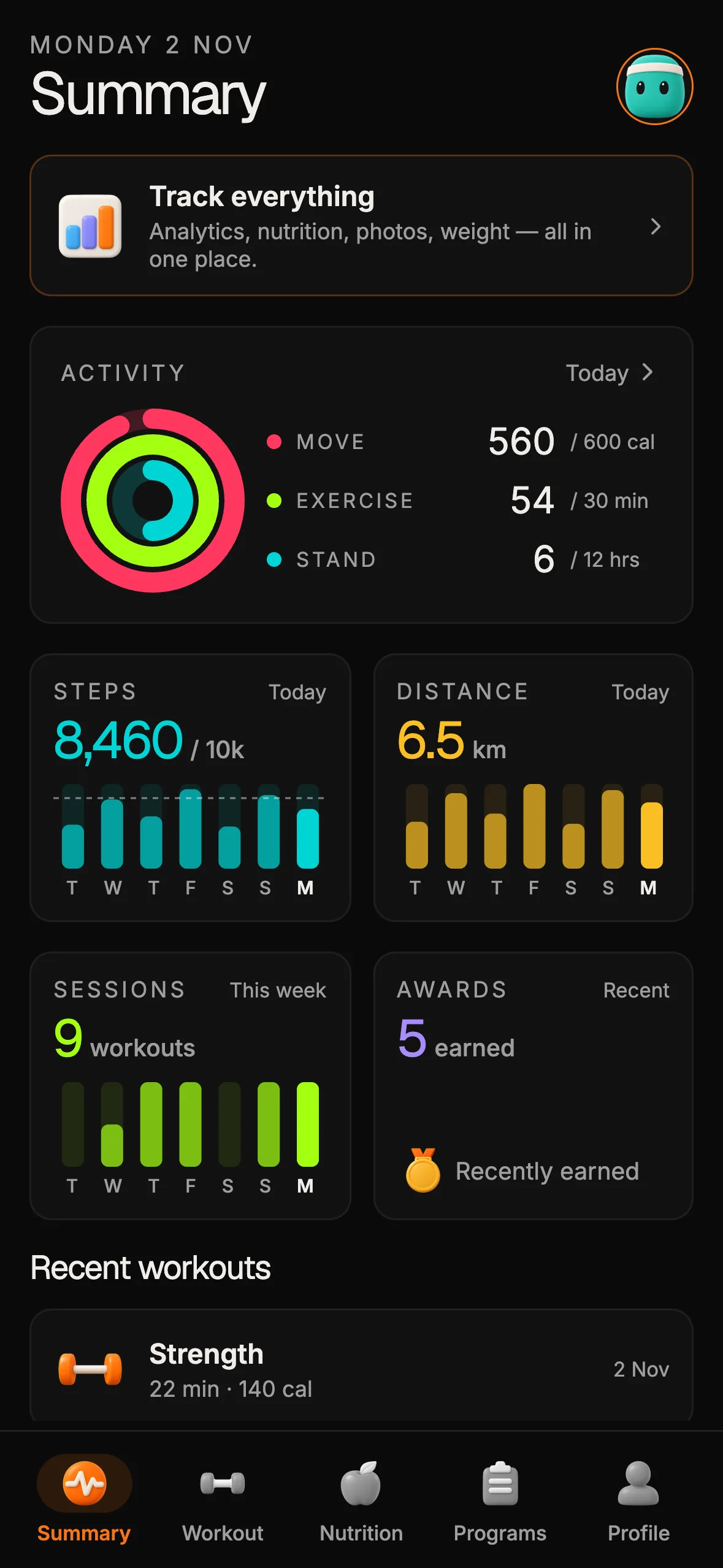
12 production screens. Login and database wired.
The SaaS Dashboard Kit includes login, a database, and a working dashboard. Live demo at saas.otf-kit.dev.
Trace the data and deployment path
Ask where the production data lives and how a new environment can reproduce its schema. If the project uses migrations, read them and make sure the documented setup applies them safely. If schema changes have only been made in a hosted console, decide how the team will capture, review, and roll out the next change. A repository may already have a sound process; the point is to inspect it rather than infer it from a generated screen.
Trace one important user action from the browser to its data source and back. Note whether sensitive work happens in a server-side handler, whether errors are handled in a way operators can see, and whether the UI has useful loading, empty, and failure states. Check the app’s routing, API permissions, and background work where relevant. Add only the operational pieces your product needs; a prototype does not automatically need every service a mature product uses.
Finally, follow the deployment instructions from a clean checkout. Verify build settings, required environment variables, domain and TLS ownership, and how you would roll back a bad release. If you need payments, add and test your own payment provider integration. A starter or export should not be treated as including checkout unless its current product documentation says it does.
Test the behavior you plan to rely on
Start with the critical path: sign up or sign in if needed, complete the primary task, refresh, sign out, and try the action again with a different account. Add tests around the rules that would create the largest customer or security impact. Run the checks the repository actually has, and write down the checks that are absent. A green type-check is useful evidence about types; it does not prove that the page rendered correctly, that authorization is sound, or that a deployment works.
If you use an agent to continue the work, give it repository context and narrow instructions. OpenCode reads project guidance from AGENTS.md; other tools may use different files or conventions. OTF’s current pricing page lists CLAUDE.md, .cursorrules, and 22–27 task prompts for its full-stack kits (checked 15 October 2026). OTF’s OpenCode guide describes the SaaS Dashboard kit’s root AGENTS.md and documents one specific evaluation: “On 13 October 2026, the kit's own type-check passes in a fresh install. Our test change added no type errors.” That evaluation used one kit and one prompt; the page says it did not run the app or a browser check. Treat it as a bounded result, not a guarantee for every generated change.
Decide what “ready” means for this app
Make a short list of the risks that matter to your product: account access, data isolation, recovery, a reliable deploy, and whatever customer workflow you promise. For each one, identify the relevant file, setting, or test in the repository. If something is missing, decide whether to build it, choose a different starting point, or keep the product in prototype scope until the gap is addressed.
This review is not a verdict on AI coding tools. A builder can help produce a screen, and a GitHub integration can preserve and sync the code. The handoff is useful when the next person can inspect it, reproduce the setup, change it safely, and operate the result. That is why a clean clone and a small set of explicit checks tell you more than an “Export” button does.
An owned starter can reduce setup decisions by giving a project a readable structure and a known starting point. It cannot make the product’s own authorization rules, data model, or operating choices correct automatically. Keep the boundary clear: use generated screens where they help, review the repository as software, and add the production responsibilities your app actually needs.
If you are comparing a starter, inspect its live preview, stack, included files, license, and deployment notes before you choose. OTF’s SaaS Dashboard kit is one example; its current product page describes its own stack and included assets. Start with OTF’s overview, and read how a buy-once kit differs from recurring builder plans for the separate cost question. Verify current details on the product pages before relying on them.
Sources
- Lovable, “Sync your project with GitHub” — checked 15 October 2026.
- v0, “GitHub integration” — checked 15 October 2026.
- OpenCode, “Rules and AGENTS.md” — checked 15 October 2026.
- OTF, “OpenCode” — checked 15 October 2026; test details dated 13 October 2026.
- OTF, “Pricing” — checked 15 October 2026.

Ship the product, not the setup.
- 12 production screens — auth, team, analytics, and settings
- Login and a real database are wired in
- AI configs pre-tuned so your agent extends instead of regenerates
Ship your first screen tonight — free starter in your inbox
The quickstart, the SDK repo and the live kit demos, on this screen and in your inbox.
No spam. Unsubscribe any time.