
From Clickable Demo to Production-Ready: Bridging the Gap with Full-Stack Kits
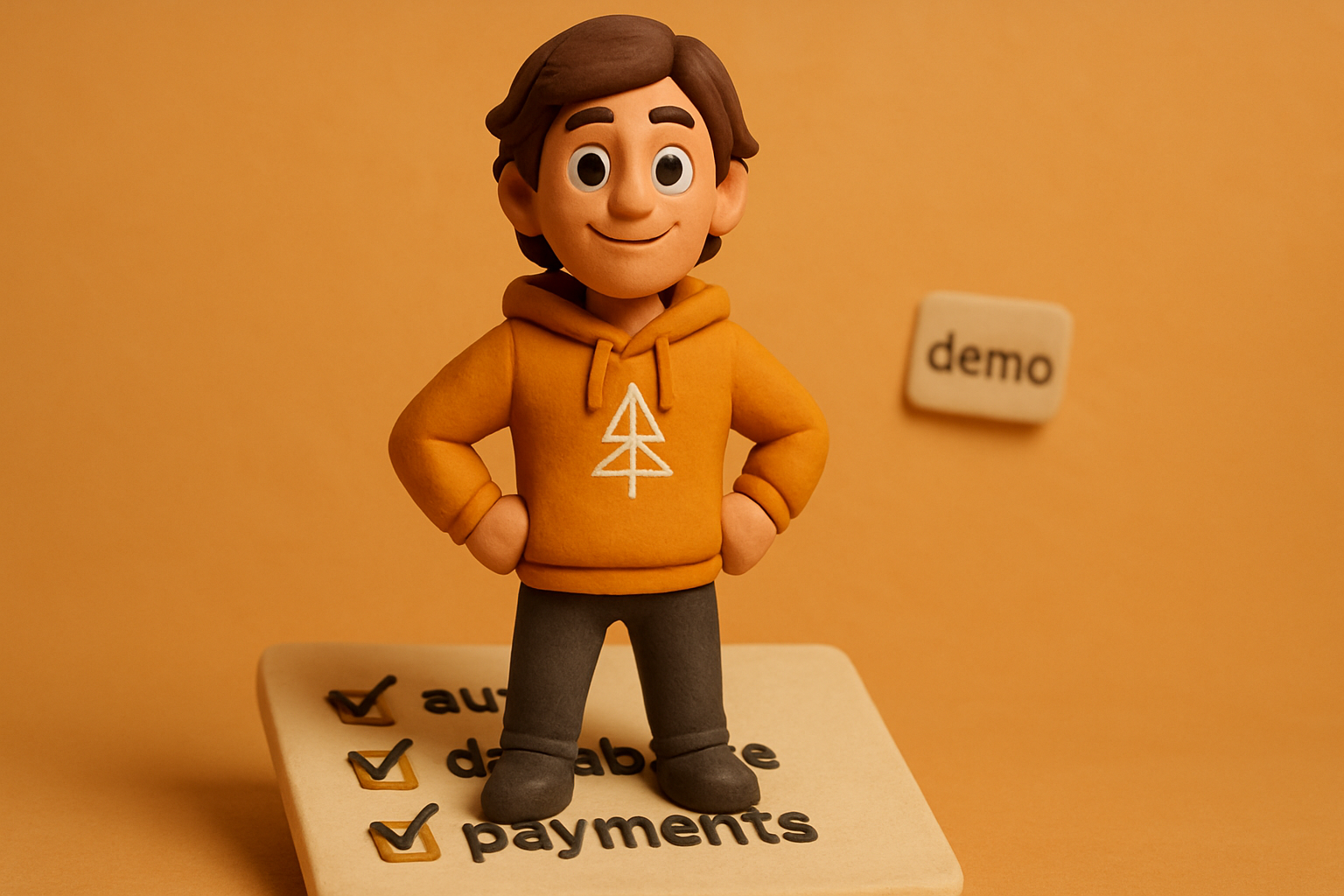
The 14 hours after the 20-minute demo
Lovable, Bolt, and v0 will hand you a clickable SaaS dashboard or a fitness app in twenty minutes. The components render, the data is mocked, the buttons navigate to pages you didn't ask for. It feels like a product.
It isn't one. It's a prototype, and a really good one. The gap between "clickable demo" and "real product" is the production checklist — and almost none of it is interesting to ship by hand.
Eight things aren't done when the demo is done:
- Real auth with sessions, password reset, and email verification
- A database with migrations, indexes, and backups
- Payments, webhooks, and license-key delivery
- Every error state for every screen
- A custom domain, DNS, and a TLS cert
- App-store submission with the right binary, icons, and metadata
- Tests that exercise the actual code paths
- Observability — you can't fix what you can't see
Walk through any one of those and you'll feel the same thing: the sandbox stopped exactly where the work got real. That's the whole point of a sandbox. The work after it is the part a full-stack kit exists to compress.
Auth that survives a real user
"Done" means a real signup form, a real email loop (verification + password reset), real session cookies that survive a tab close, real role checks on every protected route, and a real way to delete an account. Mock auth in localStorage is not auth. The first user who clears their cookies logs back in via the demo button and the illusion ends.
# in the SaaS kit, auth is wired
npx otf-kit init saas
cd saas && pnpm install
pnpm db:push        # creates the users + sessions + accounts tables
pnpm dev            # /signup, /login, /forgot — all live
What you get is a real auth flow on web: hashed passwords, signed session cookies, an email-link password reset, a "delete my account" endpoint, and rate-limited login attempts. The same identity works across web and (in the Fitness kit) the native app, because both kits read the same user table.
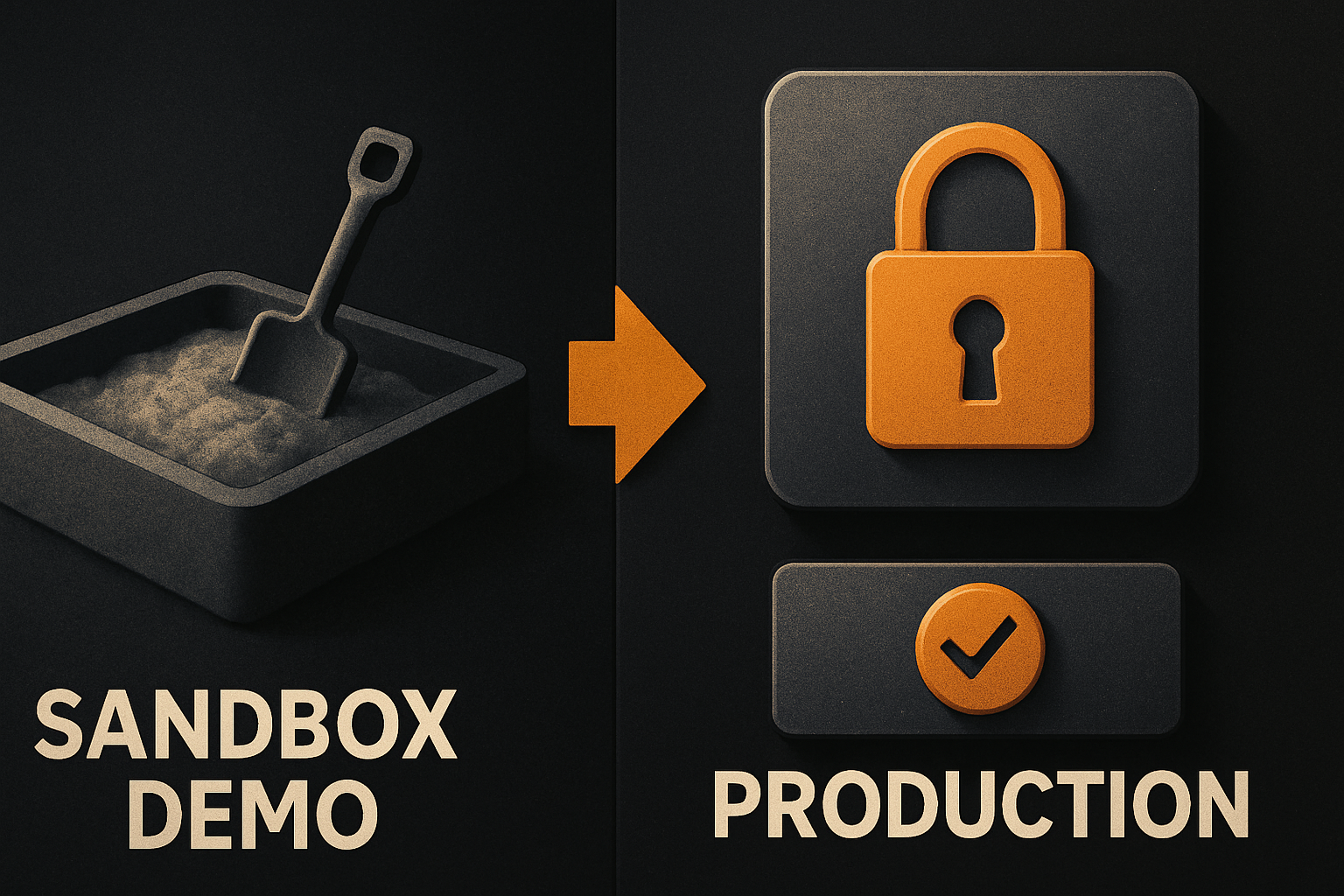
A database that survives a real product
Sandbox tools usually stub data in memory. That's fine for a demo. The first time two users hit the same endpoint, you'll want:
- A real schema with foreign keys, not a free-for-all JSON blob
- Migrations checked in, ordered, and reversible
- Indexes on the columns you actually filter and sort by
- A backup you can restore from without paging someone
-- the SaaS kit ships these out of the box
-- users, sessions, accounts, subscriptions, licenses, audit_log
-- all with foreign keys and the indexes that match real query patterns
create table subscriptions (
  id          uuid primary key default gen_random_uuid(),
  user_id     uuid not null references users(id) on delete cascade,
  stripe_id   text unique not null,
  status      text not null,            -- active | past_due | canceled
  current_period_end timestamptz not null
);
create index subscriptions_user_id_idx on subscriptions(user_id);
create index subscriptions_stripe_id_idx on subscriptions(stripe_id);
The single most expensive part of a small product is "we'll fix the schema later." You won't. You'll migrate around it for two years.
11 production screens. Login, database, payments — all wired.
The SaaS Dashboard Kit ships everything already connected. Nothing to set up. Live demo at saas.otf-kit.dev.
Payments, webhooks, and entitlement
Stripe Checkout alone is a ten-line form. Stripe Checkout plus a webhook that fires customer.subscription.updated and updates your entitlement table is a four-hour job you will get wrong once and never want to debug again.
// /api/stripe/webhook — in the SaaS kit
export async function POST(req: Request) {
  const sig = req.headers.get('stripe-signature')!;
  const event = stripe.webhooks.constructEvent(
    await req.text(), sig, process.env.STRIPE_WEBHOOK_SECRET!
  );

  switch (event.type) {
    case 'customer.subscription.created':
    case 'customer.subscription.updated':
      await upsertSubscription(event.data.object);
      break;
    case 'customer.subscription.deleted':
      await cancelSubscription(event.data.object);
      break;
  }
  return new Response('ok');
}
The hard part isn't Stripe — it's the entitlement check that runs on every request. A requireActiveSubscription(userId) helper that returns 402 when the card fails and lets the rest of the app stay ignorant of billing. That helper is the bit nobody writes first, because it's boring, and it's the bit everything else depends on.
The kit also ships license-key delivery: a signed token emailed on purchase, validated on app launch, with a 30-day grace period when the network is offline. That part is non-obvious the first time.
The error states no one designs
The sandbox demo shows the happy path. The production app shows the other eleven. Every screen needs to be designed, not just coded, for:
- Loading (skeleton, not a spinner that flashes)
- Empty (zero items yet — explain why, link to the create flow)
- Error (the request failed — show a retry, log the trace)
- 401 (session expired — kick to login, preserve the URL)
- 403 (no permission — explain why, link to upgrade)
- 404 (route doesn't exist — search, not a dead end)
- 500 (server broke — apology, trace id, "we're looking at it")
- Validation (per-field, not a toast at the top)
The SaaS kit's UI layer ships a single <StateView variant="..." /> for all eight. The hard part isn't writing the component — it's deciding which states each route shows. The kit's routes.ts declares them once, and the screen renders the right one for whatever the data layer returned.
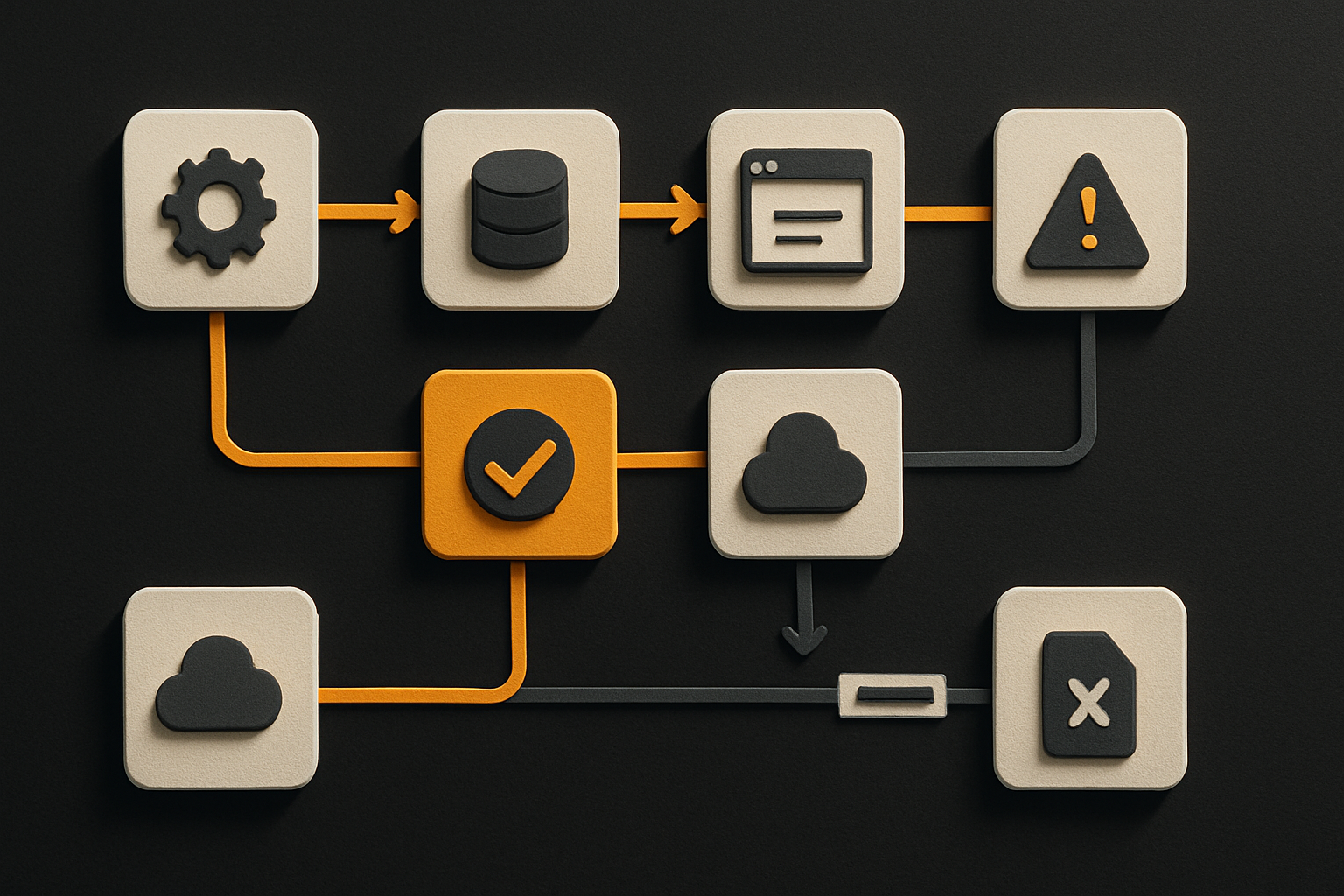
A domain, a TLS cert, and an app-store binary
Two of these are minutes. One of them is a week.
- Custom domain (minutes): point an A record, point a CNAME, done.
- TLS (minutes, automated): a one-line script that hits Let's Encrypt and writes the cert to the proxy.
- App-store submission (a week, the first time): the right bundle id, the right signing cert, the right provisioning profile, the right icons in 17 sizes, the right screenshots, the right privacy labels, the right "sign in with Apple" flow if you use any social login, the right In-App-Purchase receipt validation, the right review notes.
# the Fitness kit ships the one that takes a week
pnpm mobile:build:ios     # signs + bundles + uploads to App Store Connect
pnpm mobile:build:android # signs + bundles + uploads to Play Console
The first time you submit a native app, you will lose two days to "the build succeeded locally but won't sign in CI." The kit's CI script is the receipt. It runs in GitHub Actions, it pins the certs, it writes the .ipa with the right provisioning profile, and it has been broken and fixed in public.
How a full-stack kit closes the gap
The SaaS kit closes the web side. Auth, DB, Stripe, webhooks, entitlement, license delivery, the eight error states, the deployment script that wires your domain and TLS — it's all in there. You own the code. The Fitness kit closes the native side the same way, on a single codebase that renders the same component on web, iOS, and Android — one API, write <Button> once and it ships everywhere from one codebase, with design tokens that flip a single theme so the look is visually identical on every platform.
The combination closes everything on the list:
| Item | SaaS kit | Fitness kit |
|---|---|---|
| Real auth | yes (web) | yes (native, same user table) |
| Database + migrations | yes | yes |
| Stripe + webhooks + entitlement | yes | yes (IAP receipt validation) |
| Eight error states | yes (component) | yes (component) |
| Custom domain + TLS | one script | one script |
| App-store submission | n/a | yes (iOS + Android) |
AI-tool configs (CLAUDE.md, .cursorrules, 20+ prompts) | yes | yes |
| 24-item design checklist enforced by a script | yes | yes |
The interesting one is the last two rows. The AI configs are the part that turns the kit from "starter code you rewrite" into "a repo your coding agent extends." When you fire up Claude Code or Cursor and ask for a new screen, the agent reads CLAUDE.md, follows the conventions, drops the new component in the right folder, and reuses the same <StateView>, <Button>, and <Card> you already have. The design checklist is the part that makes sure the screen you got back actually shipped — it runs before you commit and rejects anything that fails the 24-item bar.
Use the sandbox, then bolt on the kit
Here's the workflow the production checklist actually wants.
# 1. prototype fast in the sandbox
#    (Lovable / Bolt / v0 — twenty minutes, it's a great tool)

# 2. export the prototype
#    (most sandboxes export to a git repo)

# 3. drop the SaaS or Fitness kit into the same repo
npx otf-kit add saas        # copies the auth, db, billing, error-state files
                            # into your project, owned by you

# 4. wire the prototype's UI to the kit's data layer
#    (one Claude Code pass, the agent reads CLAUDE.md and does it)

# 5. ship
pnpm deploy                  # domain + DNS + TLS, one command
The sandbox gets you to a clickable thing in twenty minutes. The kit gets you to a real product in an afternoon. The two compose. The sandbox isn't the part you should skip — it's the part you should stop at, because the next fourteen hours are predictable enough to buy instead of building.
A real product is auth that survives a real user, a database that survives a real product, payments that survive a real refund, errors that survive a real outage, a domain that survives a real launch, and a binary that survives a real review. None of it is hard on its own. All of it is hard the first time. The kit is the receipt that says someone has done the first time, in public, in the open, with the script that proves it.
Buy the receipt. Ship the product.
Ship the product, not the setup.
- 11 production screens — auth, billing, team, analytics, settings
- Real database, payments, and login — all wired on day 1
- AI configs pre-tuned so your agent extends instead of regenerates