Why 'Just Wire Up Auth' Is a Project Plan Trap

“Just wire up auth” sounds small until users forget a password, change devices, or cannot receive an email. The visible login screen is only the entry point. The project also needs clear decisions about recovery, sessions, abuse controls, account changes, and what happens when a step fails.
The work is not automatically a long project. Its size depends on the product, the identity provider, and the guarantees the team needs. The estimate becomes unreliable when “auth” is treated as a single form instead of a set of user journeys and security boundaries.

Start with the journeys, not the form
Write down how a person arrives, proves control of an account, returns later, and recovers access. Include the paths that end in an error or an abandoned action. For each path, identify which service owns the step and what the user should see if it cannot complete.
A useful review includes:
- Account creation and any required email verification.
- Sign-in, sign-out, and a session that expires or is revoked.
- Password change and forgotten-password recovery, if the product uses passwords.
- Any second factor or passkey flow the product promises.
- Account changes that need a fresh identity check.
- Support and audit records for security-sensitive actions.
This is a planning list, not a promise that every app needs every mechanism. A product using an identity provider may delegate much of the credential handling. The application still has to decide which routes require an authenticated user, what that user may access, and how its own data connects to the identity.
OWASP’s Authentication Cheat Sheet covers password controls, recovery, generic authentication responses, login throttling, multi-factor options, logging, and re-authentication for sensitive actions. Use it to identify decisions for your product, then check the provider’s current documentation for the exact implementation. A checklist does not replace a security review.
Separate authentication from authorization
Authentication answers who is making a request. Authorization decides whether that identity may read or change a particular resource. A successful sign-in does not prove that a user belongs to a team, owns a project, or can access another account’s record.
Trace a normal request from the browser to the server and data layer. Confirm that protected operations check the right identity and ownership rules on the server. Hiding a button in the interface can improve the experience, but it does not enforce access control by itself.
For team products, write down the relationships that matter: user to organization, user to project, and role to action. Then check both allowed and denied cases. The denied case matters because an interface can look correct while a server endpoint accepts an identifier from a different account.

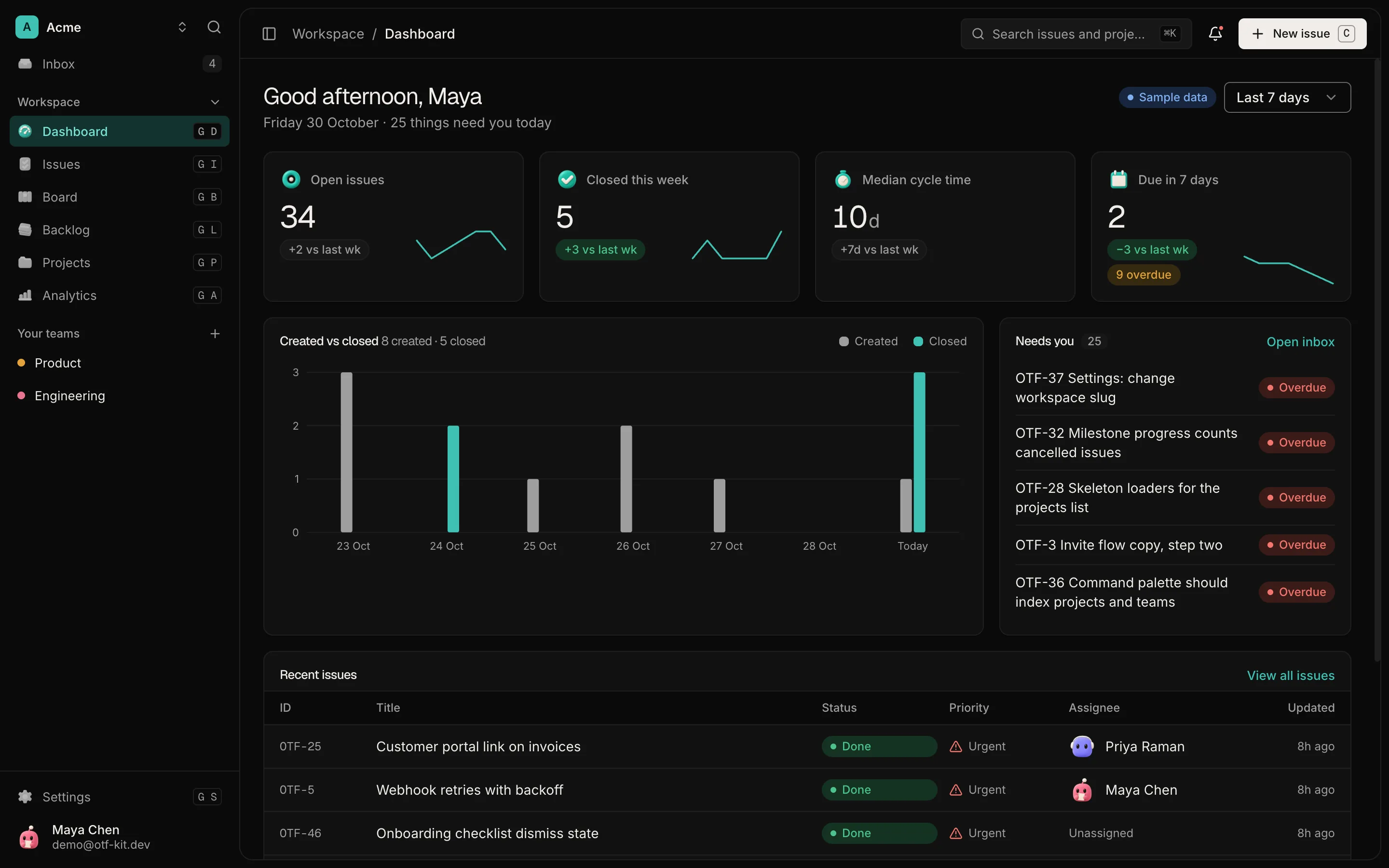
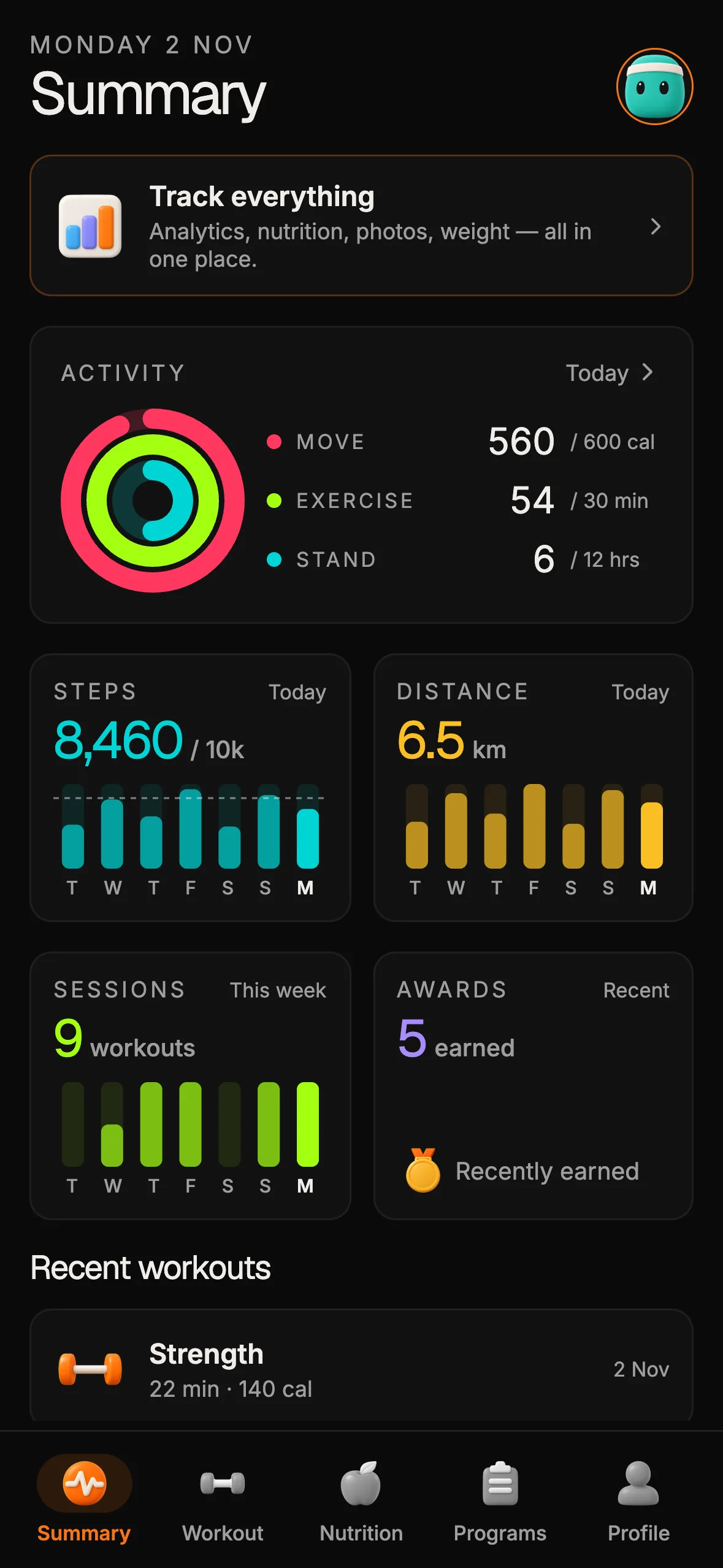
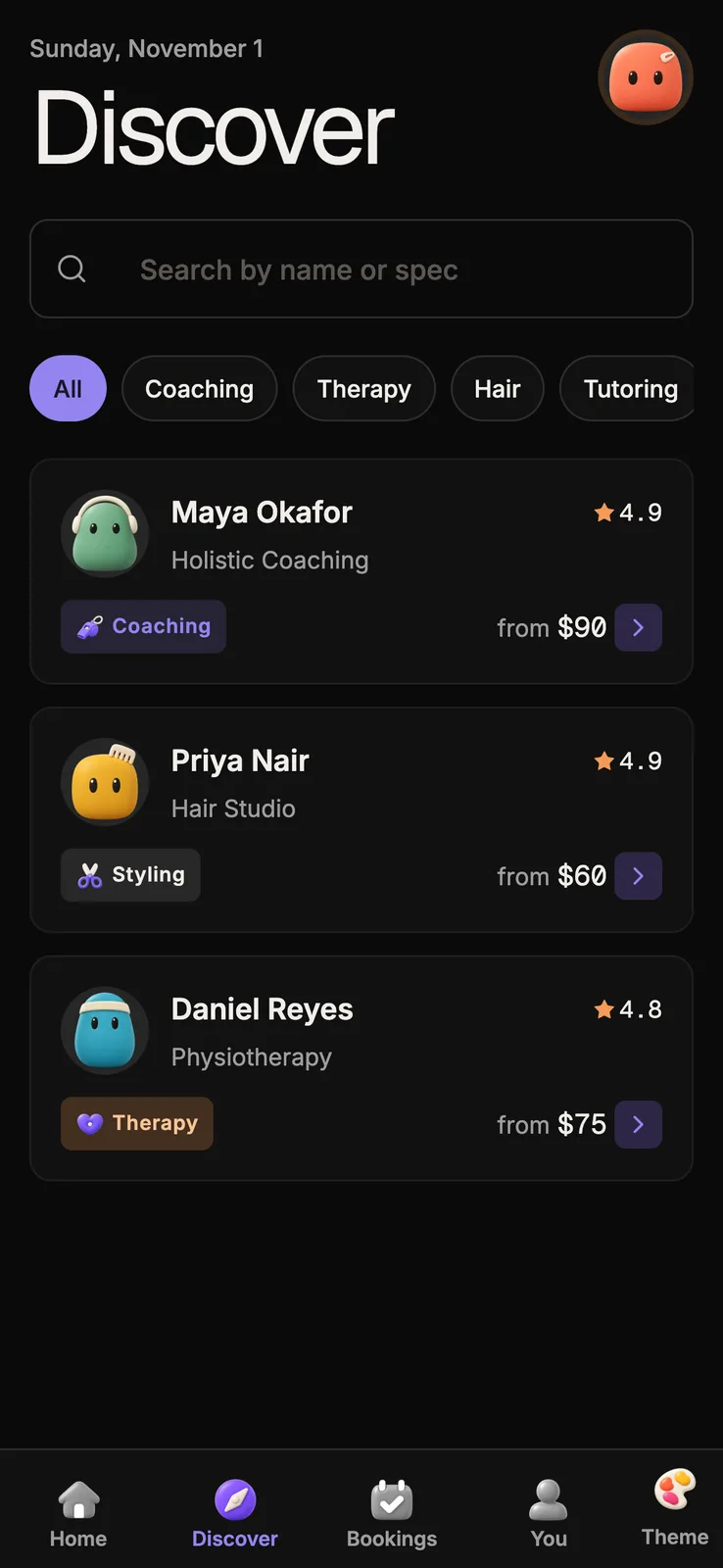
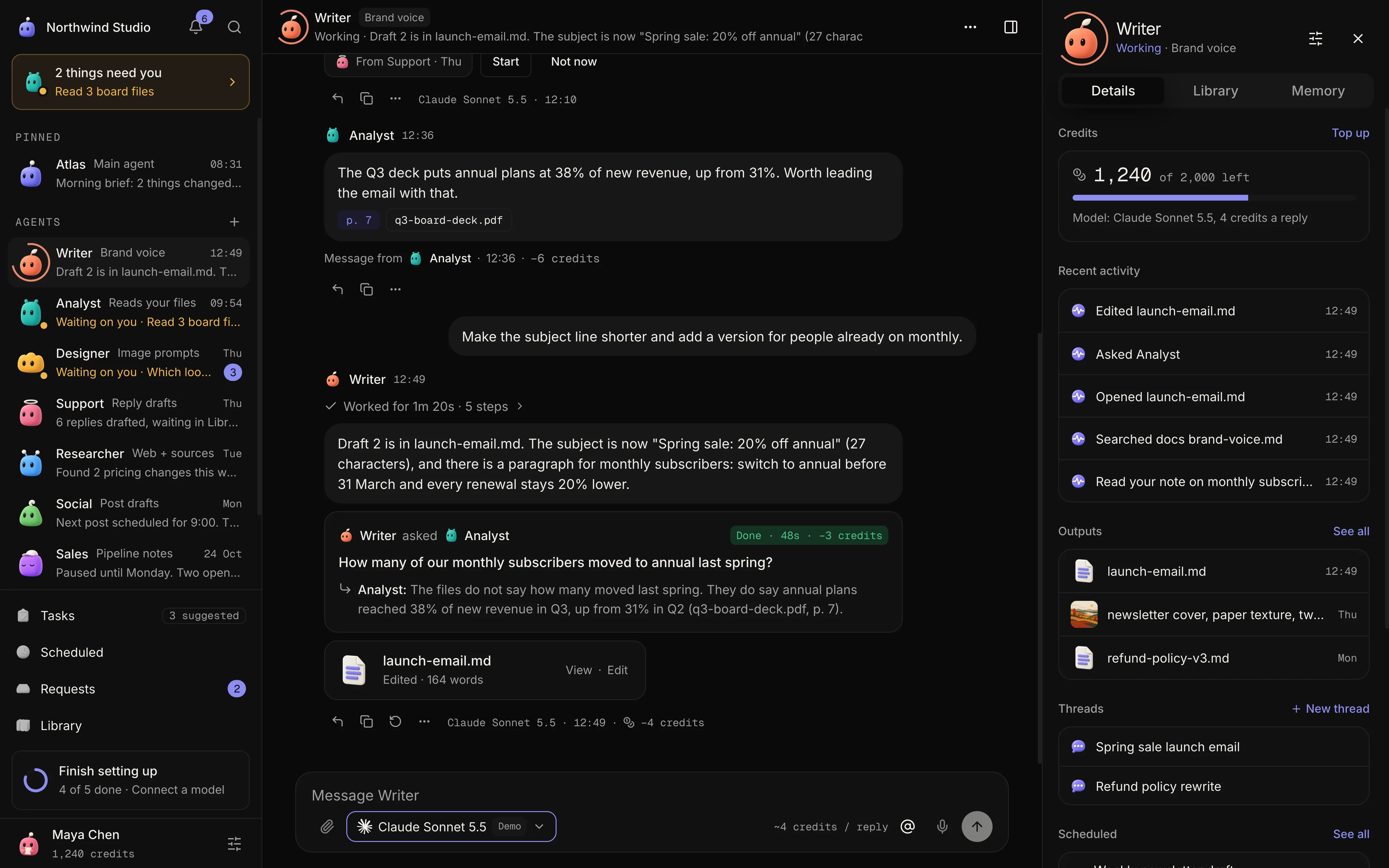
12 production screens. Login and database wired.
The SaaS Dashboard Kit includes login, a database, and a working dashboard. Live demo at saas.otf-kit.dev.
Treat recovery as part of the product
A password reset is not just an email template. The flow needs to avoid exposing whether an account exists, limit abuse, protect the recovery token, and explain what happens to active sessions after a password change. The recovery message should remain useful to a legitimate user without giving an attacker a directory of registered accounts.
Decide how the person can recover if the email is delayed, the link has expired, or the address is no longer accessible. If the product supports a second factor, account recovery should not quietly bypass the protection that factor provides. The exact choices depend on the identity system and the sensitivity of the data.
Keep implementation details tied to the provider or server framework you actually use. A token example copied into an article or starter project is not a complete recovery system: storage, expiry, single-use behavior, rate limits, delivery, and session handling all need to match the application’s architecture.
Make sessions an explicit design decision
After sign-in, the product needs a way to recognize a continuing session and a way to end it. Decide how long sessions last, what events revoke them, and how the user can sign out on a shared device. Sensitive actions such as changing an email address or security settings may require a fresh identity check.
Test more than the happy path. Sign in, sign out, return to a protected page, and try a session after it has been revoked or expired. Check that errors guide the user without revealing sensitive account details. OWASP’s guidance also treats session management as a distinct area, so review the session behavior of the framework or provider rather than assuming the sign-in form handles it.
Put abuse controls where they belong
Sign-in and recovery endpoints can attract automated guessing and account discovery attempts. Choose protections that fit your system, such as provider-managed throttling, multi-factor authentication for appropriate accounts, and monitoring for suspicious activity. Avoid dropping a small in-memory counter into a route and calling the problem solved: distributed deployments, legitimate retries, shared networks, and service restarts all affect how a limit behaves.
Keep logs useful for investigation while excluding passwords, recovery secrets, and session tokens. Decide who can review security events and how the team will respond when a control is triggered. These operational choices are part of the feature because they determine what happens after the first failure.

Scope a starter kit honestly
An app starter can give a team a working place to begin, but the words “auth included” need a precise boundary. Check which sign-in screens, server routes, database tables, email flows, and session behaviors are in the delivered code. Then compare that scope with the journeys your product needs.
OTF’s SaaS Dashboard page describes email/password sign-in and sign-up with a database foundation. That is useful context for inspecting the starter; it is not evidence that every recovery, verification, multi-factor, or audit requirement in this article is already implemented. Review the code and setup guide before relying on a flow in a customer-facing product.
When an AI coding tool changes the application, ask it to trace the existing auth path before it edits one. Give it the route, provider, data boundary, and tests to preserve. The delivered kits currently include AGENTS.md, CLAUDE.md, .cursorrules, and task prompts; those files can document the project’s conventions, but they do not replace reviewing the generated change.
For a broader review of app surfaces that need verification, see a production-readiness audit for AI-built apps.
A practical pre-ship review
Choose a representative user journey and follow it from the visible form to the server-side decision. Check how errors appear, whether protected data stays protected, and what the user can do when recovery is needed. Repeat the review for an account without the required access, not only for the account that should succeed.
Keep a short record of the provider configuration, routes, session rules, and flows you actually checked. List gaps as work instead of burying them under a generic “auth done” label. If a provider owns a step, link its documentation and state what remains in your application’s responsibility.
That makes the project estimate clearer. The team can decide what to implement now, what to delegate to a provider, and what to defer with an explicit product trade-off. The login screen is visible, but the boundaries and failure paths are where the real scope lives.
If you are starting from an editable app foundation, explore OTF’s getting-started options and verify the included auth flows against your requirements before you build on them.
Sources
- OWASP Authentication Cheat Sheet — guidance on recovery, authentication responses, throttling, logging, and re-authentication; checked 15 October 2026.
- SaaS Dashboard Kit — current product description and sign-in scope; checked 15 October 2026.

Ship the product, not the setup.
- 12 production screens — auth, team, analytics, and settings
- Login and a real database are wired in
- AI configs pre-tuned so your agent extends instead of regenerates
Ship your first screen tonight — free starter in your inbox
The quickstart, the SDK repo and the live kit demos, on this screen and in your inbox.
No spam. Unsubscribe any time.