
Cursor Origin Now Deploys Directly to Vercel in One smooth Flow

Cursor Origin now ships straight to Vercel — and the workflow is the point
A few days after Cursor launched Origin, its GitHub competitor, the missing piece arrived: a direct Vercel integration. Open a pull request in Origin, Vercel spins up a preview deployment, merge the PR, and the change is live in production — no separate CI config, no manual deploy step, no third-party platform in the loop. That's the whole pitch, and the honest read is that it's a genuinely clever seam to close. The friction it removes is the kind of friction every engineering team has quietly absorbed for years. The articles covering the launch, including Cursor Origin Now Deploys Straight to Vercel, frame it as a single-flow lifeline from code to production. The rest of this post is the part that doesn't fit in a launch tweet.
This is a real product release, not a vibes announcement. Vercel's CEO Guillermo Rauch leaned in publicly on social media, noting that Origin's own infrastructure runs on Vercel — and dropping a pointed joke about uptime while GitHub was in the middle of a major outage. That tells you the partnership is tighter than a typical "integrates with" badge. The pipeline Cursor is shipping to is the same pipeline Vercel already ships to everyone else.
What the integration actually does
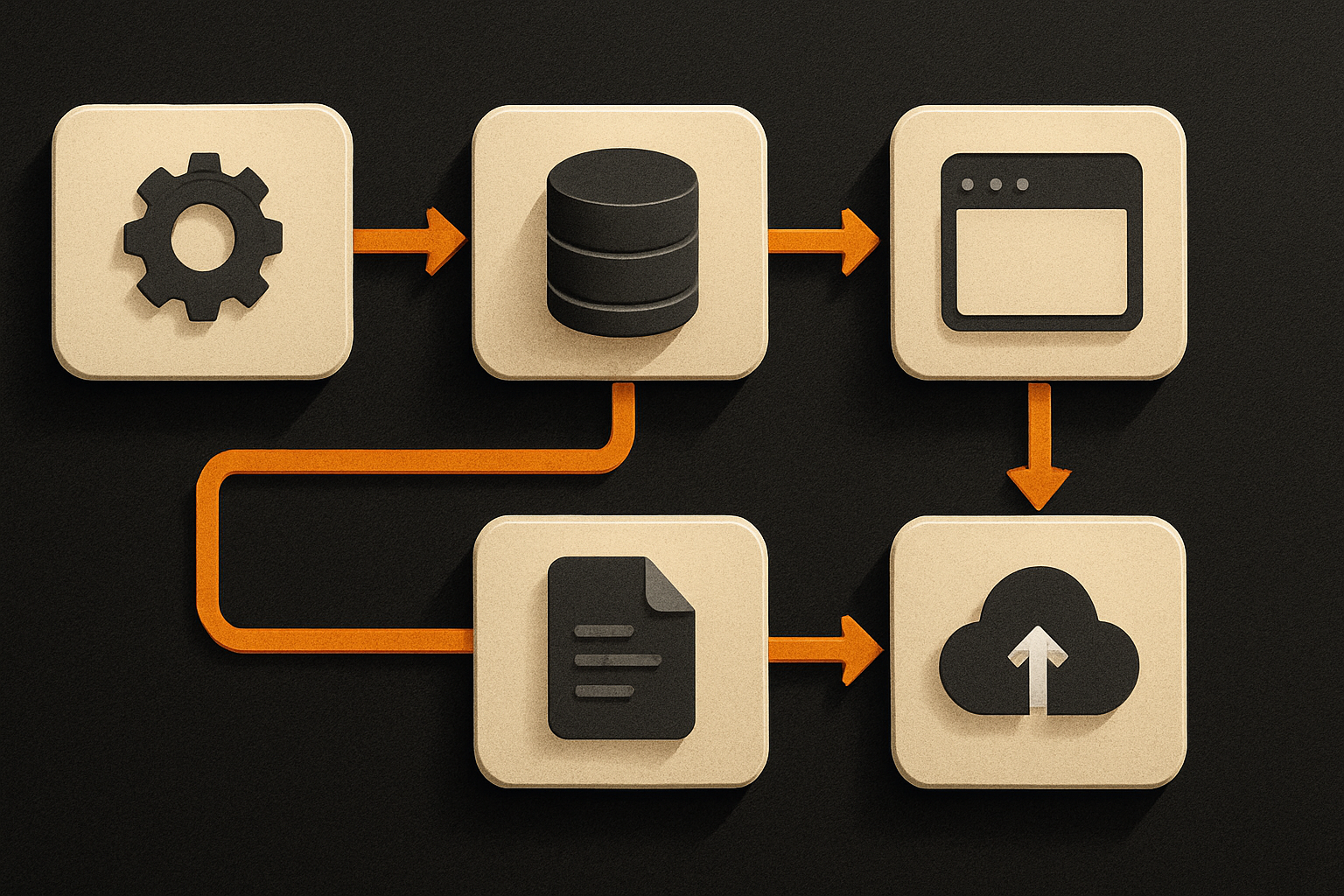
Strip away the launch noise and the feature is small in scope, big in implication. Three things happen, end to end:
- You open a PR in Cursor Origin.
- Vercel picks up the PR and builds a preview deployment automatically — reviewable, shareable, commentable.
- You merge the PR. The merged commit goes to production, again automatically, with no separate CI configuration or manual deploy trigger.
That's it. The thing it removes is the deploy step. For a solo developer, that's a few minutes of context switching. For a team running a dozen repos, it's hours a week of "who's got the deploy token again" and "did we push to staging first."
11 production screens. Login, database, payments — all wired.
The SaaS Dashboard Kit ships everything already connected. Nothing to set up. Live demo at saas.otf-kit.dev.
The step before the merge is what matters
The preview deployment is the part most people will under-appreciate. A PR that produces a live URL you can poke at before the merge changes what code review looks like — it's not "do the diffs look right," it's "does the feature actually work in the real environment." Reviewers stop guessing at edge cases and start clicking through them.
This is the loop Cursor wants. The editor writes the code, Origin hosts the PR, Vercel runs the preview, the merge ships the production. Cursor's explicit ambition is to own the entire software development lifecycle, not just the editor — and this integration is the seam that makes that loop close without the developer ever leaving the ecosystem.
If you're using an AI coding agent inside Cursor, the loop gets tighter still. The agent opens the PR, gets a preview URL, the developer reviews, merges, ships. The article describes this explicitly: a developer — or an AI coding agent — can now write code, open a PR, get it reviewed, merge it, and see it live in production, all without touching a third-party platform in between. No human has to chase a deployment.
How to actually use this today
The exact setup steps live in Cursor's official Origin documentation and Vercel's integration guides — those are the source of truth, and Origin is still in early beta so the surface is moving. But the conceptual path is clear from the launch:
# 1. Connect Vercel to your Cursor Origin account
#    (Settings → Integrations → Vercel → Authorize)

# 2. In your Origin repo, add a vercel.json at the root
#    so Vercel knows what to build and which env vars to inject
cat > vercel.json <<'JSON'
{
  "buildCommand": "next build",
  "outputDirectory": ".next",
  "framework": "nextjs"
}
JSON

# 3. Open a PR. Vercel posts a preview URL back into the PR thread
#    automatically — no GitHub Action, no deploy hook to wire up.

# 4. Merge the PR. Production deploys from the merge commit.
The thing to verify before you trust this with real traffic: make sure your Vercel project's environment, domain, and branch-production settings are right. The integration inherits whatever Vercel already knows about your project — it doesn't give you a second chance to fix misconfigured settings on the way through. A bad vercel.json means a failed preview, not a failed merge. If your framework isn't one Vercel natively recognises, pin it explicitly in the config. The integration is opinionated in the ways Vercel already is — mostly a feature, occasionally a surprise.
What to weigh before you move production traffic
The article is honest about the caveats, and they should be on the table before any team retires their existing CI:
- Origin is in early beta. A full migration away from established source control touches CI pipelines, compliance records, audit trails, and every existing toolchain integration. Plan for a parallel run, not a cutover.
- Cursor has a flagged, unpatched repository-poisoning vulnerability from earlier this year. The same flaw class has shown up in other AI coding tools like GitHub Copilot CLI and Gemini CLI. It's not a reason to never touch the tool — AI coding tools are all surface area — but it's a reason to scope the first integrations to non-critical repos and watch the disclosure timeline.
- GitHub was in a major outage around the announcement. The Vercel-on-Origin story is partly a tailwind from that pain. Useful? Yes. A reason to abandon GitHub this week? No.
None of that disqualifies Origin. None of it makes the integration a trap. The engineering instinct to let a new platform earn its keep against the incumbent is the right one for any team that has already paid the migration tax once.
The part that doesn't change when the tool does
Cheap deploys, one-click merges, AI agents that ship themselves — the next 18 months are going to be a parade of parts of the workflow getting easier. The interesting question is which parts of the stack don't get easier when the tool changes.
The answer, for most teams shipping product, is the rendering layer. The same component has to look and behave the same on web, iOS, and Android. The same auth model has to survive a refresh on three runtimes. The same dashboard has to read identically in a phone browser and a desktop browser. That's not a deployment problem — it's a UI architecture problem — and no amount of one-click merge is going to write the same component three times correctly.
OTF sits at that layer. Use the slick pipeline — Cursor, Vercel, whatever the next week's launch is — and let the durable cross-platform UI underneath stay boring and consistent. The deployment friction is being solved. The shipping-the-same-thing-everywhere friction is the actual long-term problem, and it's the one that compounds when the tool churn does.
What this gets us
The boring version: preview URLs on every PR, production deploys on every merge, less time babysitting the deploy step. The interesting version: a workflow tight enough that an AI coding agent can open a PR, get a preview, wait for a human review, and ship — and the only human in the loop is the one clicking the merge button. That's a real shift in who can ship to production, and it's the direction the rest of the IDE-and-platform market is converging on.
The honest version: try it on a non-critical repo. Watch the preview URLs. Watch the merge-to-prod cycle. If it earns your trust, expand the surface. If it doesn't, the docs are still there and your existing CI is still there. The integration is cheap to adopt and cheap to walk away from, which is exactly the right shape for a bet on a beta platform.
Ship the product, not the setup.
- 11 production screens — auth, billing, team, analytics, settings
- Real database, payments, and login — all wired on day 1
- AI configs pre-tuned so your agent extends instead of regenerates