
Discover Loop Engineering: Full-Stack App in 11 Minutes, No Typing

The 11 minutes that changed how I think about AI coding
I typed one /goal command into Claude Code and walked away. When I came back, the agent had scaffolded a project, written the database schema, built four pages, and run its own build verification. I hadn't touched the keyboard. The full thing took 11 minutes.
That is the headline, and it is genuinely impressive — not the kind of "impressive" that comes with a 3 a.m. caveat. The harness was clear, the goal was clear, and the agent chose its own path to a verifiable endpoint. If you build software, that is a real shift in your day.
Then came the explanation. Boris Cherny, the creator of Claude Code, said it plainly in a recent interview: "I don't prompt Claude anymore. I have a bunch of loops running — they prompt Claude and decide what to do next. My job is writing loops." Peter Steinberger at OpenAI, the mind behind OpenClaw, said the same thing in public, in stereo. Two senior people at two top labs, with the same sentence: the paradigm is moving from writing prompts to designing loops.
That is a reason to learn the new shape, not a reason to be afraid of it. Here is what it is, how /goal and /loop actually work, and how to retrofit the idea onto Cursor or Codex today.
What Loop Engineering actually is
Loop Engineering is the practice of designing a self-running loop that gives the AI instructions, checks its output, records progress, and decides the next step — over and over until the goal is met. You stop being the operator who calls every turn. You become the supervisor who sets the destination and inspects the result.
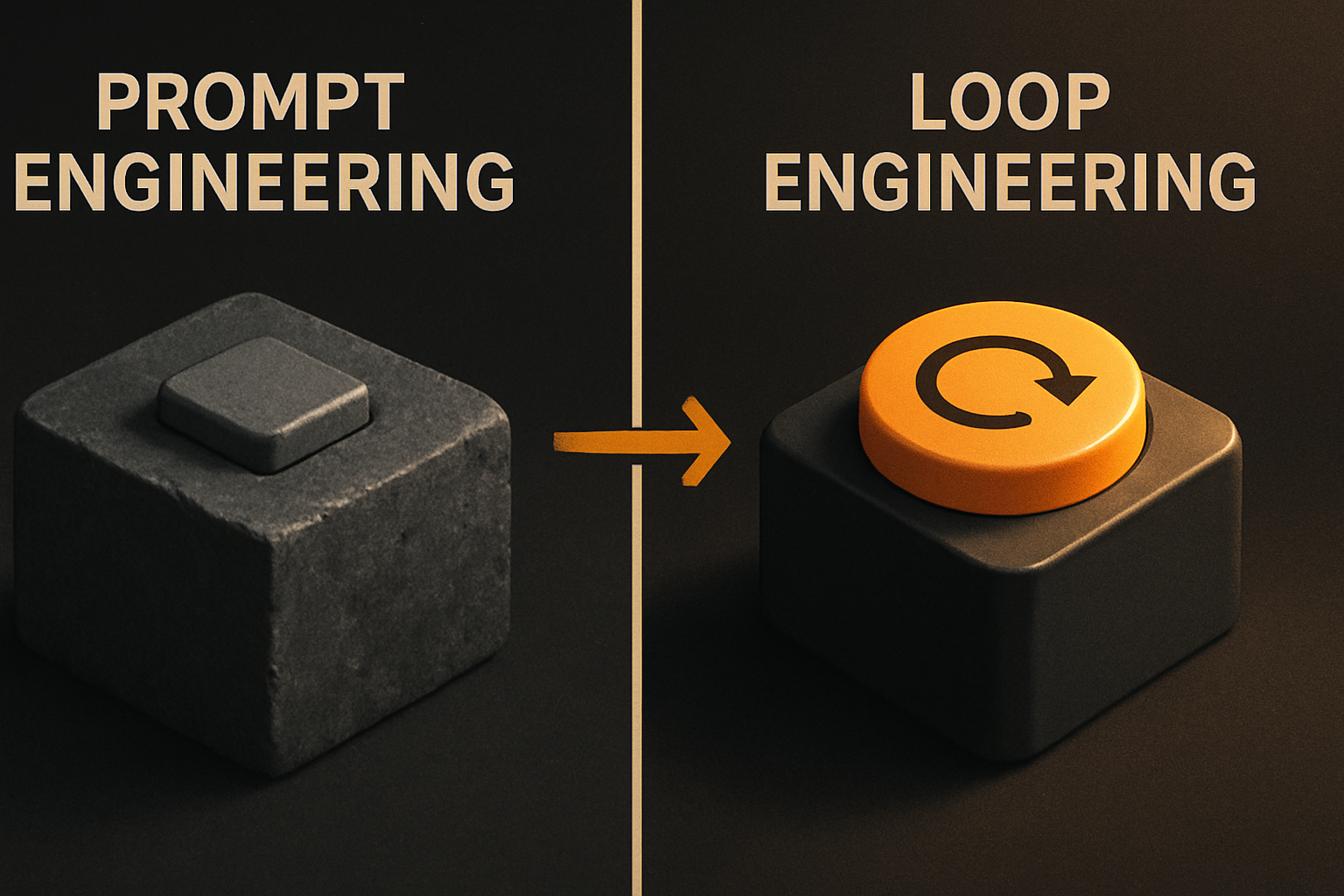
The closest analogy is self-driving navigation. You used to watch the map and call out every turn — "left here, exit there." Now you enter a destination and the system routes itself, reroutes around traffic, recalculates after a wrong turn, and announces arrival. Your hands stay near the wheel, but your brain is free. That is the change in shape. It is not "let the AI run wild" — it is a strict closed circuit: execute → verify → feed back → decide.
The point that gets missed is that this is not autonomous for the sake of it. The whole loop is bounded by a stop condition a machine can actually check. Without that, you have wishful thinking with a spinner.
11 production screens. Login, database, payments — all wired.
The SaaS Dashboard Kit ships everything already connected. Nothing to set up. Live demo at saas.otf-kit.dev.
How /goal and /loop fit together
/goal is the front door. You describe the destination — a working app, a passing build, a deployed URL — and the agent starts the loop. Inside the loop, /loop is the runtime: it keeps the cycle spinning, checks the result, and decides what to do next until the stop condition is met.
In the 11-minute run, the loop did four jobs without a human typing: scaffold the project, write the database schema, build four pages, and run its own build verification. Each of those is a real artifact, not a stub. The build pass is the verifiable endpoint — the loop's reason to stop.
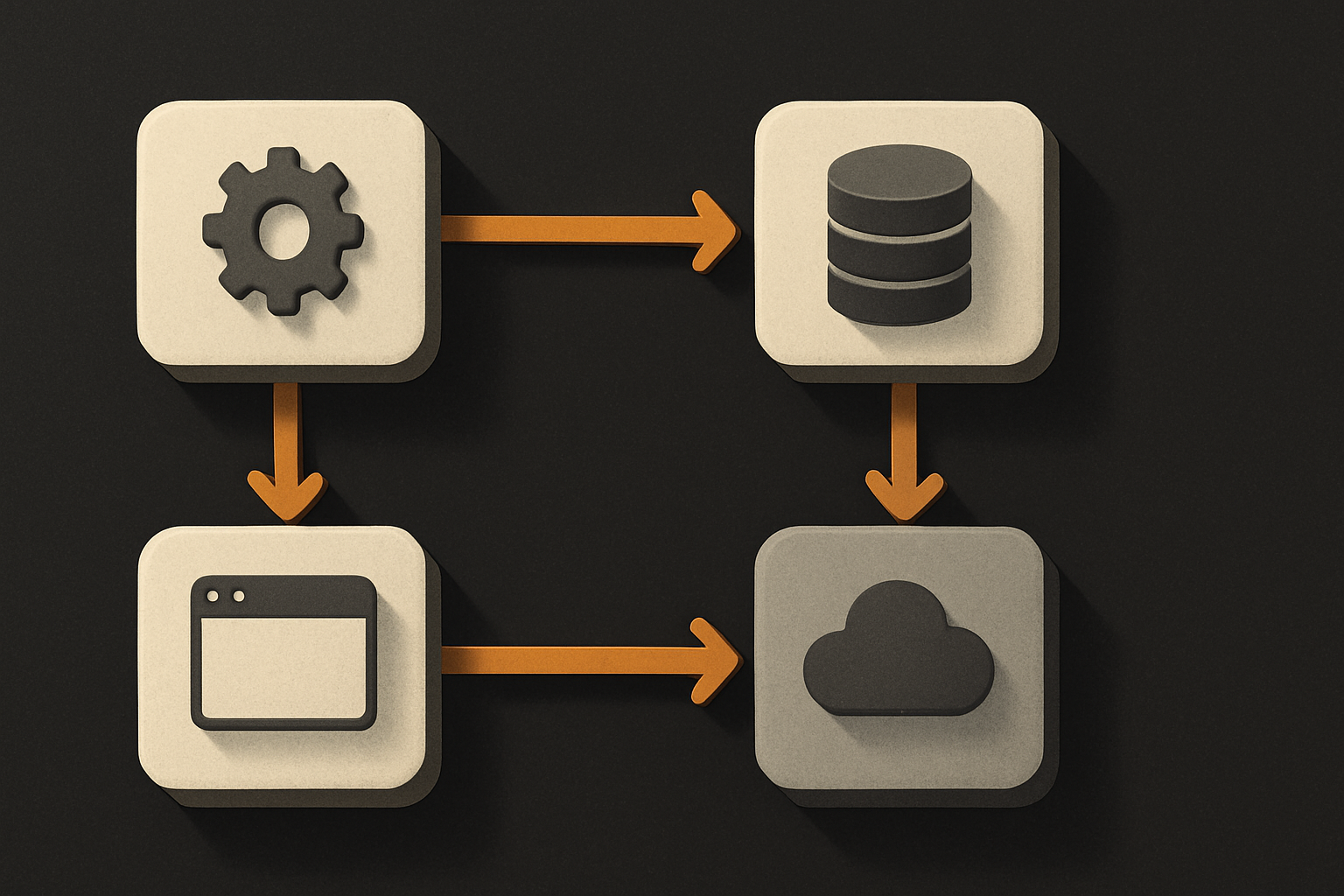
The command names are useful labels. The mechanism underneath them is the actual shift. The mechanism is: define a goal a machine can verify, then let a loop drive the agent toward it.
A working loop needs a verifiable stop condition and a feedback circuit
The article names two non-negotiables for a loop that actually works. They are worth restating in full, because every failed agent run I have seen traces back to one of them being missing.
A verifiable stop condition. Not "make the code better." Nobody, including the AI, knows when "better" arrives. Use a condition a machine can check at the end of every round: npm run build passes, all tests are green, zero lint errors, the API returns 200 on the smoke route, the schema migrates cleanly. If a human has to read the diff to decide whether the loop is done, the loop is not loop-shaped — it is a slot machine.
A feedback circuit. After each round, the loop inspects its own result and feeds the signal back into the next instruction. A loop without a feedback circuit is just a generator. A loop with one is a controller.
The third principle, implied throughout Cherny's framing, is that the loop's job includes deciding what to do next. "I have a bunch of loops running — they prompt Claude and decide what to do next." Decide is a verb, not a vibe. State it explicitly in your goal text or your loop will oscillate.
A first attempt: what to actually type
The shortest useful /goal is the one that finishes on its own. Treat it like a spec, not a wish.
# 1. Make sure Claude Code is installed and on PATH
claude --version

# 2. Open a project directory and start Claude Code
cd ~/code/my-new-app
claude

# 3. State the goal in machine-checkable terms
/goal "Scaffold a Next.js app with a /api/users route backed by SQLite.
       Stop when: `npm run build` exits 0, the migration runs clean,
       and `curl localhost:3000/api/users` returns a 200 with an empty array."
A few rules of thumb, from running this shape against a few real repos:
- The goal should be one sentence, ending in a stop condition the agent can read back to you.
- The stop condition should be something the agent can run in a subshell and parse. If you cannot write it as a single command, the loop cannot either.
- After the first run, copy what worked into
.claude/goal.mdand re-invoke with/goal @goal.md. That is the cheapest version of "writing a loop" Cherny is talking about. - Use
/loopto keep the cycle alive across sub-tasks: scaffold, schema, pages, build. The loop handles the transitions.
If you only try this once, try it on something you can throw away. A scratch repo. A single page. The lesson lands faster when the cost of a wrong turn is zero.
Retrofitting the idea onto Cursor or Codex
The shape is portable. The name /goal belongs to Claude Code, but the discipline does not.
In Cursor, write the goal and stop condition into an AGENT_GOAL.md at the repo root, and start every Composer run with @AGENT_GOAL.md plus the file list you want touched. Cursor's background agent will keep checking the build between edits if you pin the same terminal command in your project README. The loop's "decide" step is yours: you read the diff, decide, paste the next prompt.
In Codex CLI, the codex exec flag accepts a long prompt — pass the same goal text and a stop command. The CLI is happy to rerun until the stop condition holds, especially if you script the wrapper:
# Pseudocode: a 3-line loop you can run today on Codex CLI
until codex exec "$GOAL" && pnpm test; do
  echo "round failed, tightening prompt..."
done
The principle travels further than the syntax. The bits that travel: the verifiable stop condition, the explicit feedback step, the supervisor frame. The bits that do not: the exact command names, the bundled polish around /goal. Borrow the discipline, ignore the branding.
The durable layer underneath the tool churn
Models churn. Tools churn. The loop discipline will outlast both — but the part of your stack that also has to outlast them is the part the loop cannot see. That is the runtime layer: the component that renders on web, on iOS, on Android, and behaves the same on all three from one API.
This is where OTF fits, and it fits as a complement, not a substitute. Run /goal against your repo, let the agent scaffold and refactor, and you still need the component you ship to look and behave identically on every platform without a rewrite at the end. The loop does not help you there — but a cross-platform component that takes one prop and renders the same on web, iOS, and Android does. Use /goal for the parts of the build that change with the model. Use a durable UI layer for the parts that should not.
Two layers, one habit: define a goal a machine can verify, then let the loop drive.
What to take into Monday
An 11-minute hands-free build is not a future tense. It happened in a real terminal, on a real repo. The shift is from operator to supervisor: write the loop, set the stop condition, inspect the result.
Start small. One verifiable stop condition. One feedback step. A 20-line goal.md you can re-run. Then let the loop do the boring rounds while you write the next loop. That is the actual job now, and the new use is real.
Ship the product, not the setup.
- 11 production screens — auth, billing, team, analytics, settings
- Real database, payments, and login — all wired on day 1
- AI configs pre-tuned so your agent extends instead of regenerates