How to compare building a SaaS app from scratch with a starter kit

Should you rebuild a SaaS app from scratch or start with a kit? Compare the work the kit already supplies with the product decisions you still need to make; choose the option whose gaps you can afford to own.
That means checking the stack, database, auth, deployment path, and source access, then listing what you would still have to build. A starter can shorten setup while leaving important product-specific work to you.
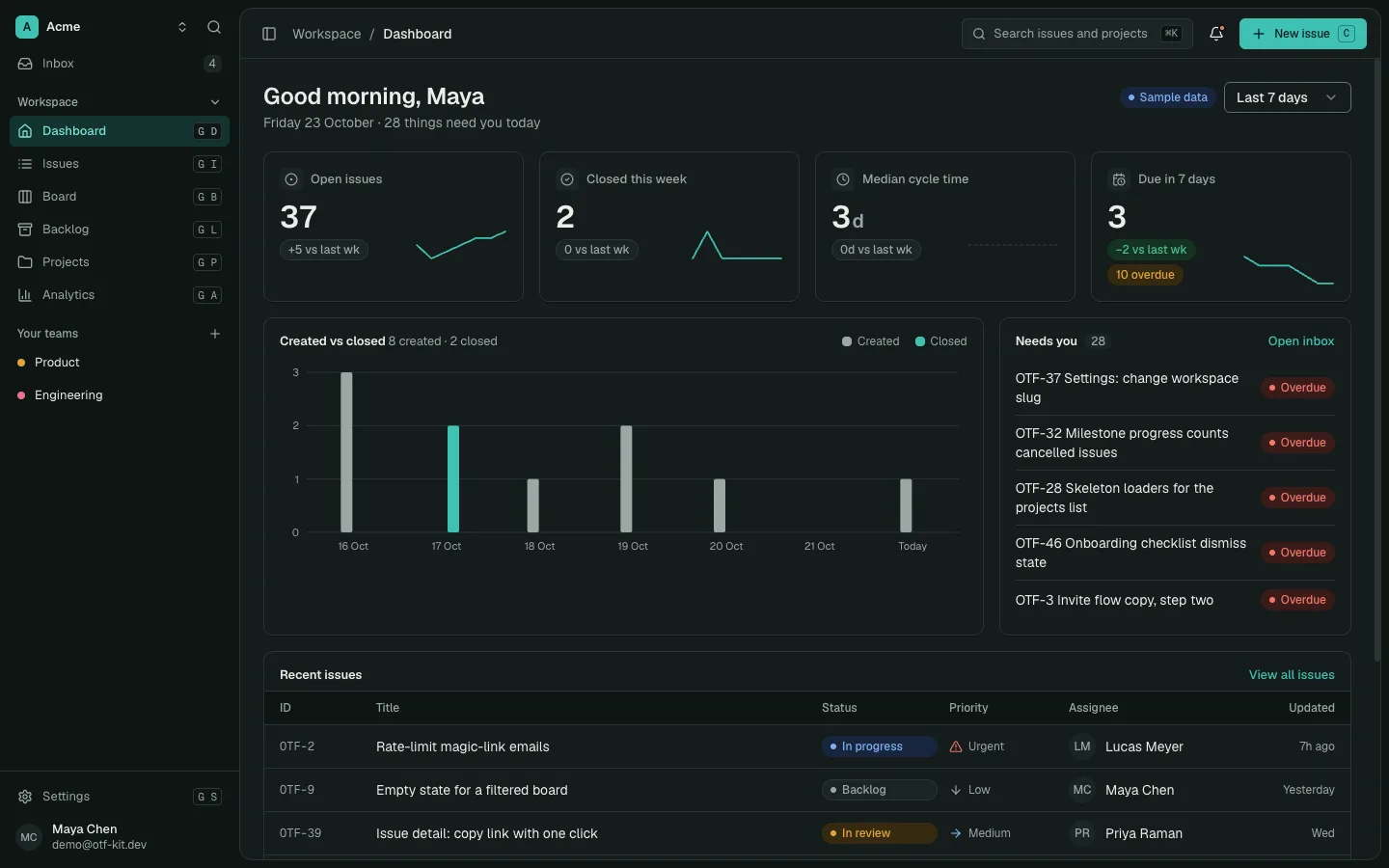
Building a SaaS dashboard? Inspect the SaaS Dashboard Kit first, then open its live demo. If you need multiple starting points, compare the Everything Bundle after those. The SaaS Dashboard Kit does not include Stripe subscriptions.
Replace the guess with an inventory
A useful comparison starts with the product you intend to ship, not with a claim that a rewrite takes a fixed number of evenings. The time varies with the feature, the builder, the existing code, and the quality bar. Put your own estimates in a worksheet and label them as estimates; do not borrow someone else’s number as a promise.
Break the work into concrete areas:
- Identity and access: registration, sign-in, session handling, password recovery, account settings, and the access rules for each protected area.
- Data and application boundaries: schema, migrations, validation, server routes, error behavior, and the connection between persisted records and the screens that use them.
- Interface foundations: navigation, forms, tables, loading and empty states, responsive layouts, keyboard behavior, and the visual rules shared across screens.
- Release and operations: environment configuration, deployment steps, logs, backups, and the way a change moves from local work to a live service.
- Maintenance and fit: dependency updates, framework changes, defects, and the work required to adapt the foundation as the product changes.
For each area, record the task, the owner, the estimate, and the evidence behind it. A previous implementation, a scoped engineering estimate, or a small spike is better evidence than an industry average with no context. Mark unknown items instead of hiding them inside a confident total.

Compare the full paths
Use the same scope on both sides. A custom-build estimate should include implementation, integration, verification, deployment setup, and the maintenance your team expects to own. A starter-based estimate should include the license, inspection, adaptation, integration, verification, deployment setup, and the maintenance that remains yours.
A simple model keeps the comparison honest:
Custom path = your implementation effort + tools and services + ongoing ownership.
Starter path = license + evaluation and adaptation + tools and services + ongoing ownership.
The effort terms are your estimates, not published promises. Keep recurring services separate from one-time source-code costs. If an AI coding plan is already part of your normal work, do not charge its full subscription to one project. If you would subscribe only for this project, include it. Apply the same rule to hosting, email, database, monitoring, and other services.
For a break-even check, ask whether the verified work already present in the starter is worth more to your project than its license and the adaptation it still requires. Do not count a module just because it exists in the repository. Open it, follow its data and auth paths, run the checks you need, and decide whether it fits the product you plan to maintain.
11 production screens. Login and database wired.
The SaaS Dashboard Kit includes login, a database, and a working dashboard. Live demo at saas.otf-kit.dev.
Read the price as one line item
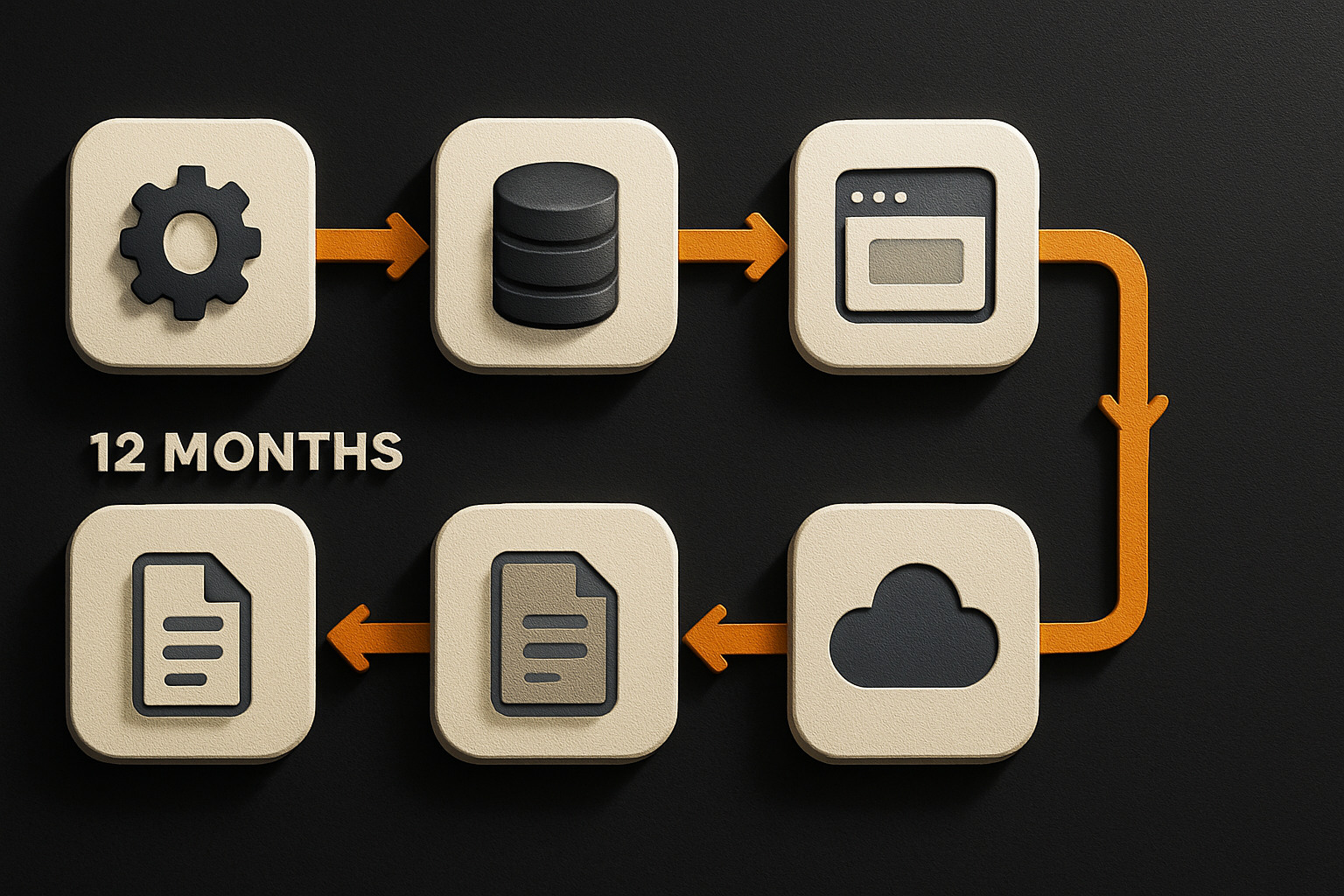
As checked on 15 October 2026, OTF lists its SaaS Dashboard full-stack kit at $99, with login and a database included and 12 months of free updates. The license covers one developer. That is the kit-license line in a project budget; it does not replace the cost of your own AI tool, hosting, product-specific integrations, or future changes. Compare the live demo and the included stack with your requirements before treating the price as relevant to your project.
AI tools have their own plans and usage limits. On 15 October 2026, the public pricing pages listed Bolt Pro at $25 per month billed monthly, Claude Pro at $20 per month billed monthly (or $17 per month with an annual subscription billed at $200 up front), and v0 Plus at $30 per user per month. Those offers include different features and usage; they are examples of separate budget lines, not interchangeable services or amounts every project must spend. Check the plan you actually use and its current limits before making a forecast.
A kit can also include files that help an agent understand a codebase. OTF’s SaaS Dashboard has a root AGENTS.md that OpenCode reads, alongside CLAUDE.md and .cursorrules for other tools. In OTF’s documented test, “On 13 October 2026, the kit's own type-check passes in a fresh install. Our test change added no type errors.” That is a dated result for the described test, not a guarantee that an agent will finish your feature or that your application is production-ready.
Check the parts that change the estimate
Before choosing, inspect the foundation against your actual product:
- Stack and architecture: Does the kit use the language, runtime, database, and deployment model you want to operate? A lower license price cannot erase a mismatch you are unwilling to own.
- Working paths: Can you trace the sign-in, data, and screen flows in the source? Review the error states and how secrets, migrations, and configuration are handled.
- Missing work: Make a short list of the features your product needs that the starter does not provide. Include integration and migration effort rather than assuming the foundation supplies them.
- License and update window: Check the license file for the specific kit, the permitted use, the developer seat, and the duration of included updates. Decide who owns upgrades after that period.
- Exit and maintenance: Confirm that you can change the source, move the project, and maintain the dependencies under your own process. Reuse is useful only if the team can understand and evolve what it adopts.
A starter is a way to begin from existing code, not a substitute for technical review. You still need to test the behavior that matters to your users, review security-sensitive flows, choose providers, and maintain the application. The best candidate is the one whose included work you can verify and whose remaining gaps you can estimate.
Make the decision with your own numbers
Build the worksheet before you commit to either route. List the product scope, separate one-time and recurring costs, assign each task an owner, and note where each estimate came from. Then compare the custom route with a specific starter—not with an idealized version of what a starter might contain.
Choose a custom build when the architecture is distinctive, the work itself is the learning goal, or the available foundation creates more adaptation than reuse. Choose a starter when its verified pieces match your planned product and your team is comfortable owning the source. Either answer can be right. A spreadsheet with visible assumptions is more useful than a universal claim about how much time one path saves.
If you are comparing the long-term trade-offs of adopting a foundation, see the lock-in math. To inspect a live OTF preview and decide whether a kit fits your project, start here.
Sources
- OTF pricing: kit price, included login and database, license, and update term — checked 15 October 2026.
- Bolt pricing — checked 15 October 2026.
- Claude pricing — checked 15 October 2026.
- v0 pricing — checked 15 October 2026.
- OTF’s OpenCode test and scope — test details checked 15 October 2026; the run itself is dated 13 October 2026.
- OpenCode documentation — checked 15 October 2026.
Ship the product, not the setup.
- 11 production screens — auth, team, analytics, and settings
- Login and a real database are wired in
- AI configs pre-tuned so your agent extends instead of regenerates
Ship your first screen tonight — free starter in your inbox
The quickstart, the SDK repo and the live kit demos, on this screen and in your inbox.
No spam. Unsubscribe any time.