
enable Persistent AI Workflows: Filesystem Agents Remember What Sandboxes Forget

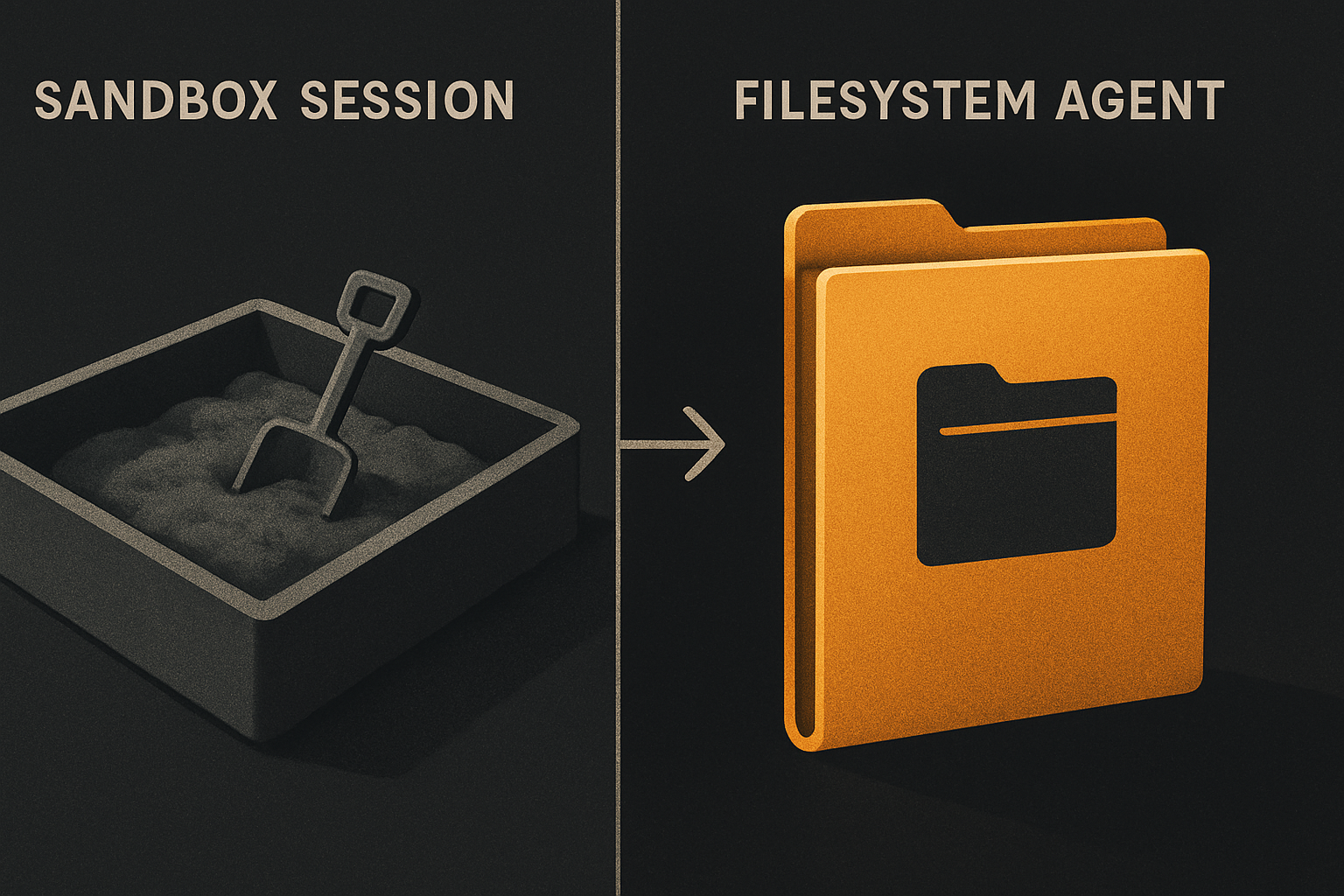
Lovable can take you from "I want a SaaS landing page" to a deployed URL with a working checkout in under ten minutes. v0 will spit out a polished component before your coffee's ready. Bolt will scaffold an entire app from a paragraph. That speed is real, it is genuinely impressive, and it is the right tool for a specific job — early prototyping, internal demos, the customer conversation where you need pixels on a screen right now. Sandbox-style agents are fast because they forget.
That last clause is the one nobody says out loud. The session ends, you close the tab, and the agent's working memory — the conversation, the half-built file you didn't notice, the reasoning behind that weird conditional render — evaporates. What survives is whatever got exported or deployed. Everything else is gone, and the next session starts cold.
A filesystem agent has a different kind of memory. Cursor, Claude Code, Aider, Codex CLI — they all boot up by walking the directory tree, reading CLAUDE.md and .cursorrules, parsing package.json, indexing your source. Every session is a fresh re-read of the same ground truth. Nothing is "remembered" — the source of truth is the files, and the files don't drift. That distinction is the whole game.
What a sandbox session actually keeps
Be specific. A tool like Lovable, Bolt, v0, or Rork typically persists:
- The deployed URL for the current project
- The most recent code export you downloaded
- Your authentication token
- Project metadata (name, slug, the chat history the vendor stores on their side)
What it throws away when the session closes:
- The conversational context the agent built up mid-session
- Local file edits you made but didn't sync back to the project
- Dev server logs, browser console output, runtime errors you screenshotted
- Environment variables you typed into the prompt
- The agent's reasoning about why it picked one approach over another
- Any half-built feature the agent was scaffolding when the tab closed
- In-flight edits to files you never exported
You can absolutely build a working app this way. Many people have. The thing you cannot do is ask the agent in session 7 to remember the constraint you set in session 2, because session 2's reasoning is not a file the agent can re-read.
What a filesystem agent persists
A repo on disk is durable state. Every file is a fact the next session can read. Specifically:
your-project/
├── CLAUDE.md          ← Claude Code reads this first
├── .cursorrules       ← Cursor reads this first
├── AGENTS.md          ← shared convention file (cross-tool)
├── package.json       ← dependency graph + scripts
├── .env.example       ← env var shape, no secrets
├── tsconfig.json      ← language + path config
├── src/               ← every component, every prop, every decision
└── .git/              ← the entire decision history
The agent does not "remember" your project. It re-reads the project every time you start a session. That sounds wasteful. It is actually the most reliable form of memory available, because the only way for the agent's understanding to drift from the truth is for you to edit a file and not commit it.
11 production screens. Login, database, payments — all wired.
The SaaS Dashboard Kit ships everything already connected. Nothing to set up. Live demo at saas.otf-kit.dev.
CLAUDE.md is the load-bearing file
CLAUDE.md is the convention document Claude Code loads at the start of every session. It lives at the repo root, it is plain markdown, and it is read before the agent sees a single line of code. A good one looks like this:
# Project: Acme Dashboard

## Stack
- React 19, app router, TypeScript strict
- Typed ORM + Postgres
- Stripe for billing, webhook-driven
- Email + OAuth auth, session cookies

## Conventions
- Components in `src/components/<Name>.tsx`, named exports
- Server actions in `src/actions/<domain>.ts`, no business logic in components
- Utility CSS only — no inline styles, no CSS modules
- Tests live next to the file: `Foo.tsx` + `Foo.test.tsx`

## Hard rules
- Never commit `.env`. Use `.env.example` to declare shape.
- All money math goes through `lib/money.ts`. Floats are banned.
- New routes must have a loading + error boundary.
Every Claude Code session in this repo starts with that page. The agent has the same context on day 90 that it had on day 1. There is no "stale memory" problem because the memory is a file you control.
.cursorrules, AGENTS.md, and the reload loop
Cursor reads .cursorrules from the repo root on startup. Same idea, slightly different syntax. AGENTS.md is a newer convention gaining traction because it works across tools — Claude Code, Cursor, Codex CLI, Aider all read it.
The reload loop is the actual mechanism. Every session:
- Agent starts.
- Agent reads
CLAUDE.md(or.cursorrules, orAGENTS.md). - Agent walks the tree, indexes relevant files.
- Agent has full context, no warm-up needed.
If you change CLAUDE.md, the next session picks it up. If you revert it, the next session reverts with you. You are not asking the agent to remember — you are asking it to read.
Git is the decision log
The repo has one more piece of durable state that no sandbox can replicate: .git/. Every commit is a why. Every diff is a record of what changed and when. An agent that boots in a clean checkout can read git log and reconstruct the project's intent.
# What an agent does at session start to recover history
git log --oneline -20
git log -- path/to/changed/file.ts
git show HEAD~3 -- src/billing/stripe.ts
A sandbox has nothing equivalent. The closest you get is the vendor's chat history — opaque, not exportable, and not file-shaped. You cannot grep it. You cannot version it. You cannot move it to another tool.
Setting up the durable layer today
You do this in three commands. From the root of any repo:
# 1. Convention file Claude Code reads
touch CLAUDE.md
# 2. Convention file Cursor reads
touch .cursorrules
# 3. Shared convention file (Aider, Codex, etc.)
touch AGENTS.md
Then write your project's actual conventions into them. Not aspirations — facts. "We use Postgres" not "we should consider Postgres." "Tests live next to the file" not "good test coverage matters." The agent will treat every line as ground truth.
If you do this in a fresh repo and then close Cursor and reopen it the next morning, the new session reads those files cold and behaves identically to the last one. That is the entire pitch. No magic. No vendor lock-in. Files on disk.
Where OTF fits
The durable layer is the part that does not change when the model does. When a new Claude or GPT or Gemini ships, your repo is still a repo. CLAUDE.md still gets read first. The component on disk still ships to web and native the same way.
That is what OTF ships. Every kit comes with CLAUDE.md, .cursorrules, and 20+ tested prompts in ai/prompts/ so a coding agent extends the kit instead of regenerating it. You open Cursor or Claude Code in an OTF kit, and the first thing the agent reads is the convention file telling it the stack, the naming rules, the hard constraints. No warm-up. No "wait, what are we using here?" Just the same component rendering the same way on web, iOS, and Android from one codebase, with an agent that already knows why.
The sandbox tools are still the right choice for the first ninety minutes of a project. Use them to find out what you want to build. When the answer sharpens, export the code, drop it into an OTF kit, and let the filesystem agent carry the project from there. The repo remembers. The sandbox forgets. That is not a flaw of either — it is the boundary between prototyping and shipping, and it is the boundary worth respecting.
Ship the product, not the setup.
- 11 production screens — auth, billing, team, analytics, settings
- Real database, payments, and login — all wired on day 1
- AI configs pre-tuned so your agent extends instead of regenerates