
enable Six-Figure Revenue with the Claude Code Skills Stack V2

The skill library that turns one prompt into a workforce
Ryan Doser did something most AI marketers won't. He wrote down every repeatable job his AI assistant does — every SEO brief, every YouTube description, every research dump — and turned those instructions into a 40-plus-skill library you can buy once and run anywhere. That library just shipped V2, and the upgrade is exactly what you'd build if you'd watched the last eighteen months of AI tooling churn and decided to be done with it.
The original Claude Code Skills Stack earned Doser six figures in attributed revenue across his own client work, then another $10,000+ as a productised $99 one-time purchase. V2 doesn't bump the price. It removes a constraint: workflows built inside Claude Code used to die there. V2 makes them portable.
That portability is the whole story, and it's worth appraising before we get tactical about how to actually use it.
What V2 actually is
The Skills Stack is a private GitHub repo of plain markdown files. Each file is a documented standard operating procedure — a recipe an AI assistant follows to produce a specific deliverable (an SEO audit, a content brief, a YouTube script, a design spec). Every recipe ships with a built-in checklist the assistant scores itself against, so the output hits a production bar every time it runs.
V2 expanded the library to more than 40 skills across eight categories. SEO, content creation, YouTube, design, research, and system setup are the named ones in the release notes. Each skill is text you can read, edit, and version-control in Git like any other code.
The number that matters isn't 40 or eight. It's that every skill is now vendor-agnostic.
11 production screens. Login, database, payments — all wired.
The SaaS Dashboard Kit ships everything already connected. Nothing to set up. Live demo at saas.otf-kit.dev.
The mechanism: one file, every assistant
The key technical move in V2 is the config split. Doser ships the core configuration twice, in two files with identical contents: CLAUDE.md for Claude Code, and AGENTS.md for everyone else. The pair is the emerging open convention for instructing markdown-friendly AI assistants. Same prose, same checklists, same expected output — pointed at whichever tool the user happens to be running that morning.
That matters because the source of lock-in in 2026 isn't the model. It's the wrapper. A workflow expressed in Claude Code's native primitives dies the moment someone opens Cursor. A workflow expressed as plain markdown, in a file every major assistant recognises, survives the switch.
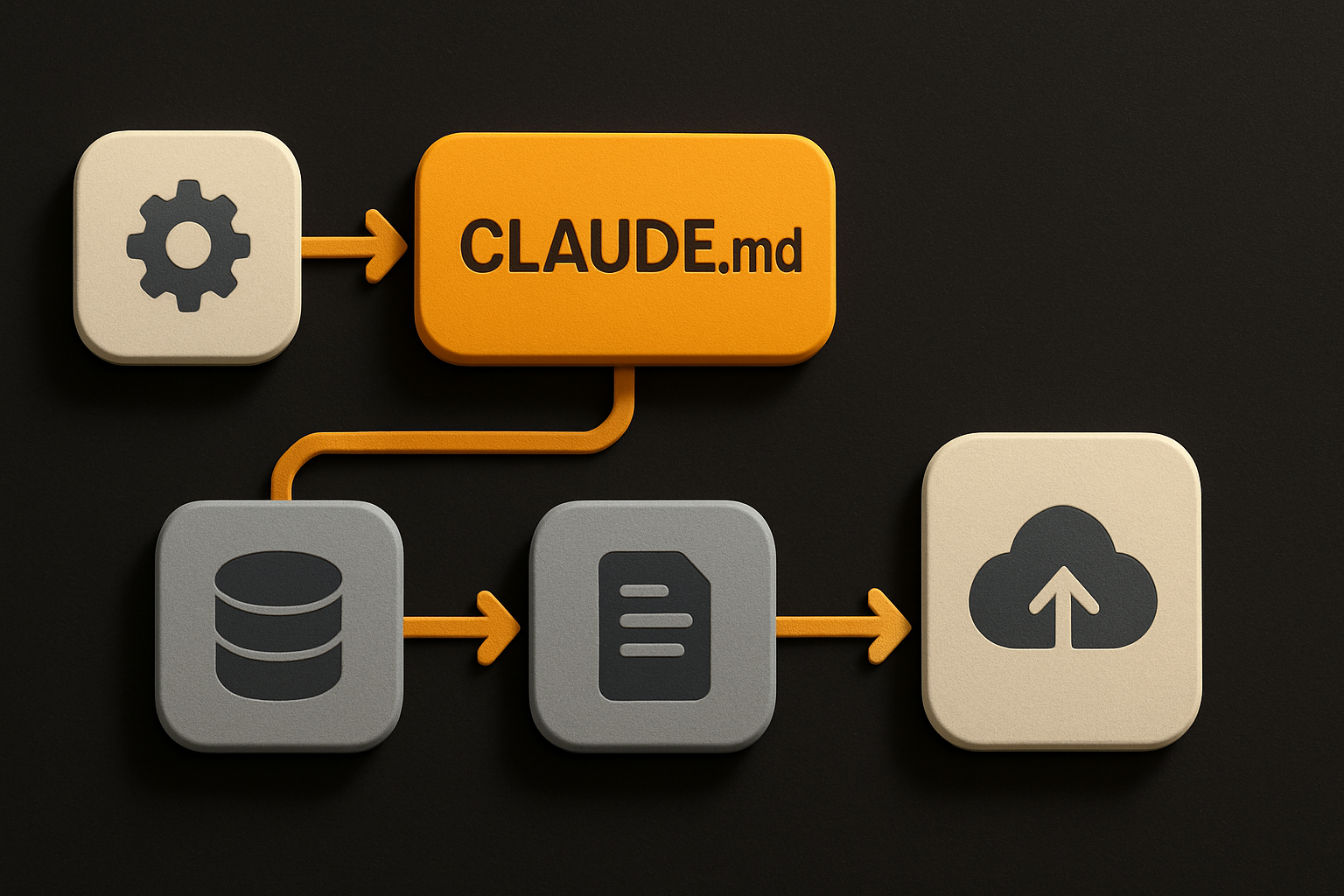
If you've ever watched a teammate paste the same instructions into four different AI tools and get four different shapes of answer, this is the fix. The instructions live in one place; the assistants come and go.
Why portability beats cleverness
Every team I know runs at least two AI coding tools. One person swears by Claude Code. Another lives in Cursor. A third uses Gemini CLI for the free tier. The skill that wins in 2026 isn't the one that runs fastest in any single tool — it's the one that runs identically in all of them.
Doser is right to frame V2 as cross-platform by default. Three concrete wins:
- Switching tools stops being a migration. When your company's AI policy shifts from Claude to OpenAI's Codex, you don't rewrite your skills. You point Codex at the same
AGENTS.md. - Hiring and onboarding stop being a fork. New hires use whichever assistant their team standardised on. The skill library runs on all of them.
- A/B testing stops being a research project. Run the same skill through two assistants side-by-side and compare outputs against the checklist score. No scripting required.
The pricing reinforces the portability thesis. $99, one-time, lifetime updates. Every new skill Doser builds pushes to existing owners' private repos automatically. You're not renting access to a tool that might sunset. You're buying a file you own.
How to use it today
Concrete steps, no hand-waving.
-
Buy the stack. The product is sold as a one-time $99 purchase with no subscription. You receive access to a private GitHub repo.
-
Clone the repo locally.
git clone <your-private-invite-url> claude-code-skills-stack cd claude-code-skills-stack ls CLAUDE.md AGENTS.md -
Open the root config. You'll see
CLAUDE.mdandAGENTS.mdat the repo root. They're identical. Edit one in whatever editor you use; mirror the change to the other, or symlink them if you want a single source of truth.# single-source-of-truth setup ln -s CLAUDE.md AGENTS.md -
Pick a skill. The library is organised by category folder. Open any skill file — they're markdown, so they're readable as documentation and editable as code.
<!-- example skill header --> # SEO Audit ## Checklist - [ ] Crawls sitemap.xml - [ ] Flags orphan pages - [ ] Reports canonicals -
Run it in your assistant. In Claude Code, the assistant reads
CLAUDE.mdautomatically. In Cursor, OpenAI's Codex, or Gemini CLI, point the assistant atAGENTS.md— most clients have a "project rules" or "system prompt file" setting where you paste the file's contents. -
Iterate. Edit a skill, re-run, compare the checklist score. The library is plain markdown, so the loop is fast and diffable.
That's it. No SDK, no runtime, no server. The whole product is files you own.
The checklist pattern is the real product
The 40 skills are nice. The checklist inside each one is the actual enable.
Every skill ships with a built-in scoring rubric the assistant grades itself against before returning output. If a score falls below threshold, the assistant is supposed to revise. That converts a vibe-coded prompt ("write me an SEO audit") into something closer to a unit test: every run produces output that either passes the rubric or surfaces the gap.
This is the part marketers miss when they compare AI tools by raw output quality. The assistant's quality ceiling is set by the prompt. A skill with a checklist is a prompt with a test. Two assistants running the same skill produce comparable output because they're both being graded against the same standard.
If you steal one idea from V2, steal this: write your team's SOPs as checklists, not paragraphs. The assistant will outperform itself within a week.
Where the durable layer lives
Tool portability solves one half of the problem. The other half is what you do with the output once the assistant hands it back.
Marketing teams running the Skills Stack still need to ship the work somewhere — a landing page, a web app, an iOS build, an Android release. And every one of those surfaces has its own opinion about how a button should look, how a form should behave, what a card should cost in render time. That fragmentation is exactly the problem V2 just solved for prompts. The same component shipped to web, iOS, and Android from a single API is the same fix applied to UI.
OTF sits at that layer. Use the Skills Stack to generate the content and the workflow. Use a cross-platform component layer to ship the surface those skills produce for. The tool you run skills against will keep changing — Claude Code today, something else next quarter. The components users touch shouldn't have to change with it.
What to take from V2
Three things worth keeping, regardless of whether you buy the $99 stack:
- Express workflows in markdown, not in vendor primitives.
AGENTS.mdis the closest thing the AI tooling world has to a portable contract. Adopt it before your team fragments across assistants. - Score outputs with checklists. Vague prompts produce vague output. A scoring rubric inside the prompt produces output you can defend in a review.
- Buy skills once, run them everywhere. The Skills Stack V2's central bet — that portability beats cleverness — is the right one. Reuse the pattern in your own stack wherever a workflow gets trapped inside one tool.
The assistant you use in six months will not be the one you use today. The skill library you build this quarter can be.
Ship the product, not the setup.
- 11 production screens — auth, billing, team, analytics, settings
- Real database, payments, and login — all wired on day 1
- AI configs pre-tuned so your agent extends instead of regenerates