
From Prompt to Production: The smooth Path with OTF's Repo-Owning Agents

The first time I saw someone ship a SaaS in a weekend using a sandbox tool, I was sold. The UI was clean, the auth worked, the database was wired. They were running on a real domain by Monday.
Then they tried to ship a real feature on top of it.
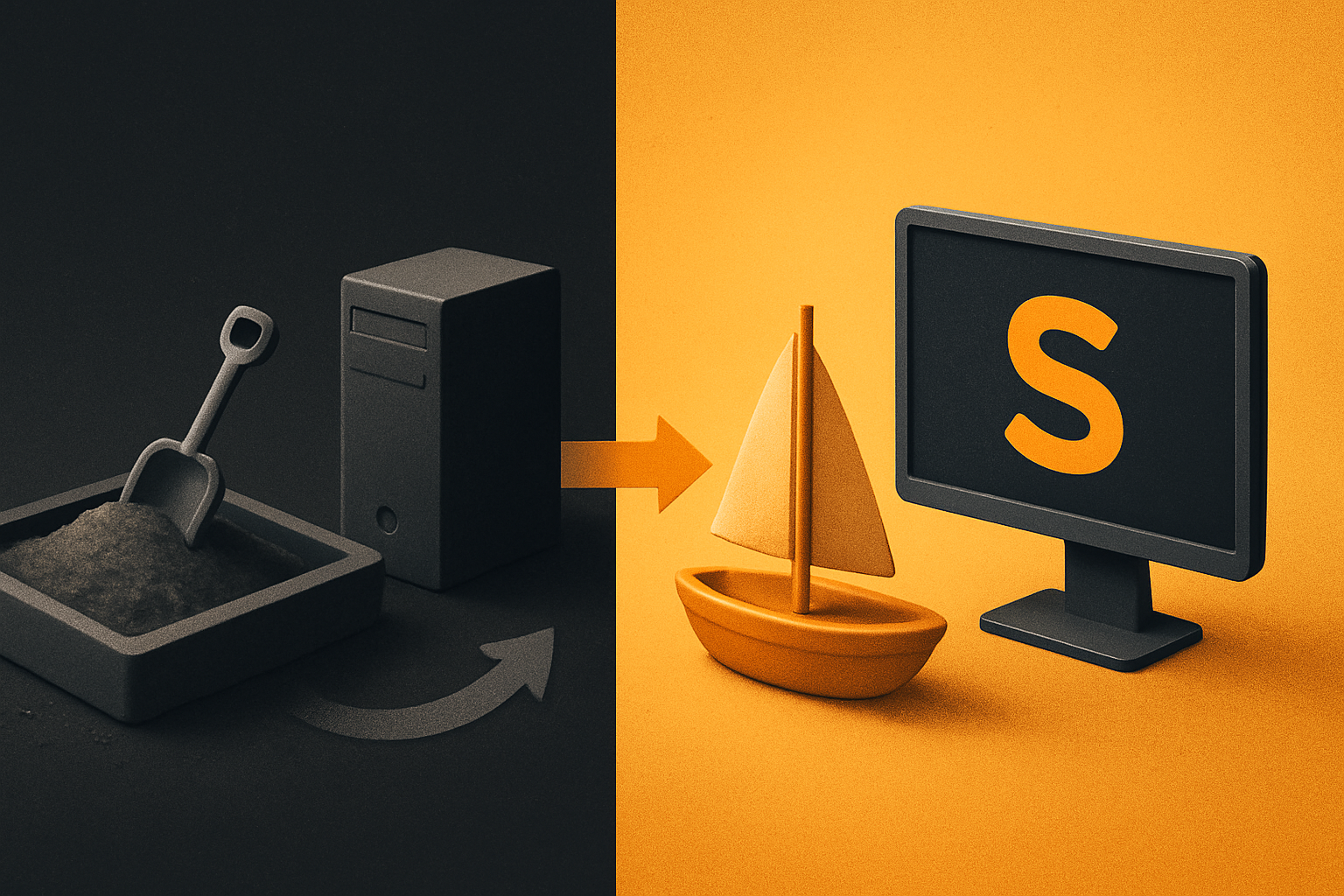
The agent that built the app couldn't touch it anymore. The repo they exported was a snapshot, not a workspace. Every new feature meant re-prompting from a fresh window, copy-pasting the codebase back into a chat, and watching the agent re-discover conventions it had invented three days earlier. The sandbox got you to the front door of production. The handoff made you climb back over the wall.
That's the part the demos skip.
What the sandboxes actually got right
Lovable, Bolt, v0, and Rork are genuinely impressive at one thing: collapsing the distance between "I have an idea" and "I can click around a working UI." For non-developers this is a real enable — PMs, designers, and solo founders can stand up a creditable prototype in an afternoon. For experienced engineers, it's a faster way to validate an idea before committing a sprint to it.
The output is real React. The styling is consistent. The DB connection actually works. That part isn't marketing.
What the marketing doesn't show is what happens on the second week.
The handoff is where the agent loses its mind
A sandbox is a session. Your coding agent — Claude Code, Cursor, or a hosted variant — has a context window. Everything it knows about your project: the table names, the auth flow, the file structure, the half-finished feature, the migration you ran at 2am — lives in that window.
When you click Export, you get a tarball. The agent gets amnesia.
The next time you open the project, the agent starts from:
- The files on disk (no memory of why decisions were made)
- A blank conversation (no history of what was tried)
- Whatever the user types in the prompt box — usually: "here's the codebase, add feature X"
For a small prototype, this is fine. For a real product, the agent re-litigates every decision on every session. "Should this be a server action or a route handler?" "Why is the auth flow structured this way?" "What's the existing payment pattern?" Each answer costs tokens. Each rebuild costs trust.
I've watched a Claude Code session spend 4,000 tokens re-deriving the database schema from the migration files before it could add a single column. The schema was six lines. The re-derivation was two hundred lines of back-and-forth.
11 production screens. Login, database, payments — all wired.
The SaaS Dashboard Kit ships everything already connected. Nothing to set up. Live demo at saas.otf-kit.dev.
The repo is the working memory — if the agent stays in it
The alternative isn't "stop using AI." The alternative is the agent living in your repo, the same repo, the whole time.
When Claude Code runs in your actual project directory — not a sandbox that exports to a project directory — the agent has access to:
- A persistent
.claude/directory with session notes - The full git history (every commit is a memory the agent can
git logthrough) - Real
CLAUDE.mdand.cursorrulesfiles that survive across sessions - The full file tree, on disk, at all times
There's no export step. The repo IS the workspace. The agent is in the IDE the whole time — terminal, sidebar, or composer — and every change is a real git commit, in the real branch, in the real project.
This sounds small. It isn't. The same agent that scaffolds the auth flow at 9am can deploy the auth fix at 4pm without losing who you are.
What a stay-in-IDE agent actually needs
The agents that ship to production from your IDE aren't magic. They need a small set of files that act as their persistent brief. A typical setup:
# in your project root
.
├── CLAUDE.md              # project brief, conventions, what NOT to do
├── .cursorrules           # same brief, Cursor-flavored
├── .claude/
│   ├── settings.json      # permissions, model defaults
│   └── commands/          # custom slash commands
├── ai/
│   ├── prompts/           # tested prompt templates
│   └── docs/              # architecture notes, written for the agent
└── package.json
CLAUDE.md is the long-form brief. It tells the agent: this is a Next.js SaaS, the auth is session-based with magic link, the DB is Postgres, the styling is OTF, the user model is user.id (not user.uuid), payments are Stripe, deploys go through a custom script. Don't add new auth libraries. Don't suggest raw utility classes — the design system is already there. Don't regenerate the design tokens.
# CLAUDE.md (excerpt)

## Stack
- Web: Next.js + TypeScript, OTF design system
- Auth: session-based, magic link
- DB: Postgres, schema lives in `db/schema/`
- Payments: Stripe, subscription, monthly only
- Mobile: same components, native shell

## Conventions
- One file per route, named after the URL
- Server actions in `_actions.ts` next to the page
- Forms: use the OTF `<Form>` component, never raw `<form>`
- Errors: throw, never `console.error` and return null
- Tests: Vitest, co-located as `*.test.ts`

## Forbidden
- Do not add new auth libraries
- Do not add a UI library
- Do not refactor the design system
- Do not change the DB schema without a migration
A .cursorrules mirrors the same brief, phrased for Cursor's composer. The two files are siblings, not duplicates — they share the conventions, not the wording.
The ai/prompts/ directory is where you store the prompts that worked. "Add a new subscription tier" is a tested prompt that runs in thirty seconds and produces a PR. The agent doesn't re-derive the steps every time. The prompt IS the memory.
The scaffold-to-ship loop, in one session
Here's what the same-agent-in-one-repo workflow looks like in practice. The agent runs in your terminal, your project is checked out, and every step is a real edit.
# 9:00 — scaffold a new feature
$ claude "add a /settings/billing page with subscription pause/resume"

# agent reads CLAUDE.md, opens existing files, writes a server action,
# writes the page, runs the form schema, opens a PR

$ git log --oneline -3
a3f1c2 feat: add /settings/billing with pause/resume
b7e8d1 docs: update CLAUDE.md with billing routes
1c0a44 chore: bump stripe SDK

# 11:30 — fix the bug QA found
$ claude "the cancel button on /settings/billing is not firing the
server action when Stripe returns a card_declined error. Add the
error mapping we use elsewhere."

# agent opens the same files, finds the existing error mapper,
# extends it, re-runs the form schema, opens a second PR

# 16:00 — deploy
$ ./scripts/ship.sh
# wires the domain, runs the migration, builds, ships
Total context used by the agent across the day: bounded. Total tokens re-spent re-deriving the project: zero. The agent didn't forget the schema, the conventions, or the previous PR. It just kept working.
The part that doesn't change when the model does
This is where OTF comes in — not as a replacement for any of the above. The sandboxes are good for what they're good for. The in-IDE agents are good for what they're good for. The model behind them will change every quarter.
The thing that survives the model churn is the repo itself: the conventions, the design system, the deployment script, the tested prompts. That's the durable layer.
Every paid OTF kit ships with this layer wired in. The $99 SaaS Dashboard kit lands in your repo with a real CLAUDE.md, a real .cursorrules, twenty-plus tested prompts in ai/prompts/, a ship.sh script that goes from a fresh clone to a live domain in one command, and a design system that the agent is told — in writing, in CLAUDE.md — not to touch. The Fitness kit is the same, plus a native shell so the same component renders on iOS and Android from one codebase. Everything is $149 as a bundle.
The agent that scaffolds your dashboard on Monday is the same agent that ships the fix on Friday, because the brief, the repo, and the design system never changed underneath it. The model that powers the agent can be swapped, the IDE can be swapped, the pricing tier can be renegotiated — none of that touches the durable layer.
The sandbox gets you to the demo. The repo gets you to production. The agent that lives in your repo the whole way is the one that ships.
Ship the product, not the setup.
- 11 production screens — auth, billing, team, analytics, settings
- Real database, payments, and login — all wired on day 1
- AI configs pre-tuned so your agent extends instead of regenerates