
Why File-System AI Agents Are the Key to Bridging the Gap to Production

File-system agents are the actual enable — and the gap to prod is closing
Cursor and Claude Code are the first coding agents that feel like they live in your repo, not in a sandbox you can't reach into. That is a genuine leap, and it has changed what a solo dev can ship in a weekend.
For the last eighteen months, the pattern that actually worked in practice was: open a file, write a prompt, watch the agent edit the file in place, run the test, iterate. No upload-to-sandbox, no copy-paste-out, no "your code lives on our servers." The agent has the same tools you have. It can Read, Edit, Grep, Bash. It sees your tsconfig.json, your monorepo layout, your package.json scripts. It uses them.
That is the part nobody is talking about loudly enough. The conversation keeps drifting toward "AI can't ship to production" — which is true if you keep the AI on the wrong side of a sandbox. The interesting question is what happens when the agent works inside the repo you will deploy.
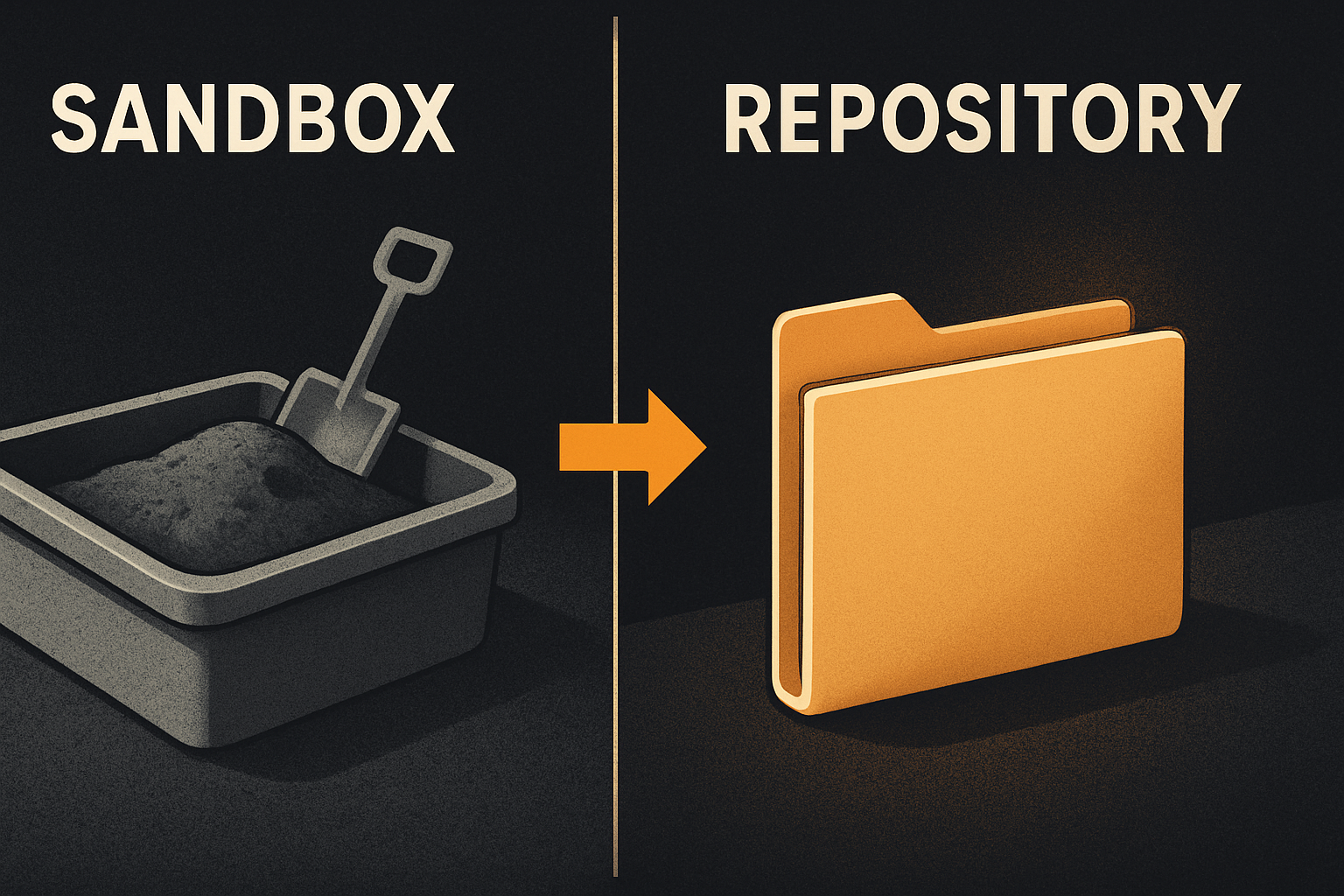
The sandbox tax is real, and it shows up at deploy time
Lovable, Bolt, v0, Rork — pick a sandboxed builder and run a small experiment. Build a working auth flow. Then try to ship it.
What you'll find:
- The "code" is a snapshot in their cloud. You can download it, but the conventions are whatever the model invented that afternoon.
- The DB schema lives on their Postgres. The auth lives on their identity provider. The components live in their component tree.
- The
.envkeys are scattered across three dashboards. The deploy button is theirs, not yours. - An hour of "shipping to production" becomes three days of disentangling from the sandbox.
This is not a Lovable problem or a Bolt problem. It is a sandbox problem. The moment a model owns the filesystem, you cannot own the deploy. Cursor and Claude Code flipped this. They live inside your filesystem. The code is yours from the first keystroke. The conventions are yours. The deploy is yours. There is no sandbox tax because there is no sandbox.
11 production screens. Login and database wired.
The SaaS Dashboard Kit includes login, a database, and a working dashboard. Live demo at saas.otf-kit.dev.
The README is dead. The convention file is the real product
The single biggest predictor of an AI agent producing useful code is whether your repo tells it the conventions. Not "use TypeScript" — everyone knows that. The actual, specific, drudgery-level conventions:
- Forms use
zodschemas colocated with the route handler. - Components go in
apps/web/components/. Thecn()helper lives inlib/cn.ts. - Auth is session-cookie based, server-validated on every API route. Don't write client-side auth checks.
- Every list view paginates with cursor-based pagination, not offset.
- Never name a component
index.tsx.
If those rules live in a comment thread in someone's head, the agent will guess. It will guess wrong. You will burn two hours debugging a <Button> it generated with the wrong variant prop.
The convention file — CLAUDE.md for Claude Code, .cursorrules for Cursor, AGENTS.md for everything else — is the new README. It is the contract between you and the agent.

A convention file that actually holds up
Here is what a real one looks like. Not a "be a good engineer" prompt — a repo-shaped document:
# Engineering conventions — read first

## Stack
- TypeScript strict, no `any` in new code, no `// @ts-ignore` without a comment.
- Server: Hono routes under `apps/server/src/routes/`. API returns
  `{ data, error: { code, message } | null }` — every route, no exceptions.
- Web: components in `apps/web/components/`. Tokens via `color.bg.canvas`,
  never raw hex.

## Auth
- Session-cookie, server-validated on every route via `requireSession()`.
- Never check auth in a client component.

## Pagination
- Cursor-based, response shape: `{ items, nextCursor }`. Never `offset`.
- Cursor is base64-encoded `{ createdAt, id }`.

## Naming
- No `index.tsx`. No `utils.ts` without a domain prefix. No new top-level
  folders without an entry in this file.
That file goes at the repo root. The agent reads it on every session. When the rule changes, the file changes, and every future session picks it up. Reviewed in PRs like any other code.
How to actually try this today
You do not need a kit. The pattern is portable.
# create the three files the major agents read
touch CLAUDE.md .cursorrules AGENTS.md
git add CLAUDE.md .cursorrules AGENTS.md
git commit -m "add convention files for coding agents"
Then run the agent against the repo. Ask it to add a Stripe webhook. Watch what comes back:
// app/api/webhooks/stripe/route.ts — written by the agent

import { stripe } from "@/lib/stripe";
import { db } from "@/lib/db";
import { verifySession } from "@/lib/auth/session";
import { errorEnvelope } from "@/lib/api/error";

export async function POST(req: Request) {
  const sig = req.headers.get("stripe-signature");
  if (!sig) return Response.json(errorEnvelope("MISSING_SIG"), { status: 400 });

  const event = stripe.webhooks.constructEvent(
    await req.text(),
    sig,
    process.env.STRIPE_WEBHOOK_SECRET!,
  );

  switch (event.type) {
    case "invoice.payment_failed":
      await db.subscription.update({
        where: { stripeCustomerId: event.data.object.customer as string },
        data: { status: "past_due" },
      });
      break;
  }

  return Response.json({ data: { received: true }, error: null });
}
That is convention-shaped code. It knew the error envelope, the Response.json shape, the db import path, the rule about session validation on every route. It did not invent a new pattern. It matched what was already there. That is the whole game.
What OTF ships on top of the pattern
If you do not want to write that convention file by hand, every kit we ship includes a tested one. Not generic — repo-shaped, covering the same six sections above, tuned for the kit you bought. The prompt library — twenty-plus files in ai/prompts/ — handles the common extension jobs: add a Stripe webhook, scaffold a new API route, generate a settings page, wire a new OAuth provider. Each one assumes the convention file is true.
// ai/prompts/stripe-webhook.md — first three lines, the rest is the prompt
// "Read app/api/webhooks/ for existing patterns. Use the error envelope
//  from lib/api/error.ts. Match the auth check from requireSession()."
// followed by the prompt body the agent consumes.
Run an agent against a kit and it reads the convention file first, then the relevant prompt, then edits. The output is consistent with what is already in the repo, not whatever the model invented at 3am. That ordering — convention file → task prompt → edit — is the difference between an agent that extends your codebase and one that rewrites it.
The deploy story: shipping without rewriting
Owning the repo is half the equation. The convention file gives your agent a codebase to extend. SaaS Dashboard and Fitness ship a Dockerfile, railway.json and deployment guide; neither includes a deploy script or automation for a custom domain, DNS or TLS. Fitness also includes eas.json for its EAS build profiles. Follow the documented hosting steps for the project you choose. The code stays in a repository you control.
What this gets us in practice
Three concrete scenarios where the loop closes:
- Solo dev shipping a SaaS this weekend. Convention file in the repo from day one. Agent writes features against your conventions. Deployment still requires your hosting setup and your provider's documented steps.
- Team handing a junior engineer a feature. The convention file is the onboarding doc. The agent is the pair. The junior ships a settings page that matches every other settings page on day one, because the file told the agent how to write it.
- Migrating from a sandbox builder. Download the code, drop it in a kit, write a convention file that captures the rules you wish it had followed, run the agent to bring the existing components up to the kit's contract. One PR at a time.
The pattern is not "AI replaces the engineer." The pattern is "the agent edits the same repo the engineer edits, against the same rules, shipped by the same script." Every layer — the filesystem, the convention file, the prompt library, the deploy — is something you own. Nothing lives in someone else's cloud waiting to be migrated away from.
The model will change again next quarter. The sandboxed builders will get better, or worse, or get acquired. Cursor will fork, Claude Code will fork, something new will appear. The parts that do not change are: the repo is yours, the conventions are tested, the deploy is one script, and the component is the same on web, iOS, and Android because you wrote it once. That is the durable layer. Build the rest on top of it.
Sources
- OTF templates catalog — current kit listings and product information.
For related context, see why owning your code matters and escaping sandbox lock-in.
Ship the product, not the setup.
- 11 production screens — auth, team, analytics, and settings
- Login and a real database are wired in
- AI configs pre-tuned so your agent extends instead of regenerates