
Stop Wasting Tokens: How a Stable Component Layer Ends UI Regen Waste

The token count understates it. The real waste is the re-decisions.
Lovable, Bolt, v0, Cursor — pick your favorite. They ship a working UI in under a minute from a one-line prompt, and that part is genuinely magic. The painful part is what happens on session two: the same agent regenerates the same Button, the same Card, the same spacing scale, the same focus-ring color — from scratch — and burns 800–1500 tokens doing work it already did last Tuesday.
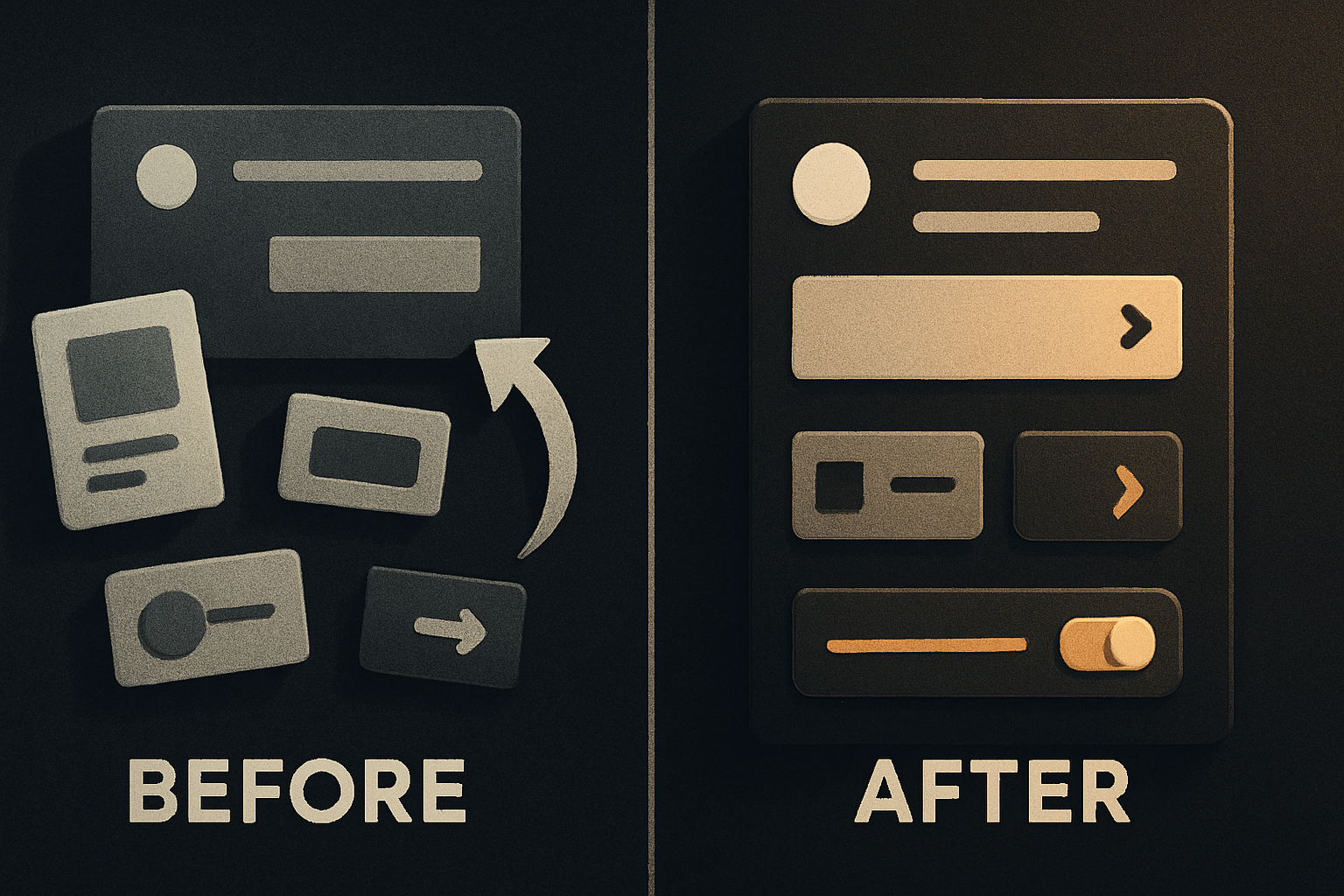
The token count understates it. The real waste is the re-decisions.
Every regenerate-from-scratch pass forces the agent to re-derive decisions that should have been decided once:
- What spacing scale —
4px,8px, or6px? - What radius family —
sm: 4, md: 8, lg: 12? - What focus-ring color —
indigo-500orblue-600? - What primary intent —
indigo-600orviolet-600? - What button height —
h-9,h-10, orpy-2? - What disabled state —
opacity-50oropacity-40?
Each one is a 30–60 token generation. Across a 20-component page, the agent makes ~140 of these micro-decisions before it writes a single prop. Total output: 4,000–8,000 tokens of UI surface code that is functionally identical to what it shipped last week.
That's not slow because of latency. It's slow because the agent is solving the same problem it already solved, with no memory of the answer.
Regenerate vs extend — the actual difference
Open any sandbox session transcript. The first 30% of tokens go to UI scaffolding — Button variants, Card structure, layout primitives. None of that is the user's task. It's the agent's tax for not knowing what you already have.
// Regenerate: the agent owns your design system for this session
<button className="bg-indigo-600 hover:bg-indigo-700 text-white
  font-medium px-4 py-2 rounded-md focus:outline-none
  focus:ring-2 focus:ring-indigo-500 focus:ring-offset-2
  disabled:opacity-50 disabled:cursor-not-allowed">
  Save changes
</button>

// Extend: the agent owns the task, not the design system
import { Button } from '@otfdashkit/ui'

<Button intent="primary" size="md" onClick={save}>Save changes</Button>
The first is ~50 tokens of className soup — and the agent is now the de facto owner of your primary intent color until context compresses and it forgets. The second is ~10 tokens. The Button is already decided: variants, accessibility, focus, disabled, motion. The agent doesn't re-litigate any of it.
Same component. Web and mobile. One codebase.
The free, open-source SDK gives you components that work the same on web and mobile — one codebase. github.com/otf-kit/sdk
What a stable layer actually buys you
Two practical wins, both measurable:
1. Token spend per UI feature drops by an order of magnitude. In our sessions, scaffolding tokens collapse from ~1,500 to ~120 for a typical page surface:
| Component | Regenerate (tokens) | Extend (tokens) |
|---|---|---|
| Button + 3 variants | ~180 | 12 |
| Card with header | ~250 | 20 |
| Form field | ~320 | 25 |
| Modal / Dialog | ~600 | 40 |
| Empty state | ~220 | 30 |
| Page total | ~1,570 | ~127 |
That's a ~12× reduction in tokens spent on UI surface code. The task tokens — the actual feature work — stay identical. You didn't get a faster agent. You got an agent that stopped doing a job it shouldn't have been doing.
2. Output is byte-identical across sessions. The Button rendered on Monday is the Button rendered on Friday. Spacing doesn't drift. Focus rings don't quietly shift from indigo to blue. The disabled state doesn't randomly become opacity-30 one session and opacity-50 the next. Consistency is the thing the agent cannot give you when it has no canonical Button to reach for — it can only give you the Button it invents today.
Conventions an agent actually respects
A stable layer is half the answer. The other half is telling the agent it exists. Drop a CLAUDE.md (or .cursorrules, or AGENTS.md) into the repo with three lines:
# UI components
Always import from @otfdashkit/ui. Do not author new buttons, inputs,
cards, or layout primitives — they already exist. Extend, don't regenerate.
That's the rule that flips the loop. The agent reads it before it touches code, and instead of writing <button className="…"> from instinct, it writes import { Button } from '@otfdashkit/ui'. The decision is already in the kit. The agent gets to ship the feature.
If you want to be explicit about which component maps to which intent:
# Mapping
- Primary action:    <Button intent="primary">
- Secondary action:  <Button intent="secondary">
- Destructive:       <Button intent="danger">
- Form layout:       <Stack gap="md"> + <Field> + <Button>
- Empty states:      <EmptyState action={<Button>}>
The agent picks these up as defaults. It only deviates when you genuinely ask for something new — and when it does deviate, you see the deviation in the diff, because the rest of the page is on-pattern. The off-pattern code is reviewable. The all-on-pattern code doesn't need review at all.
The same problem on mobile, with worse defaults
The same re-deciding happens on iOS and Android, with the extra cost that native agents (or any agent writing Swift / Kotlin) have even fewer conventions to lean on. A button on iOS is either a UIKit UIControl or a SwiftUI Button with a label and a style. The agent will write a fresh one every session because it has no library to reach for, and the SwiftUI styling DSL is bad enough that the agent's first attempt will usually be three lines of padding(.horizontal, 16) and a custom RoundedRectangle background that fights the system look.
The shape of the fix is the same: a component layer where <Button intent="primary" label="Save" /> resolves to a SwiftUI Button on iOS, a Compose Button on Android, and a <button> on web. One API. Three renderings. Zero re-decisions about corner radius or pressed-state opacity.
A page that took 4,000 scaffolding tokens on the web takes ~120 with the layer. The same page in SwiftUI takes the same ~120 — the agent writes Button(intent: .primary, label: "Save") and stops touching styling.
Where OTF fits — as the durable layer, not the replacement
The churn in sandbox agents is real and accelerating — new models, new editors, new prompt formats every quarter. That part is genuinely exciting and you should be using the current best version of all of them. Bolt's iteration loop is excellent. v0's preview surface is excellent. Cursor's codebase awareness is excellent. None of that is the argument here.
The argument is for the part that doesn't change when the tool does.
The component layer — the contract that says "this is what a Button is in your codebase" — is durable across model swaps, editor swaps, team swaps, and quarterly rewrites of your prompt conventions. It's the one piece of your UI that doesn't get regenerated from scratch, because it lives in code, not in the model's context window.
OTF ships that layer for free under MIT: ~200 components covering the web and native surfaces from one codebase, design tokens that flip one theme across platforms, and the CLAUDE.md + .cursorrules + 20+ tested prompts that wire your coding agent to extend rather than regenerate. When the agent hits your repo, it reads the rule, imports from the kit, and gets back to the actual task.
The Button has been decided. The agent gets to ship the feature.
Buy once, own the code. Ship with the agent you already use.
- Free, open-source SDK — same component, web and mobile
- Paid kits include AI configs + 40+ tested prompts — your agent reads the whole project
- $99/kit or $149 for everything. No subscription, no sandbox limit.