GitHub Copilot App Usage Metrics Now Available in API

How to track GitHub Copilot app adoption with the new usage metrics API
The GitHub Copilot usage metrics API just gained something admins have been missing: visibility into the Copilot app itself. Until this update, the API tracked the IDE, chat, code review, and coding-agent surfaces — but the Copilot app was a black box. Now the enterprise and organization reports include two new fields that surface distinct active users and a dedicated section breaking down sessions, requests, and token consumption for the app. This is exactly the kind of plumbing that turns "we bought Copilot" into "we know which teams are actually using it."
For admins trying to answer "are we getting ROI on our Copilot seats?" the old answer was hand-wave territory. The new fields let you answer it with data — and they slot into the same 1-day and 28-day reports you already pull from the API, so there's no new pipeline to build. That last point matters more than it sounds: an additive change to an existing endpoint ships in a week; a parallel "Copilot app metrics" surface would have sat unimplemented for a quarter.
What the API now reports
The update adds two fields to both the enterprise and organization 1-day and 28-day reports:
- A distinct-active-users count for the Copilot app, scoped per day. This is the "how many people actually opened the Copilot app on Tuesday" number, not a cumulative seat count.
- A dedicated Copilot app section reporting session volume, request volume, total token consumption, and a breakdown of token consumption — kept in its own section, separate from the generic feature, model, and language totals, and separate from lines-of-code metrics.
That separation matters. If you've already built dashboards off the existing API, the new fields don't pollute the feature/model totals you've been tracking. The Copilot app gets its own panel — you read it next to your other Copilot numbers rather than inside them.
One detail worth flagging: enterprises or organizations with zero Copilot app activity will report empty values for these new fields, and existing integrations are unaffected. If your pipeline is strict and chokes on missing keys, you'll want to handle the absence gracefully — but that's a five-line guard, not a refactor.

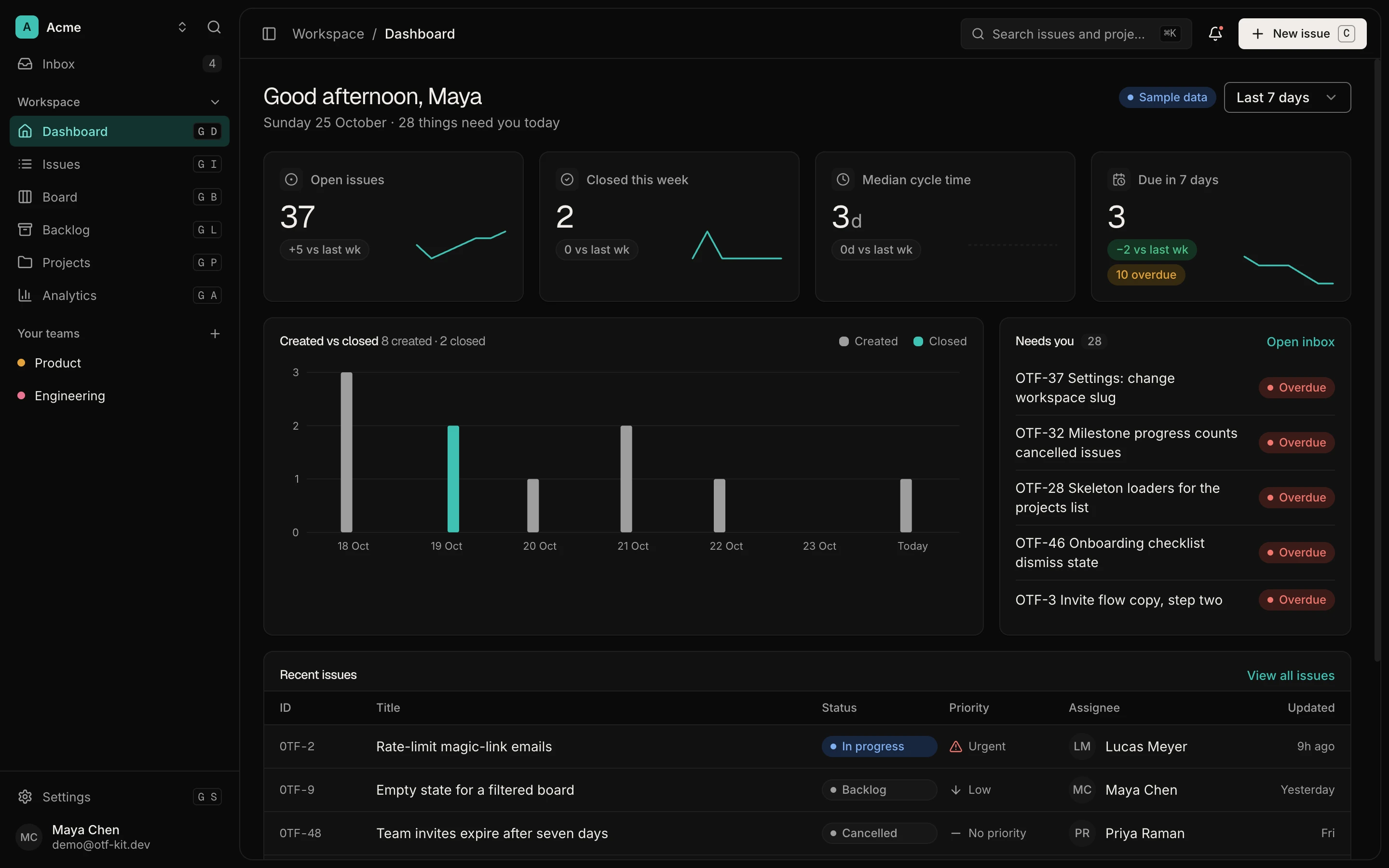
12 production screens. Login and database wired.
The SaaS Dashboard Kit includes login, a database, and a working dashboard. Live demo at saas.otf-kit.dev.
How to query the new fields
The fields land in the same endpoints you already hit. A minimal pull looks like this:
curl -H "Authorization: Bearer $GH_TOKEN" \
     -H "Accept: application/vnd.github+json" \
     -H "X-GitHub-Api-Version: 2022-11-28" \
     "https://api.github.com/enterprises/$ENTERPRISE/copilot/usage/metrics?day=2026-07-17"
The response now carries the Copilot app section alongside the existing IDE / chat / code-review / coding-agent blocks. The semantic shape:
{
  "date": "2026-07-17",
  "total_active_users": 1240,
  "copilot_app": {
    "distinct_active_users": 318,
    "total_sessions": 1742,
    "total_requests": 9611,
    "total_tokens": 184220193,
    "tokens_breakdown": {
      "input": 142880500,
      "output": 41339693
    }
  }
}
Confirm the exact JSON keys against the official usage metrics API docs before wiring this into a production pipeline — the field names above describe the shape of what the API now exposes, not verbatim contracts.
Two things to watch when you read the numbers:
distinct_active_usersis daily, not cumulative. If you want weekly reach, sum it across seven daily rows — don't multiply by seven and call it reach.- Token consumption for the Copilot app is reported separately from IDE/chat token consumption. If you're budgeting on total tokens, you need to add the app totals to the existing totals — they don't roll up automatically.

What good adoption looks like, and how to act on it
Once you have a week or two of data, three patterns are worth plotting:
- Distinct active users vs. seats purchased. The gap is your adoption gap. A 60% gap is normal in month one. A 60% gap in month six means training, not licensing, is your problem.
- Sessions per active user. Below two sessions per week per active user means people opened the app once and forgot about it. Above ten means it's embedded in the daily workflow.
- Tokens per session. Spikes here often signal runaway agent loops or copy-pasted mega-prompts — both fixable with an internal usage guide, not a platform change.
The new fields make all three measurable. The first metric, in particular, was previously impossible to extract cleanly because the Copilot app simply didn't appear in the report.
A practical loop: pull the 28-day report weekly, diff it against seat count, and route the gap to whichever team shows the lowest adoption. That same loop — measure, diff, route — is the one that turns "we have Copilot" into "our engineering org uses Copilot, and our design org is at 22% adoption and needs a workshop."
The layer that doesn't change when the surface does
Here's the thing about platform surfaces: they multiply. The Copilot app is one. Tomorrow it's an IDE plugin, a chat client, a mobile assistant, an internal portal. Every time a new surface lands, you get two problems — visibility, which the API now helps with, and consistency: does the same UI render correctly across all of them?
The metrics API solves the first problem cleanly. The second problem is the one that quietly eats sprints. When the Copilot app moved from web-only to also running on mobile, every team building internal tools that surface Copilot data had to decide: do we ship a separate mobile UI, or do we have one component that renders correctly on both?
If you're in the second camp — and most teams that have tried the first camp are — the durable layer isn't the API or the model. It's the component. The same Card, Button, or Sheet rendering identically on web, iOS, and Android means your Copilot-facing features stay consistent whether they live in the Copilot app, your internal dashboard, or a mobile client. The model changes; the API gets new fields; the surface shifts again. The component is the part that survives.
That's the boring, unglamorous part of shipping software across surfaces. It's also the only part that doesn't have to be rewritten every time GitHub ships a new metric, a new app, or a new model release.
What to watch next
Two things will be worth a follow-up in the next quarter. First, whether GitHub ships the same fields at team granularity — right now it's enterprise and organization level only, which is fine for budgeting but coarse for finding the one team that's not adopting. Second, whether language-level token breakdowns get extended to the Copilot app the way they exist for the IDE — that would let you answer "is the app being used for Python work, or for writing release notes?", which is a question every platform team has been asked at least once.
Until then, the new fields are a solid starting gun. Pull them, plot the three numbers above, and start the conversation about adoption with actual data instead of vibes.

Ship the product, not the setup.
- 12 production screens — auth, team, analytics, and settings
- Login and a real database are wired in
- AI configs pre-tuned so your agent extends instead of regenerates
Ship your first screen tonight — free starter in your inbox
The quickstart, the SDK repo and the live kit demos, on this screen and in your inbox.
No spam. Unsubscribe any time.