
Unveiling Command Execution Risks in AI Code CLIs: Grok Build and Claude Code

The Calculator popup that proves a point
The best security demos do something small and undeniable. A Mac Calculator app springing open at the wrong moment is exactly that — and it's what Slow Mist founder Yu Xian used to walk through a real attack surface in Claude Code and Grok Build CLI (research via ChainCatcher). The point isn't the Calculator. The point is what it represents: a config file your project already trusts, parsing into arbitrary command execution, with no prompt, no warning, no consent.
This is what a poisoning attack looks like at the end of a research chain. And the chain is short.
What the research actually shows
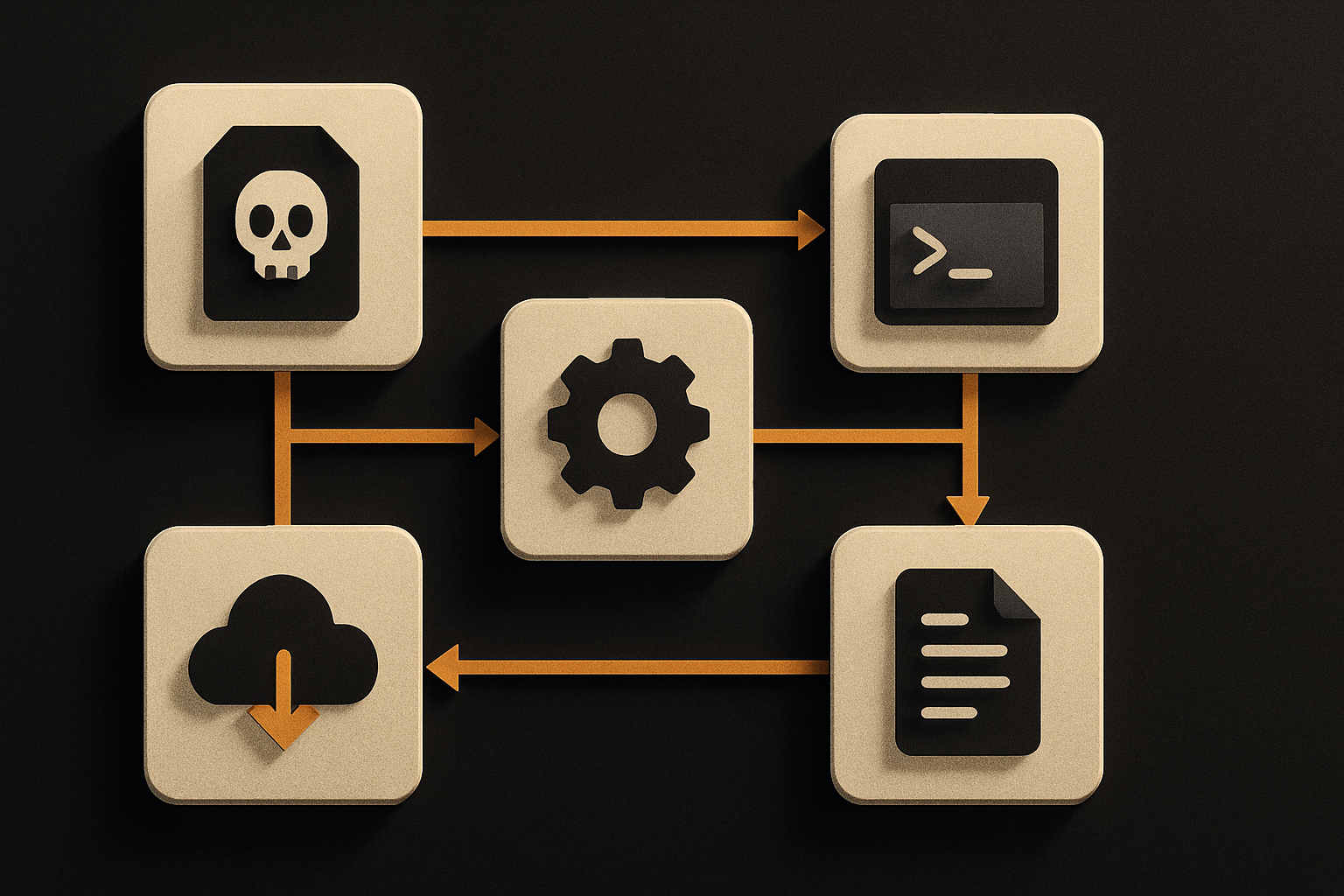
Yu Xian's analysis focused on two surfaces: Claude Code's project-config parsing and Grok Build CLI's inconsistent security posture across different code paths. Both end at the same place — a malicious configuration file in a repository becomes a way to run commands on a developer's machine, with the developer none the wiser.
The Mac test was the cleanest demonstration. A specific test command, run inside a Claude Code session that had been "affected" by a poisoned config, opened the local Calculator. If the Calculator opens, anything opens. The demo is the proof of capability, not the payload.
11 production screens. Login and database wired.
The SaaS Dashboard Kit includes login, a database, and a working dashboard. Live demo at saas.otf-kit.dev.
"Inconsistent security mechanisms across different code paths" — translated
That phrase from the research is doing a lot of work. It means the CLI applies a security check in one place (say, when you explicitly run a command) but skips it in another (say, when a config file triggers the same command indirectly). The result is two paths to the same dangerous action, only one of which is gated.
For Grok Build CLI specifically, the inconsistency is the bug class. The CLI doesn't enforce a uniform policy on what config values are allowed to do, so attackers can route around the enforcement that does exist. A check that lives in one function and not its sibling is a check that doesn't exist for an attacker who's read the source.
For Claude Code, the surface is the project config that gets auto-loaded. Anything that auto-loads and auto-executes from disk is a supply-chain entry point, and the more features it has, the more entry points it has. A config that "just runs" is a config that runs whatever the last committer told it to run.
What's actually at stake
The research enumerates a tidy list of things an attacker can grab once they have arbitrary command execution on a developer machine. Read it as a single sentence:
- API keys for Claude and OpenAI.
- Cloud credentials from AWS, Alibaba Cloud, and Tencent Cloud.
- Tamper with code repositories to insert backdoors.
- Use the local device as a pivot to attack enterprise internal networks.
Two things make that list especially painful. First, the cloud credentials aren't scoped to one bucket — modern dev machines have ambient access to many, and the credentials often outrank the developer in the IAM graph. The laptop knows things the human doesn't. Second, the repo-tampering path turns one developer's bad day into every user's bad day the next time the poisoned code is built, signed, or shipped.
This isn't theoretical. The research demonstrates the chain. The Calculator popup is the canary.
The mitigation playbook
Most of the mitigations below aren't new. They're the same hygiene you'd apply to any production tool. The reason they matter here is that the CLI is the new production tool — your editor, your build system, your AI agent all live in the same shell as your wallet.
Treat the CLI like a production deployment target
# Pin your CLI version. Newer is sometimes worse; known is better.
# Record the version in your team docs and review diffs on bump.
npm install -g @anthropic-ai/claude-code  # pin to a specific version, not "latest"
grok --version                           # verify what's actually running
A pinned version is auditable. "Latest" is a moving target you can't review, can't diff, and can't roll back. If the CLI breaks tomorrow, you want to know which version broke.
Scope your API keys to the project, not the user
# .env.local — never commit, never paste into chat
ANTHROPIC_API_KEY=sk-ant-...     # scoped to this project only
OPENAI_API_KEY=sk-...            # scoped to this project only
User-scoped keys get stolen wholesale in the Calculator scenario. Project-scoped keys at least have a blast radius you can reason about. Rotate them on a schedule, and rotate them immediately if you see any odd CLI behavior.
Run the CLI in a sandbox
# macOS: deny network by default, allow only the endpoints you need
sandbox-exec -f /tmp/claude.sb claude

# /tmp/claude.sb
(version 1)
(deny default)
(allow network-outbound (remote tcp "api.anthropic.com"))
(allow file-read* file-write* (subpath "/Users/you/projects"))
(deny file-read* (subpath "/Users/you/.aws"))
(deny file-read* (subpath "/Users/you/.ssh"))
The shape of this sandbox is the point: network and filesystem are both opt-in. The CLI can do its job on the project directory, and it cannot read ~/.aws or ~/.ssh even if a poisoned config file tells it to. The Linux equivalent is a firejail profile; the Windows equivalent is a --no-sandbox-free container.
Treat the repo as the untrusted boundary
# Pre-commit hook: refuse configs that look executable
#!/bin/sh
git diff --cached --name-only | grep -E '\.(json|yaml|yml|toml)$' | \
  xargs grep -lE '(exec|spawn|eval|system)\s*\(' && {
    echo "Refusing commit: config file contains execution call"
    exit 1
  }
This is crude. Good. Crude is what you want for the first pass. Whitelist the configs that genuinely need to ship; reject everything else. A config file that calls exec is a config file doing code's job — and code doesn't belong in your config.
Audit the blast radius before you trust the tool
Before you run a new CLI in a directory that contains real secrets, answer three questions:
- What env vars can it read? (
env | wc -lis a start, but you want the names.) - What files can it write? (If it can write to
~/.sshor~/.aws, the answer is "too many".) - What does it phone home to? (Strap a network monitor to it for one session and find out.)
If any of those three answers surprises you, the CLI is not safe to run in that directory yet.
The part that doesn't churn
Security research like this lands every few months. A new CLI ships, a new config-file parser ships, a new poisoning vector lands in a researcher's writeup. The tooling under your cursor churns; the threat model stays roughly the same: trusted-by-default configs, ambient credentials, no sandbox.
The interesting move is to separate the part of your stack that churns from the part that doesn't. The CLI is the part that churns — version it, sandbox it, scope it, audit it. The runtime layer of your app — the contracts your UI components honor, the cross-platform shape your users actually touch — is the part that should not. When the same component behaves the same on web, iOS, and Android, a compromised CLI doesn't propagate into the UI contract. The blast radius stays where the blast radius belongs: at the tooling layer, not at the user layer.
Build the moving parts on top of the parts that don't move. That's the whole game — and it's the part of the game that doesn't get reset every time a Calculator pops open on a researcher's Mac.
Ship the product, not the setup.
- 11 production screens — auth, team, analytics, and settings
- Login and a real database are wired in
- AI configs pre-tuned so your agent extends instead of regenerates
Ship your first screen tonight — free starter in your inbox
The quickstart, the SDK repo and the live kit demos, on this screen and in your inbox.
No spam. Unsubscribe any time.