
Why Sticking with Your Trusted Coding Agent Beats Switching to a New Sandbox

Lovable, Bolt, and v0 ship an MVP in an afternoon. That part is real — type a sentence, get a working preview, deploy to a public URL, send it to a friend. For the first hour of a new product, nothing else is faster. The browser-based preview, the one-click deploy, the undo button that actually works — these are genuine wins, not hype.
The trouble starts at hour four.
That's usually when someone on the team says "okay, now wire up auth," or "we need this to actually use our Postgres schema," or "can we ship this to the App Store?" That's the moment the preview window stops being enough. You click "Export to GitHub," and what lands in the repo is a flat tree of generated files — no convention, no tests, no hook into the agent you already use. Now you have a codebase nobody on the team can navigate, and a blank Cursor window.
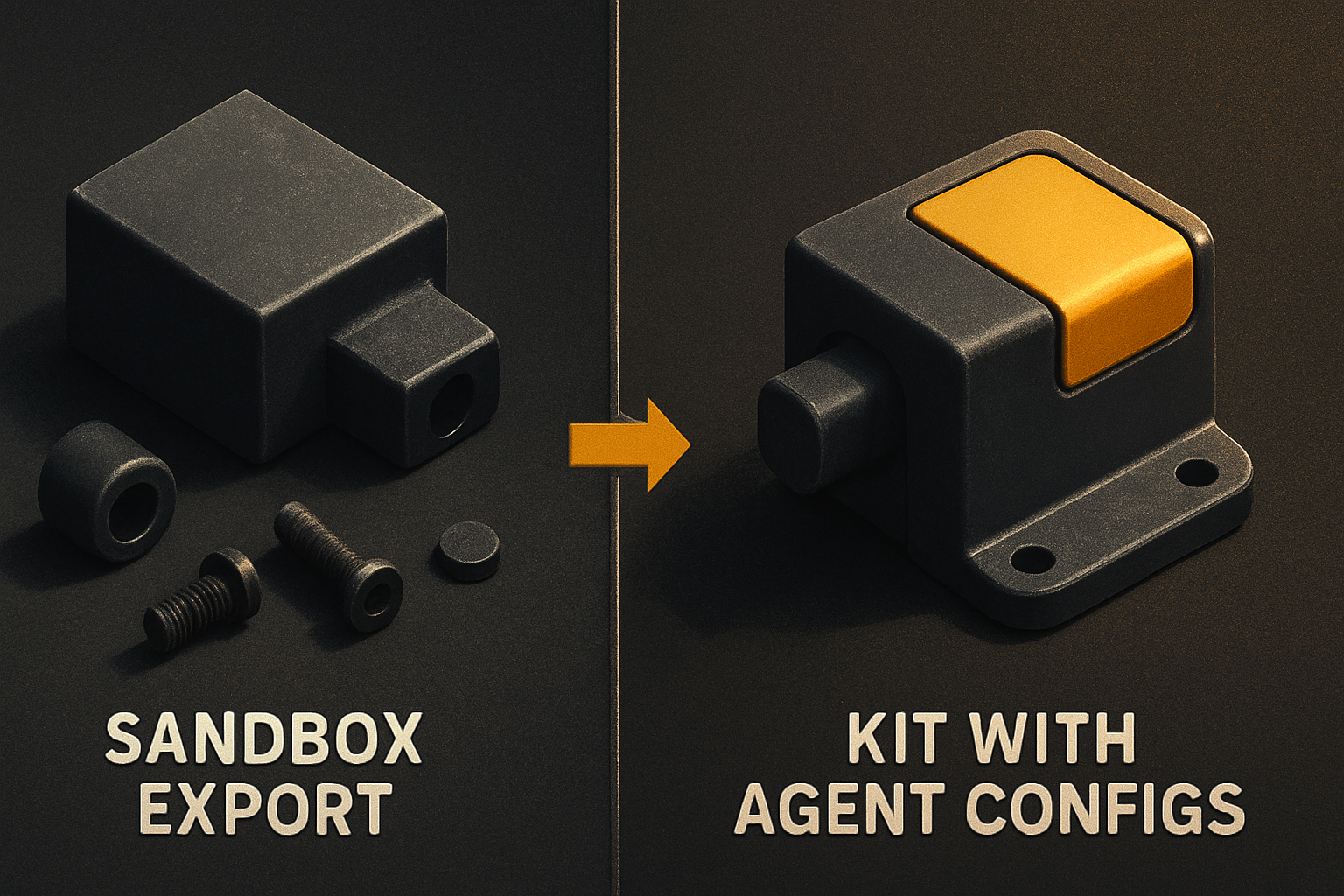
The export isn't a handoff, it's a hand-off-the-problem
A sandboxed builder optimizes for the loop you do inside the sandbox: prompt, preview, accept, prompt, preview, accept. The export is an afterthought. The repo you get back is whatever the renderer decided to emit at that moment — flat folders, mismatched styles, an App.tsx that's 1,400 lines because it never had to be split.
Once that repo lands in Cursor, your agent has to re-learn the project from scratch. No CLAUDE.md. No .cursorrules. No conventions file telling it "this codebase uses X pattern, Y naming, Z folder structure." The agent does what any new hire would do — make guesses, invent a convention that doesn't exist, write a component that doesn't match the other fifteen. You spend the next two days cleaning up.
The cost isn't the export itself. The cost is the context tax every subsequent prompt pays. And you pay it forever, because the agent never gets a real orientation file. It just keeps guessing.
You already trained an agent — don't throw that away
Here's a thing the MVP-speed marketing skips: most teams already have a coding agent they trust. Cursor with Cmd-K. Claude Code in the terminal. Windsurf's tab-complete that knows your codebase. Whoever's on the team has spent weeks — sometimes months — teaching that agent how they work. The prompt patterns, the file shapes, the review rhythm. That muscle memory is real engineering capital.
Switching to a sandboxed tool means starting that muscle memory over. The sandbox has its own prompt shape ("build me a settings page"), its own file tree (whatever it decides), its own deploy story (its own hosting, its own auth, its own billing). When you hit the wall — and you will, because the wall is the same wall every product hits — you're back in the same place: a real codebase, a real agent, and the same problem you had at hour four.
The sandbox didn't teach your agent anything you can carry forward. It taught itself about your project, in a loop you can't inspect.
11 production screens. Login, database, payments — all wired.
The SaaS Dashboard Kit ships everything already connected. Nothing to set up. Live demo at saas.otf-kit.dev.
A kit built for your agent ships zero ramp-up
The alternative isn't "don't use AI." It's "use the AI you already have, on a codebase that's already shaped for it." A kit that ships with its own CLAUDE.md, its own .cursorrules, and a prompts/ directory of twenty-plus tested instructions means the agent opens the project and already knows the conventions. It doesn't guess. It extends.
Here's what that looks like when you actually open one:
# pull a kit
npx otf-cli init saas-dashboard
cd saas-dashboard

# open in your editor — agent is already oriented
cursor .
The CLAUDE.md in the repo root tells the agent:
# Project: SaaS Dashboard

## Conventions
- Components live in `src/components/`, named PascalCase.
- Every component is exported from `src/components/index.ts`.
- Server actions live in `src/actions/`, return typed `Result<T, E>`.
- Use the design tokens in `src/tokens/` — never hardcode colors.
- Run `pnpm check` before declaring a task done.

## Off-limits
- Don't regenerate components that already exist in `src/components/`.
- Don't add new dependencies without asking.
- Don't touch the auth flow in `src/auth/`.
That's not a suggestion to the agent — it's the spec. The agent reads it on the first prompt and behaves accordingly. No exploration phase. No "what does this codebase do?" preamble. Same for .cursorrules if you're in Cursor, same for Windsurf's rule format. The convention beats the configuration every time.
How to actually use this today
Three concrete paths. Pick whichever you already use.
Cursor. Open the kit folder. The .cursorrules file is read automatically — no setup. Press Cmd-I on any component to refactor it. Press Cmd-K to ask the agent to add a feature; it already knows the conventions from the rules file. Composer (Cmd-I) inherits the same rules across multi-file edits.
Claude Code. From the kit root, run claude. The CLAUDE.md loads on session start. Try:
claude "add a /settings/billing page that uses the existing Card and Button"The agent reads the conventions, finds Card and Button in the component index, extends rather than regenerates. No "let me look at the codebase first" preamble.
Windsurf. Open the folder. The rule file is picked up automatically. Cascade's write mode respects it; tab-complete suggestions respect the design tokens. No new prompt language to learn.
All three paths: zero new tool to learn, zero prompt language to relearn, zero file-tree to internalize. The kit was built for this loop — the same loop you're already running.
When the sandbox is still the right call
If you're validating a pitch tomorrow morning and you need something on a screen tonight, use Lovable or Bolt. That's their job. They are genuinely faster than any other path for the 0→1 of a new product where the design is unknown and the requirements are fuzzy. Pretending otherwise is dishonest.
The frame to push back on is "sandbox for everything." The sandbox is a sketch tool, not a production tool. The moment the sketch has to become a product — auth, billing, mobile, real data, real users enter the picture — the sketch tool stops being the shortest path. The shortest path at that point is the agent you already have, on a codebase that's already shaped for it. The ramp-up cost of moving into the sandbox was zero; the ramp-up cost of moving out of it is the entire production phase.
What this gets you
A kit shipped with its own agent configs means:
- Day one, the agent knows your codebase. No exploration phase. No "let me read the README." The rules file is the README.
- Prompts are tested, not improvised. Twenty-plus instructions in
prompts/that have already worked — "add a page," "wire a new table to the DB," "ship to staging," "fix this test failure." The pattern is committed, not invented. - The same component renders on web, iOS, and Android from one API. Write
<Card>once, ship everywhere. (Built on best-in-class primitives per platform — that's the fine-print aside; the point is the outcome.) - One script deploys web + mobile + custom domain + DNS + TLS. When you're ready to ship, the same kit handles the rest — no separate hosting dance.
You stop paying the context-switch tax. You stop exporting-and-cleaning. You ship with the agent that already knows how you work, on a codebase that was built to be extended by it.
The sandbox is a great first hour. The kit is the next hundred hours. Use both, in the right order — and let your existing agent carry the weight it was already trained for.
Ship the product, not the setup.
- 11 production screens — auth, billing, team, analytics, settings
- Real database, payments, and login — all wired on day 1
- AI configs pre-tuned so your agent extends instead of regenerates