
Automate the Last Mile: One Script for DNS, TLS, and Mobile Builds

Three dashboards. That's what shipping a template to a real domain and a real device actually takes when you do it by hand.
You've got the code. It runs locally. Tests pass. Now you need to put it where people can use it — a real domain, a real cert, a real installable build. None of that is coding. All of it is the bottleneck.
The pitch for any new template is features: another component, another screen, another API wrapper. The thing a solo builder actually runs out of time on is the last mile: the unglamorous wiring between the repo and a real, signed, resolving, installable product. A single script that owns DNS, TLS, and mobile build config in one pass is worth more than any feature you could ship this quarter. Here's what that script actually automates, file by file, and why the last mile is the whole game.
The three dashboards of pain
When you ship from a fresh repo, "go live" fans out across three completely separate surfaces:
- DNS — your registrar (Namecheap, Cloudflare, Route53, Porkbun) holds the zone file. Wrong record type and nothing resolves. CNAME vs A vs ALIAS, www vs apex, TTLs you forgot to lower before cutover.
- TLS — the cert. ACME flow, DNS-01 vs HTTP-01 challenge, renewal hook, the wildcard you forgot you needed.
- Mobile build — the bundle identifier, the signing certificate, the provisioning profile, the push notification entitlement, the build profile that points at the right server, the version number that App Store Connect won't reject.
Each surface has its own login, its own docs, its own vocabulary. CNAME means one thing at your registrar, another thing at your CDN. "Bundle ID" is meaningless until you've bounced off App Store Connect's review of a mismatched Info.plist for the third time.
Three logins. Three sets of docs in tabs. Three chances for a typo at 11pm that costs you a Saturday.
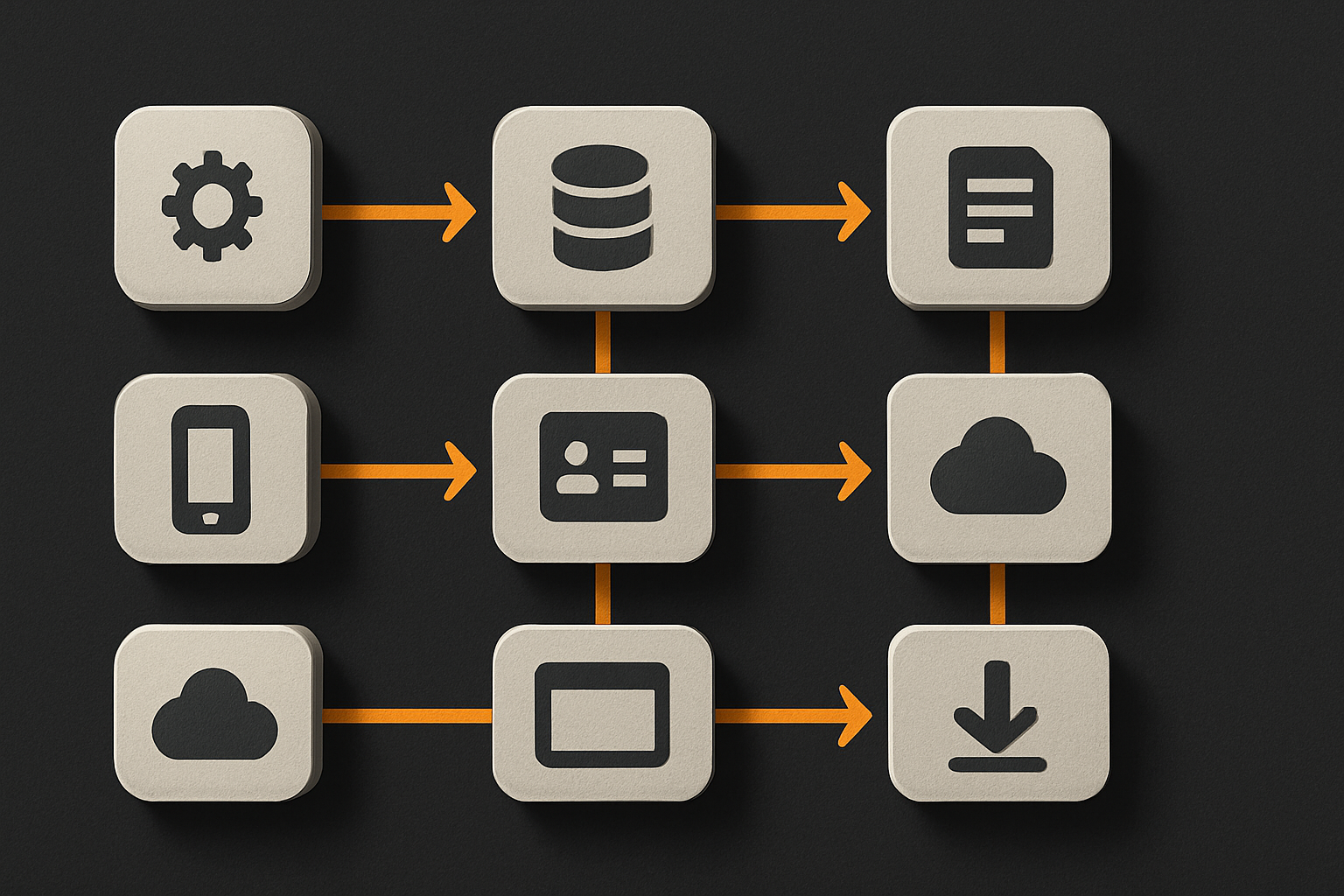
What one script actually touches
The script isn't magic. It's a deterministic, idempotent sequence that owns three end-to-end pipelines. Here's the surface area, concretely:
DNS layer
- Verifies the apex and
wwwrecords exist and point at the right target. - Writes the validation record for the cert challenge (
_acme-challenge) if it's doing DNS-01. - Lowers TTL on the apex A record before the cutover so a misroute resolves in 60 seconds, not 24 hours.
TLS layer
- Requests the cert via ACME.
- Stores the issued cert, chain, and key in one canonical location.
- Installs or symlinks it into whatever the web host serves from.
- Schedules the renewal check. Certs expire at 90 days. Forgetting renewal is not a feature.
Mobile build layer
- Writes the bundle identifier into the build profile.
- Writes the server URL into the build profile (the one that points at the real domain, not
localhost). - Bumps the build number.
- Triggers the signed build through the build service and uploads the artifact.
Env wiring
- Writes the production env file so the runtime knows the real domain, the real API base, the real analytics key. No more
localhost:3000leaking into a production error report.
That's it. No clever AI, no agent loop, no frontier model. A 400-line bash or TypeScript file that walks this list, in order, and bails on the first error with a message that tells you which dashboard to open.
11 production screens. Login, database, payments — all wired.
The SaaS Dashboard Kit ships everything already connected. Nothing to set up. Live demo at saas.otf-kit.dev.
The receipt
Here's what the invocation looks like from the kit root:
otf deploy \
  --domain app.example.com \
  --bundle-id com.example.app \
  --team-id ABCDE12345 \
  --env production
What happens, in order:
- Validates
app.example.comresolves to a placeholder you control. - Lowers TTL on the apex A record to 60s.
- Writes
_acme-challenge.app.example.comwith the ACME token. - Runs the ACME client, fetches the cert + chain.
- Symlinks the cert into the web host's TLS path.
- Writes
mobile/build.profile.jsonwith the bundle ID, the team ID, and the server URL ` - Bumps the build number in
mobile/build.profile.json. - Triggers the signed mobile build.
- Writes
apps/web/.env.productionwith `PUBLIC_API_BASE= - Restores the original TTL once the cert is live.
Every step is logged. Every step is idempotent — running the script twice doesn't break anything, it just no-ops on already-correct state.
Idempotency is the actual feature
Speed isn't why this script matters. A solo builder doesn't care if the deploy takes 90 seconds or 9 minutes. They care that they can run it again at 2am without re-reading the docs.
That's what idempotency buys you. The script reads the current state before it writes:
async function ensureCert(domain: string, daysValid = 60): Promise<void> {
  const existing = await readCert(domain)
  if (existing && daysUntil(existing.notAfter) >= daysValid) {
    log(`cert valid for ${daysUntil(existing.notAfter)}d — skipping ACME`)
    return
  }
  await runAcmeFlow(domain)            // else, request + install
}
This is the property that turns a deploy script from "demo I ran once" into "tool I trust." It's the same property that makes a database migration system usable. The difference between a script and a tool is whether re-running it is safe. The same check applies to the DNS records (already point at the right target? skip the write), the bundle ID (already matches? don't bump the build number, because App Store Connect rejects duplicate builds), and the env file (already has the production URL? don't overwrite a manual override).
What this looks like for a solo builder
A solo builder who buys a full-stack kit — say the SaaS Dashboard template, with auth, billing, and a DB wired in — gets two things at once:
- The codebase, which is the same thing any template gives them.
- The last-mile script, which is the thing no template usually gives them.
Without the script, the kit ships, and then the builder burns a weekend learning the web host's domain UI, the registrar's DNS record format, and the mobile signing flow from scratch. The weekend is the bottleneck. The code was done.
With the script, the builder runs one command, answers four prompts (domain, bundle ID, team ID, env name), and walks away. Twenty minutes later the app is on app.example.com with a valid cert, and the iOS build is uploading to TestFlight.
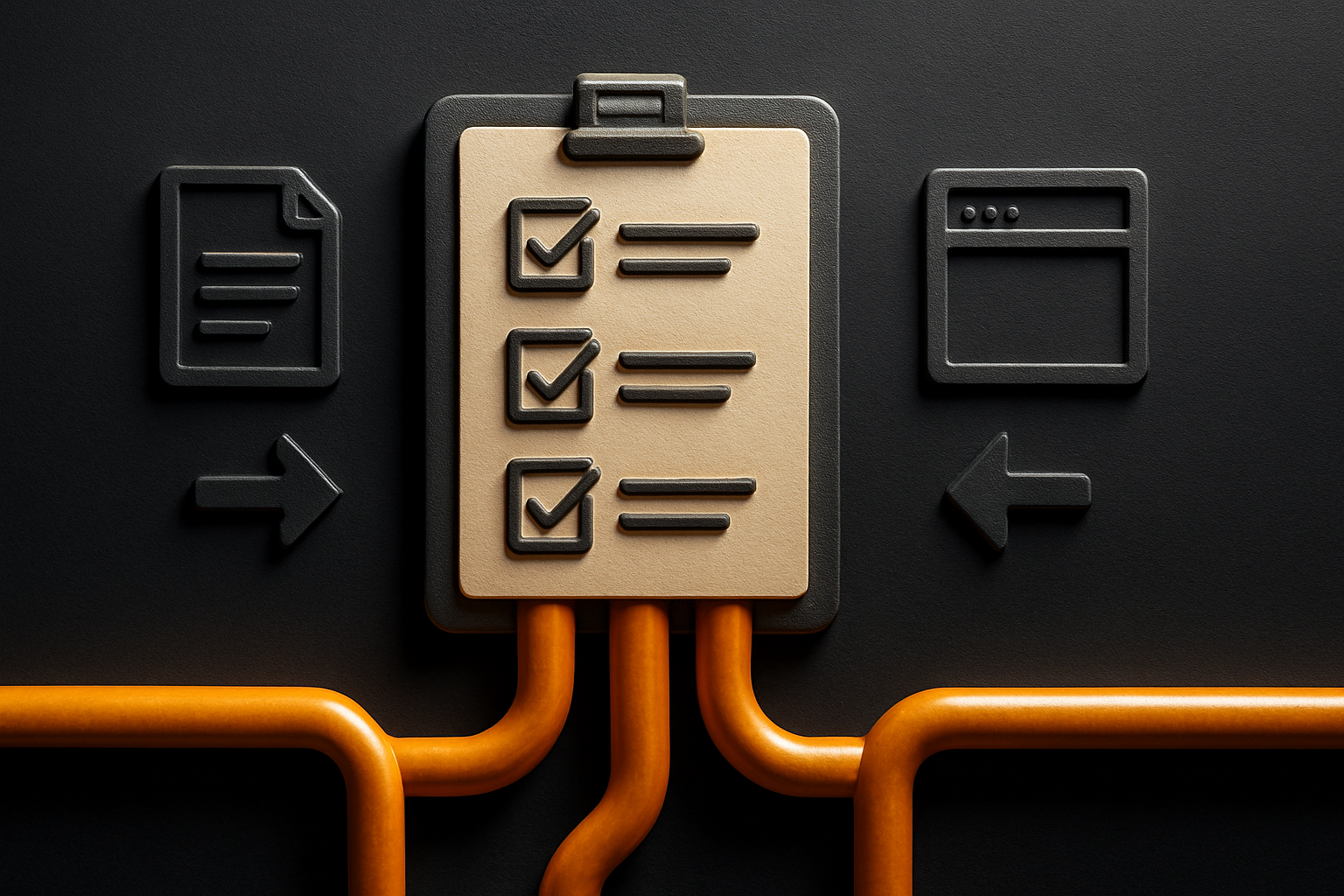
The 24-item checklist the script enforces before it runs is the same kind of guard. Cert expiry window above 30 days? Bump the build number? TTL on the apex record? Bundle ID format? Apex vs www? Wildcard needed? Each one is a footnote in a blog post somewhere; together they're a wall of trivia that a solo builder shouldn't have to memorize.
The durable layer under the feature churn
Models change. Frameworks churn. AI coding tools get replaced every six months. The DNS record for your apex domain, the bundle ID registered with Apple, the cert renewal hook — those are sticky for years. They don't care which web framework you picked. They don't get cheaper because a new model dropped. They don't disappear when the AI editor of the month loses a benchmark.
That's why last-mile automation is worth more than another feature. The features you ship this quarter will be rewritten next quarter. The deploy script that owns the registry, the cert authority, and the mobile signing pipeline will still be running in two years, through every framework migration, every model swap, every "let's rewrite this in something else" phase.
This is the part that doesn't change when the model does.
What this enables
Three concrete wins for a solo builder:
- Ship a full-stack SaaS in a weekend. Pick the SaaS Dashboard kit, fill in the env file, run the deploy script. Monday morning you have a live app with a real domain, a real cert, and a real mobile build — not a localhost demo you're afraid to show anyone.
- Run the same codebase on web, iOS, and Android. The Fitness kit ships from one codebase to all three platforms. The deploy script owns the per-platform build config so the builder doesn't have to remember that iOS wants a different bundle ID structure than Android, or that the mobile build service has a different profile format than the web runtime.
- Replace a build engineer with a script. The role that existed at every startup — "the person who knows how to ship" — existed because the last mile was undocumented. A script with a 24-item checklist enforced before it runs replaces that role for a solo builder who can't afford to hire one.
The features will keep coming. The components will keep multiplying. None of that matters if the builder can't get the kit onto a real domain with a real cert and a real signed mobile build. The last mile is the whole game, and the script that owns it is the most valuable thing a template can ship.
Ship the product, not the setup.
- 11 production screens — auth, billing, team, analytics, settings
- Real database, payments, and login — all wired on day 1
- AI configs pre-tuned so your agent extends instead of regenerates