Can a non-technical founder ship an app with AI?

The demo is the beginning of the work
A coding agent can turn a clear request into a screen or a first pass at a feature. That is useful, but it does not transfer product responsibility to the agent. A founder still has to decide what the app should do, whether the result fits the user, and which changes deserve closer review.
The difficult moment often comes after the first demo: the next request touches existing data, sign-in, permissions, or a flow customers already use. A change that looks local in a prompt can affect several parts of a codebase. If you cannot review the code yourself, you need a workflow that makes the requested change, the files it touched, and the checks it passed easy to inspect.
That is a more useful goal than asking an AI tool to “build the whole app.” Keep the founder in charge of intent and acceptance; give the coding agent a bounded task; and make the result observable before it reaches users.
Start with a user outcome you can check
Turn a broad idea into one small task with a visible finish line. “Build my marketplace” leaves the agent to invent flows, data, and edge cases. “Let a signed-in user add a project name and see it in the project list” gives you something you can click and judge.
Write down the intended behavior before asking for code. Include what the user starts with, what they do, what should change, and what should happen when the input is empty or invalid. Keep the first request narrow enough that you can compare the result against those notes. If the agent says it needs to change a different area, ask why before expanding the scope.
This is product work, not a special prompt trick. The founder chooses the user problem and decides whether the proposed behavior is right. The agent can help explain an implementation, but its explanation is not evidence that the feature works.

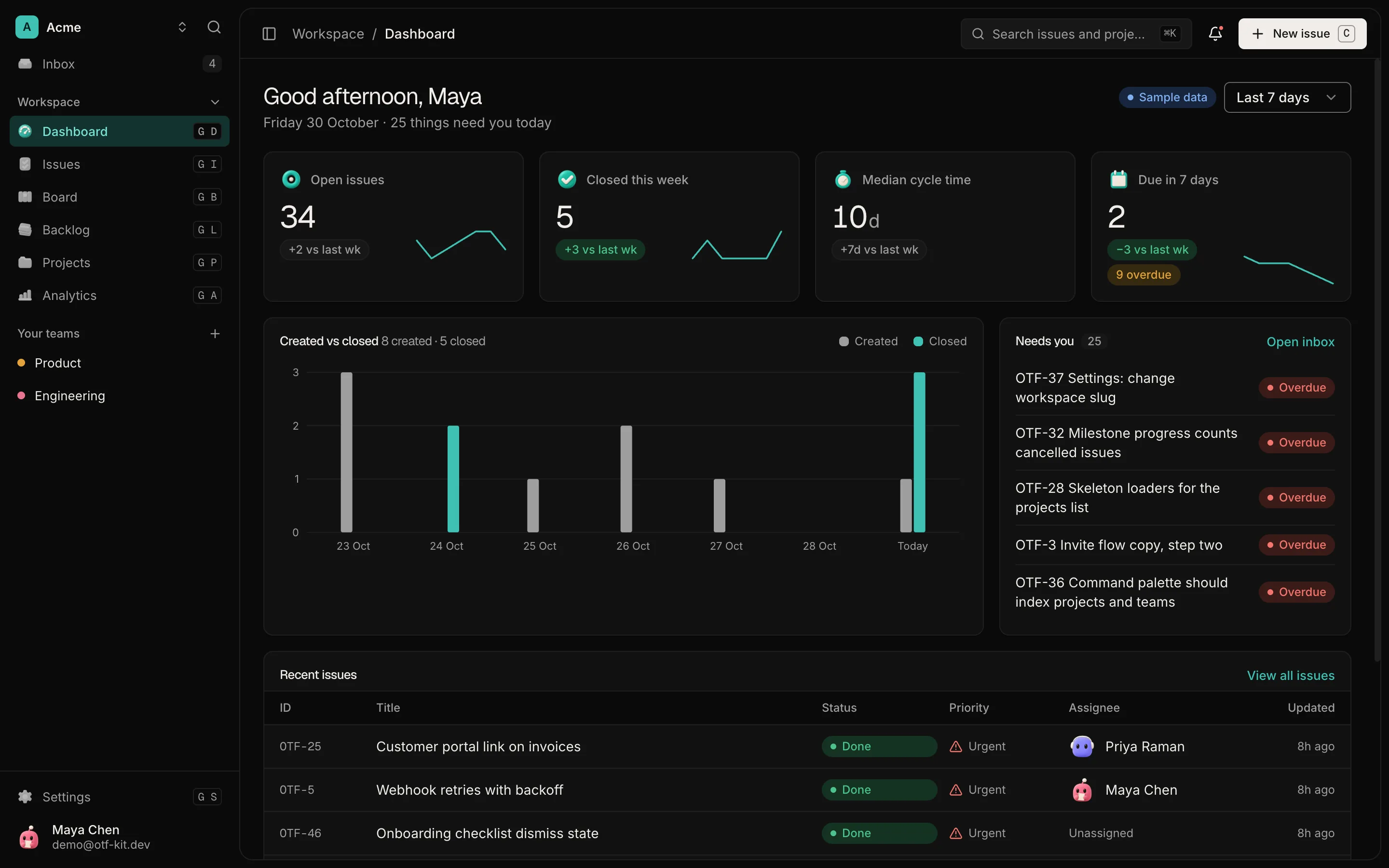
12 production screens. Login and database wired.
The SaaS Dashboard Kit includes login, a database, and a working dashboard. Live demo at saas.otf-kit.dev.
Give the agent a repository it can explain
A saved project is easier to continue than a demo that exists only inside a builder. In a repository, you can see the files, review a change, keep a history, and ask another developer to inspect the same work. A repository does not make the code correct by itself; it makes the work easier to examine and continue.
Project instructions help an agent find the conventions that already exist. The current OTF kit listings say each kit includes AGENTS.md, CLAUDE.md, .cursorrules, and a kit-specific range of 22–27 task prompts. These files give supported coding tools context about the code and recurring tasks. They do not replace your acceptance criteria, tests, or review.
OpenCode reads AGENTS.md according to its rules documentation. OTF also recorded a limited OpenCode exercise on one kit: “On 13 October 2026, the kit’s own type-check passes in a fresh install. Our test change added no type errors.” That is a dated result from that exercise, not a guarantee that an arbitrary change works or that the app was tested in a browser. The OpenCode test notes describe what was and was not checked.
Keep important boundaries under human review
Do not let a friendly summary stand in for reviewing a change. Ask the agent to name the files it plans to touch before it edits. If the task starts reaching into sign-in, permissions, customer data, billing, deployment, or a shared database schema, pause and decide whether that change is part of the request. Those areas can affect access, money, data handling, or live behavior.

For a change within scope, inspect the full diff or ask a developer you trust to do it. Look for unrelated edits, new dependencies, changes to configuration, and data writes. Ask what the agent did not verify. A useful report separates checks that passed from checks it did not run. “I changed the project form and type-checked it” is more useful than an unqualified summary.
Keep credentials out of prompts and source control. Use the provider’s documented secret-management path, and test with non-production data where possible. Before a deployment or a migration that affects live users, have a person who understands the consequences review the plan and recovery path. The agent can prepare a checklist; the responsible human makes the call.
Make verification part of the request
Tell the agent how you will decide the task is done. For a new form, that might mean the valid input appears in the expected list, an empty value produces a clear message, and invalid input does not get saved. For an existing flow, ask the agent to identify the behavior it must preserve.
Then require evidence that matches the change: a type check for type errors, focused automated checks for the changed behavior, and a browser walkthrough for the user-visible flow. None of these checks proves everything. A type check cannot establish that the page makes sense to a customer; a screenshot cannot establish that access control is correct. Choose checks that cover the failure modes you care about, and mark the rest as not verified.
If a check fails, do not ask the agent to hide or delete the failure. Ask it to explain the output, propose the smallest correction, and show the next result. If it cannot explain an important failure, stop and bring in a developer. A founder does not need to become the person who writes every line, but does need a way to know when the work has crossed their ability to assess it.
Treat the starter as a starting point
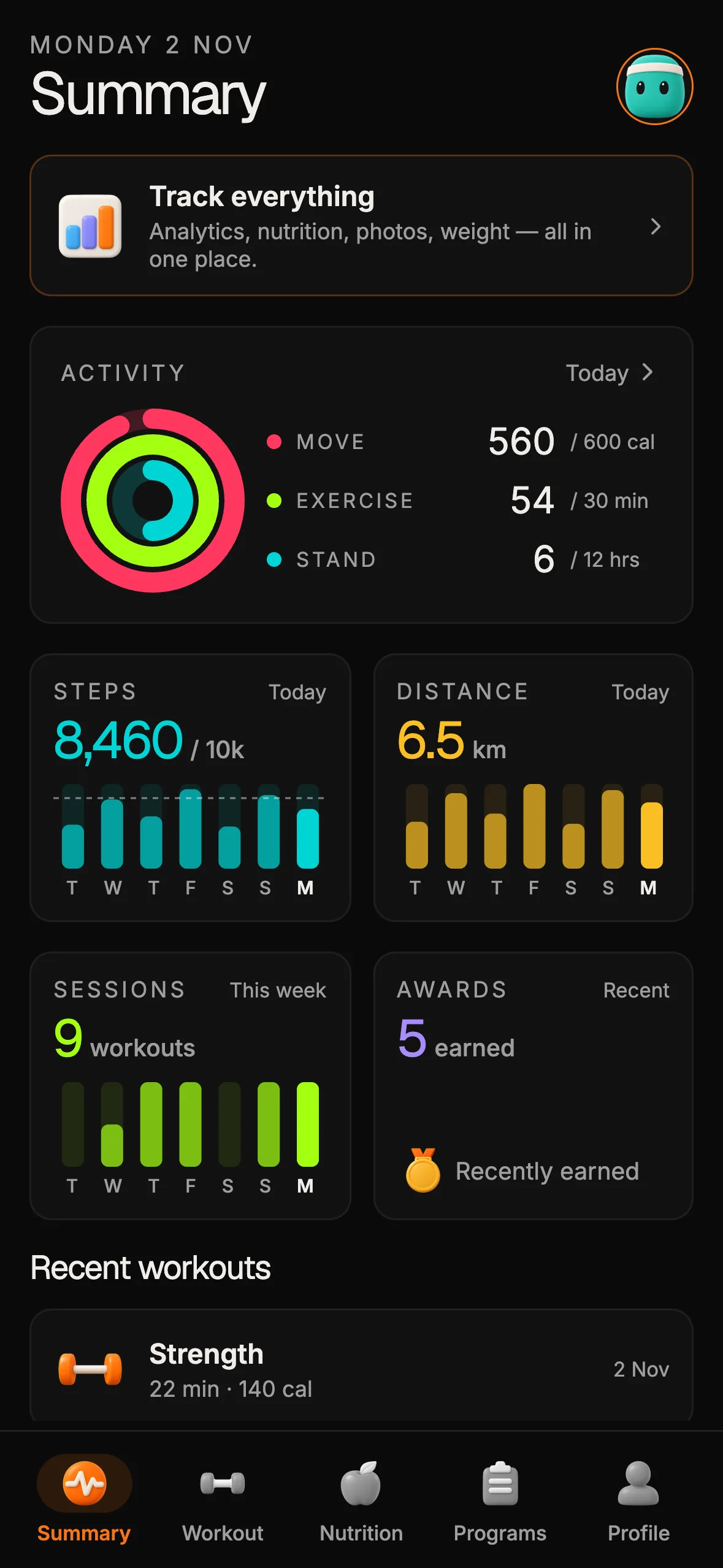
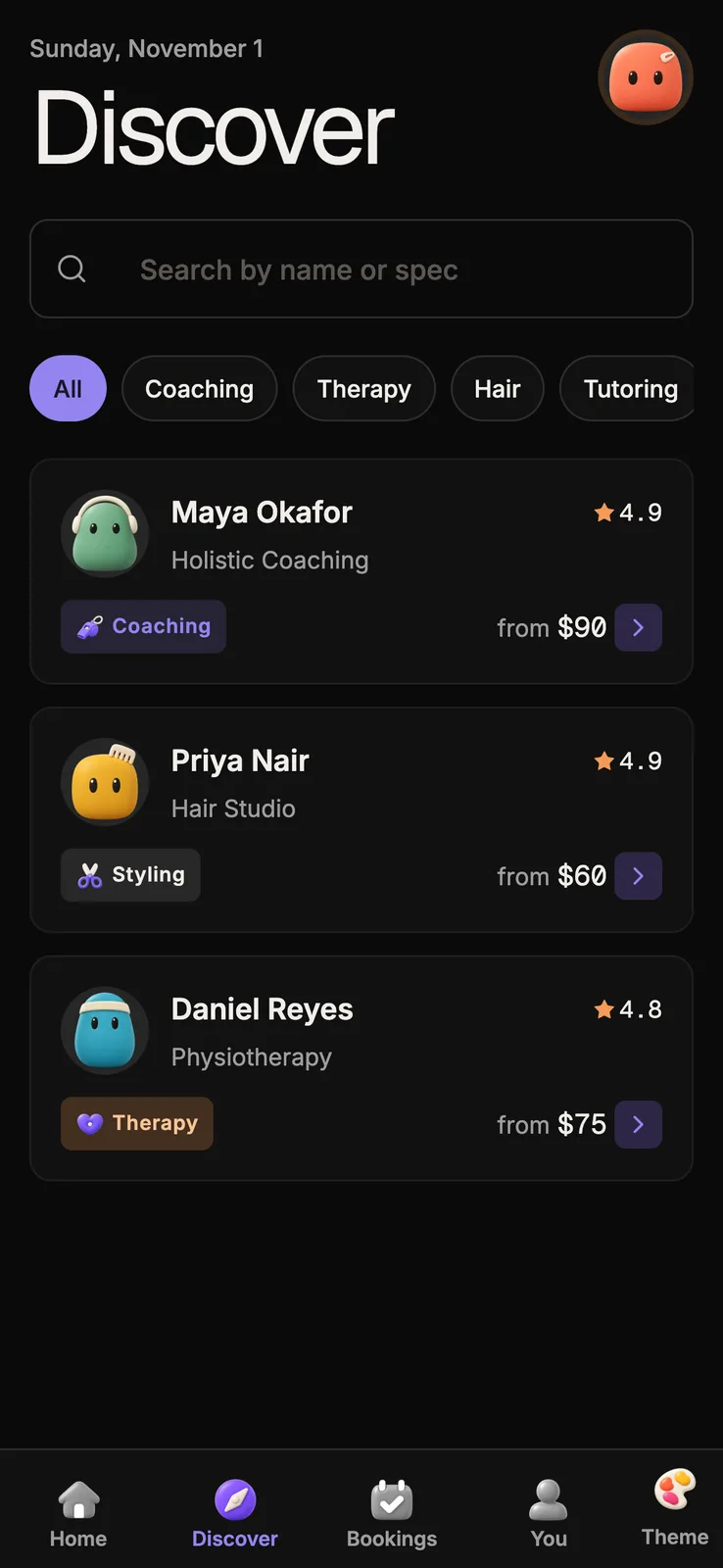
A kit can give you a codebase and examples to inspect, while the product decisions remain yours. Before choosing one, open its demo, read the product and license details, and confirm that its screens and data model are relevant to your idea. A starter is not a finished business, a substitute for customer research, or a promise that the next feature will be safe to delegate.
The OTF SaaS Dashboard kit is one web starting point with projects and teams. Its live demo lets you inspect the interface before you decide whether the code is a fit. Check the current listing for what is included and what you would still need to build. The kit does not make product-specific decisions for you.
A simple operating loop keeps responsibility clear: describe one user outcome, agree on the scope, let the agent make a bounded change, inspect the diff and checks, then verify the flow yourself or with a developer. Keep a short record of what changed and what remains unknown. When that loop is hard to follow, reduce the scope or get help before adding more features.
Sources
- OTF Pricing — kit contents and prompt-count range, checked 15 October 2026.
- OTF /start — repository handoff and current kit descriptions, checked 15 October 2026.
- OpenCode Rules —
AGENTS.mdproject guidance, checked 15 October 2026. - OTF OpenCode test notes — dated test scope and limitations, 13 October 2026.
- OTF SaaS Dashboard kit — listing and live demo, checked 15 October 2026.
Where to start
Open the OTF starter kits and live demos, compare the actual screens with your use case, and read the included scope and license details before choosing a starting point. For a practical walkthrough of moving from a prompt into a repository you control, see From prompt to production: keep the repo.

Ship the product, not the setup.
- 12 production screens — auth, team, analytics, and settings
- Login and a real database are wired in
- AI configs pre-tuned so your agent extends instead of regenerates
Ship your first screen tonight — free starter in your inbox
The quickstart, the SDK repo and the live kit demos, on this screen and in your inbox.
No spam. Unsubscribe any time.