
Why Live Demos Should Be Standard in Template Shops

The screenshot gallery is the rational choice — and that's the problem
Live demos are the best UX a template shop can ship. A template that renders, takes input, persists state, and shows real navigation beats any gallery of screenshots, because in 90 seconds you can tell whether the product actually works — or whether the screenshots are hiding a brittle demo. The reason almost every template shop ships screenshots instead is also the reason it's worth doing: keeping a live demo honest is a maintenance job, not a launch task.
Most template shops are basically Shopify storefronts with prettier cards. A template lands, gets polished screenshots (often staged with fake data that doesn't exist in the actual product), gets a landing page, gets sold. Repeat. The economics are clean: a screenshot ages slowly, costs nothing to host, and looks identical to a buyer. The actual product can be in a totally different state from the screenshots, and the customer never knows — until they buy it, clone it, run npm install, and the dashboard errors out.
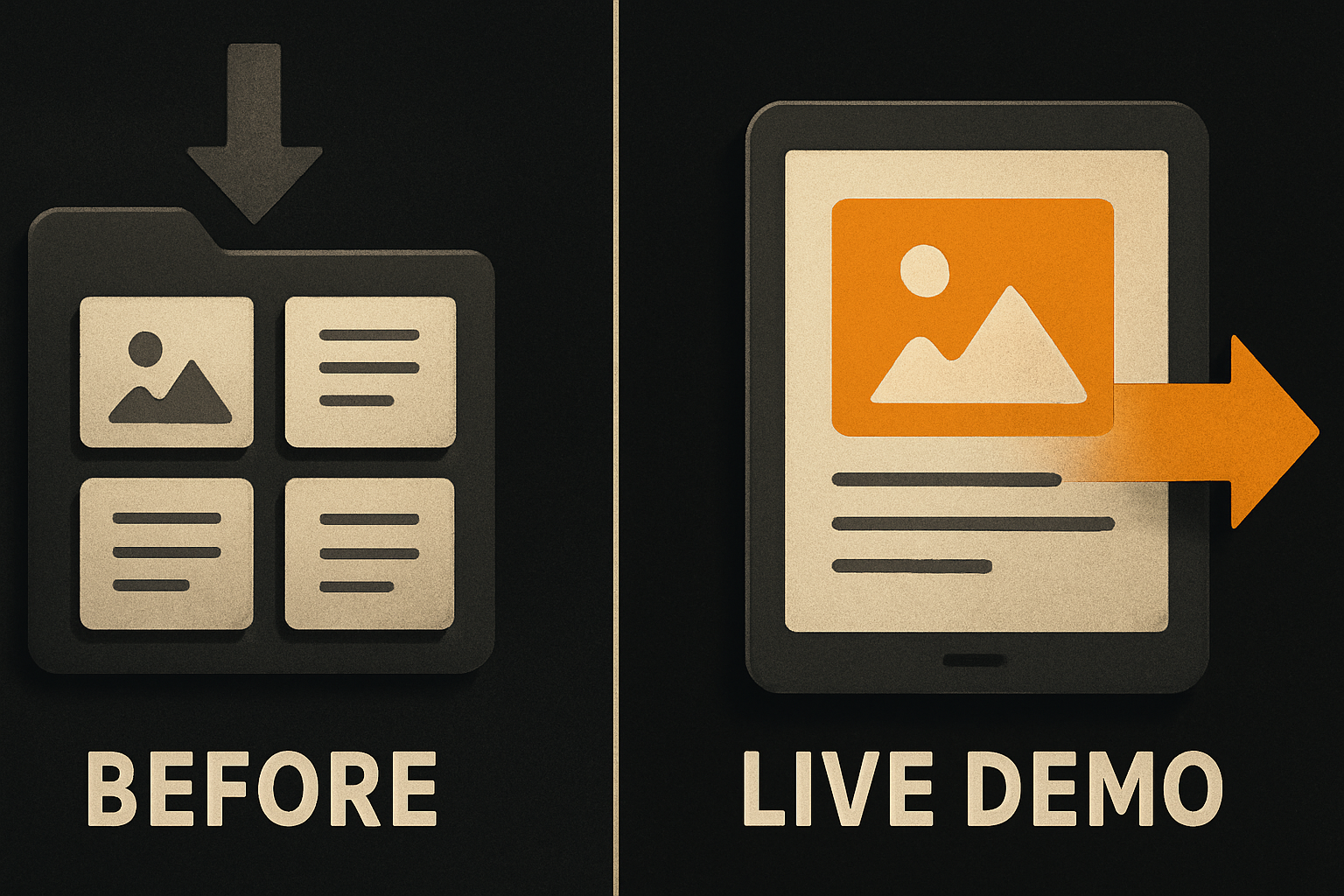
This works for a while. It works less well the moment a competitor — even a small one — ships a working demo and the comparison becomes unavoidable.
What "real" actually means
A live demo isn't a static page with a "Buy" button. It's four things running in concert, and every one has a maintenance cost:
- Real auth. A visitor can sign up, log in, log out. The auth provider has an active API key, hasn't rotated the redirect URI, hasn't deprecated the endpoint.
- Real data. Seeded records look like the product's actual domain — not lorem ipsum, not placeholder numbers that all end in 7. The schema the demo reads from matches the schema the template ships.
- Real persistence. A visitor creates a record, refreshes, sees it. Deletes it. Does this across a long session without the demo bleeding into a broken state for the next visitor.
- Real deploys. When the template ships a v2 with a new field, the demo's running instance gets the new field, the seeder knows about it, the auth flow still works.
If any of those four break, the demo lies. And a lying demo is worse than no demo — it actively misleads.
11 production screens. Login, database, payments — all wired.
The SaaS Dashboard Kit ships everything already connected. Nothing to set up. Live demo at saas.otf-kit.dev.
The maintenance tax, itemized
Here's what the calendar actually looks like for a live demo that survives a year.
Dependency churn. Every package the template uses gets a major bump every 6–12 months. Each one is a "did the demo break" check. Across the surface area of a full-stack kit — UI primitives, routing, forms, auth SDK, ORM, validation, server runtime — that's roughly 8–12 surfaces, each on its own cadence.
Auth provider drift. Vendors rotate keys, deprecate endpoints, change redirect URIs. The demo needs the new key in the env, the redirect URI re-whitelisted in the provider's dashboard. Roughly once a quarter, sometimes more.
Schema migrations. Every time the template adds a column or changes a relation, the demo's seed script needs to match. Without it, the demo either errors — or, worse, silently shows wrong data.
Mobile builds. If the template ships native, the demo needs a TestFlight build that gets rebuilt on every template change. iOS certificate rotations, App Store Connect drift, TestFlight review timing — all their own thing.
// a smoke test that catches a lying demo
test('demo auth + create + persist', async ({ page }) => {
  await page.goto(')
  await page.getByRole('button', { name: /sign in/i }).click()
  await page.getByLabel(/email/i).fill('[email protected]')
  await page.getByLabel(/password/i).fill('demo-pass-1234')
  await page.getByRole('button', { name: /submit/i }).click()
  await expect(page.getByText(/dashboard/i)).toBeVisible()

  await page.getByRole('button', { name: /new project/i }).click()
  await page.getByLabel(/name/i).fill('smoke-test-record')
  await page.getByRole('button', { name: /save/i }).click()
  await page.reload()
  await expect(page.getByText('smoke-test-record')).toBeVisible()
})
Seed reset. Demos that take user input need a periodic reset — either a cron that wipes user-created records nightly, or a visible "Reset demo" button. Either way, somebody has to maintain it.
Monitoring. A demo that's silently broken is the worst case. Uptime monitoring is cheap, but you also need a smoke test that hits auth, creates a record, and asserts — at minimum once a day. That last one is what most shops underweight. A demo that's up but broken is the worst kind of demo.
The shape that holds up
The architecture that survives 12 months looks like this:
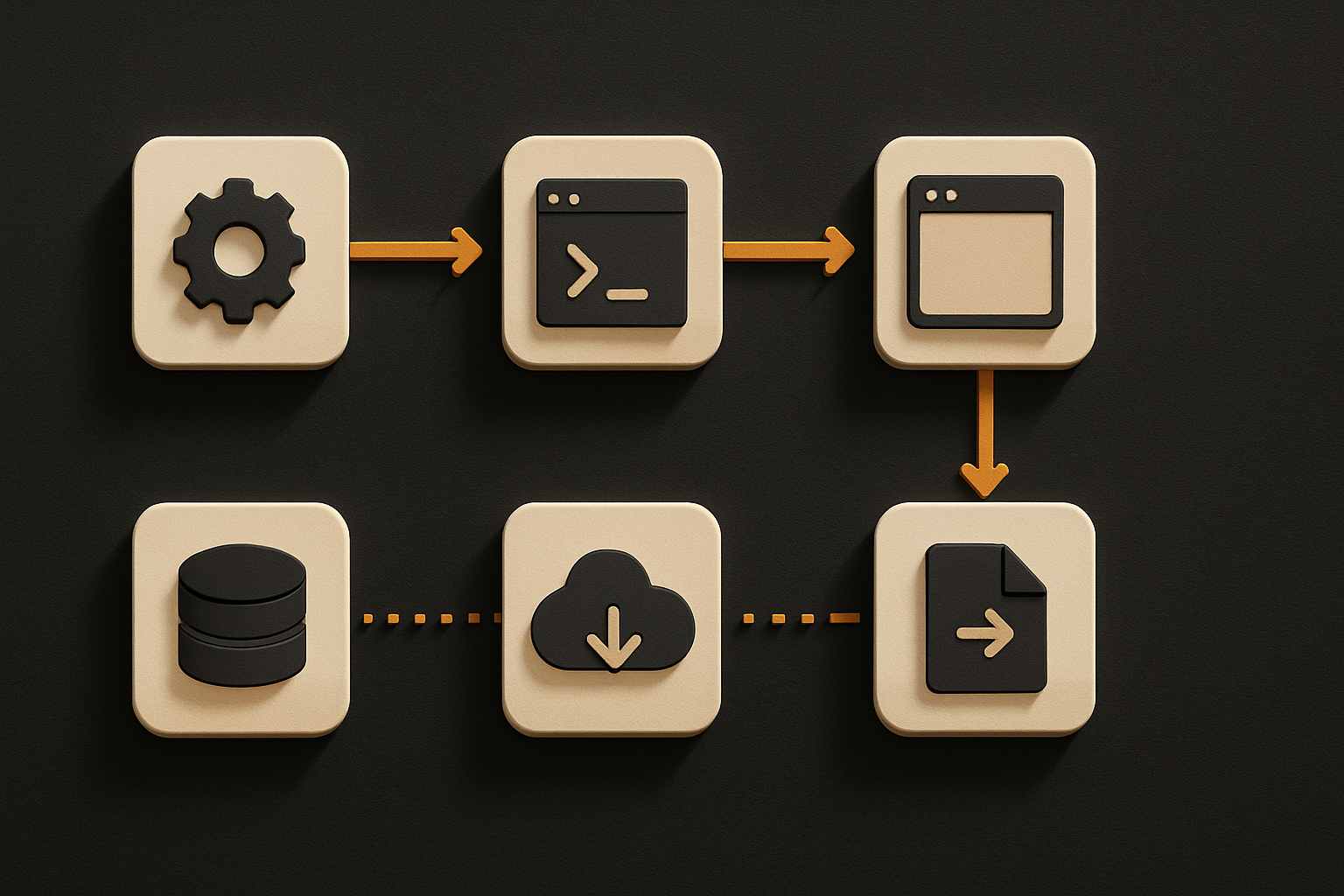
The non-obvious part is the last arrow. A live demo isn't a one-shot deploy. It's a pipeline: template changes, demo redeploys, seed runs, smoke test passes. If any link breaks, the demo is now a screenshot in disguise.
The other non-obvious part: the demo is a derivative of the template, not a sibling. The template is the source of truth. The demo reads from the same code, the same schema, the same env vars (modulo secrets). The day you fork them, you spend the next 18 months reconciling drift.
Why most shops still skip this
It is genuinely expensive. A team shipping four templates a quarter and maintaining live demos for each is doing roughly 30–50% more work than a team shipping screenshots. The screenshots team ships faster, looks just as good in a launch tweet, and makes the same revenue for at least the first six months.
The catch shows up later. Template buyers compare shops. The shop with a working demo has a 3–5× conversion lift on the same traffic — and once a buyer has clicked a live demo, screenshots from competitors feel evasive. There's no going back.
It's the same shape as docs versus marketing. Marketing is faster to ship. Docs are slower, and the gap shows up the moment a buyer asks a hard question.
What we did at OTF
We kept this in mind from day one. The SaaS Dashboard kit ships with a live demo at saas.otf-kit.dev — real auth (GitHub OAuth, configurable to any provider), a seeded dataset that looks like a real billing dashboard, and a "Reset demo" link that wipes user changes on demand. The Fitness kit ships a mobile demo at fitness-preview.otf-kit.dev that runs through TestFlight, with a build that gets rebuilt whenever the template changes.
The maintenance cost is real. It's roughly 8–12 hours a month across the team — dependency bumps, auth key rotations, schema sync, TestFlight rebuilds, monitoring alerts. That's two engineering-days a month we don't spend on new templates. We decided that's the tradeoff.
What we got back: buyers who clone the SaaS kit after spending 20 minutes in the demo convert at a much higher rate than the ones who read the screenshot gallery. And when the demo breaks — which it does, roughly once a quarter — we know fast, because the smoke test catches it before the first "is this thing down?" email.
How to evaluate a live demo in 90 seconds
If a shop claims live demos, three signals separate the real ones from the screenshot-with-a-CTA ones.
- Click around for 3 minutes. Try to break it. Create a record with weird input. Log out and back in. If the demo is a static page pretending to be interactive, you'll feel it within a minute.
- Check the build date. View source on the deployed demo — the JS bundle hash changes on every redeploy. If the shop's demo has been on the same hash for 8 months, the demo is not tracking the template.
- Look for a reset. A live demo without a reset mechanism is a demo that rots. After 50 visitors have each created a record, the seeded "this is what the product looks like" view is gone.
If all three pass, the shop is doing the work. If any fails, the demo is decoration.
Closing
Live demos are not a launch feature. They're an ongoing engineering commitment, and the template shops that ship them are choosing to spend the time. The screenshot gallery is the rational choice for a shop optimizing for time-to-revenue; the live demo is the rational choice for a shop optimizing for buyer trust. Most shops pick the first one. The buyers can tell which is which — and increasingly, they pick accordingly.
Ship the product, not the setup.
- 11 production screens — auth, billing, team, analytics, settings
- Real database, payments, and login — all wired on day 1
- AI configs pre-tuned so your agent extends instead of regenerates