
Why OTF Ships Components Two Ways: Copy-Paste vs. npm Package

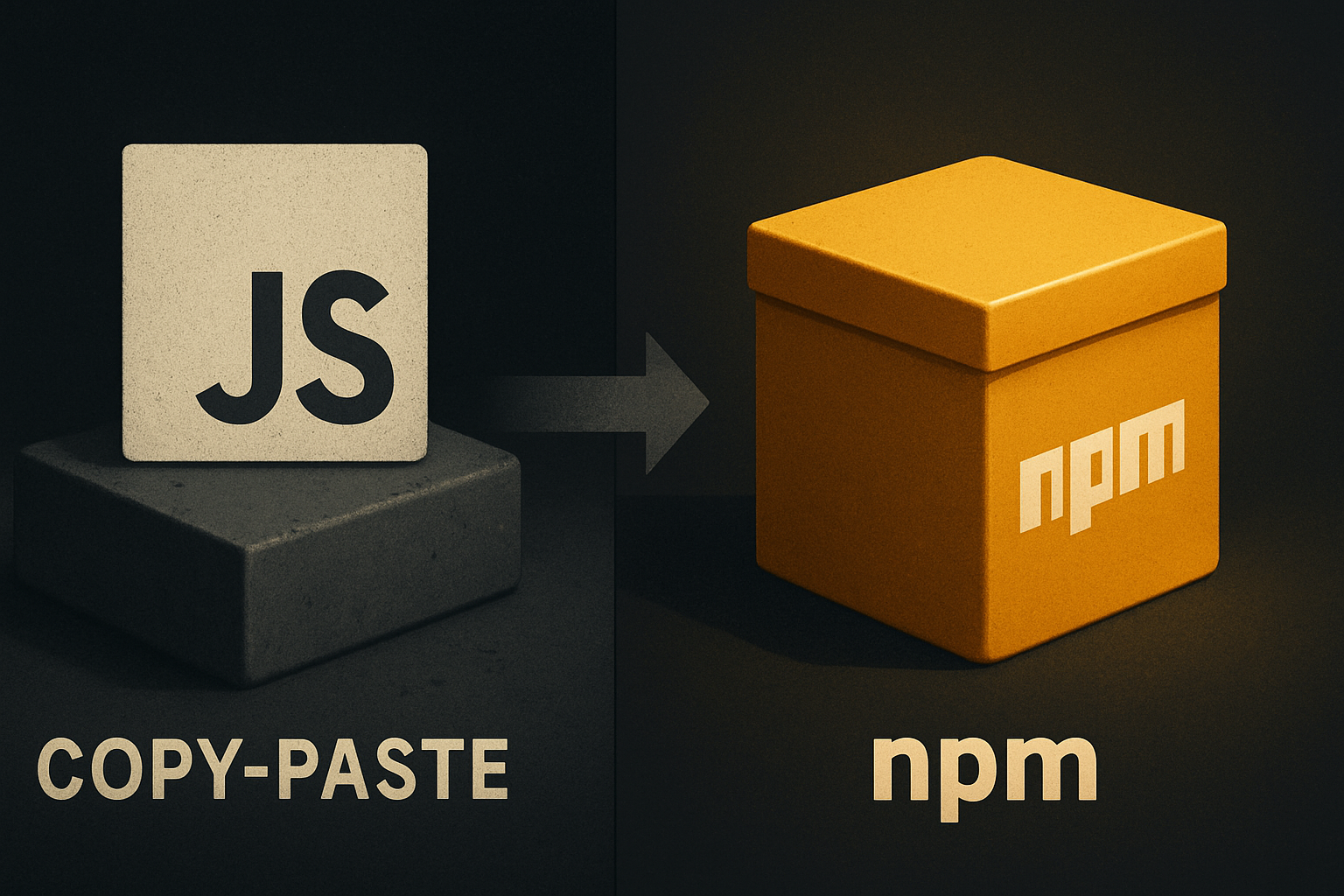
Every component library has a distribution story. Most pick one — copy-paste or package — and defend it like a religion. The honest version is less comfortable: both work, neither is universal, and forcing a single model on every buyer is how you turn a useful primitive into a tribal argument.
We ship components two ways on purpose. Here's what each one actually trades off, and why the third option — same component, two delivery shapes — is the only one that respects how builders actually work.
The question that forces the answer
When you adopt a component library, you're really answering one question: who owns this code the moment it lands in my repo?
If you copy-paste a component, the answer is you. From the second it hits your filesystem, it's your file. You can rename props, rewrite internals, delete the comment headers, ship a regression that breaks accessibility — none of it surfaces anywhere except your own tests.
If you npm install it, the answer is upstream. Your tree holds a pointer to a version of someone else's file. You call into it. When they ship a fix, you can pull it. When they ship a breaking change, you can pull that too — or pin and freeze.
Both ownership models are valid. Forcing one is a workflow argument dressed as a technical one.
What the copy-paste CLI actually buys you
The copy-paste CLI drops a real file into your repo. Not a symlink, not a generated stub, not a vendored copy that re-syncs behind your back — a file you can open in your editor and edit.
# Add a button to your project
npx @otfdashkit/cli add Button

# What's now in your tree
src/components/Button.tsx
src/components/Button.test.tsx
The file is plain TypeScript. No __esModule magic, no runtime resolver, no version field your bundler has to satisfy. It compiles the same as code you wrote yourself because, for all practical purposes, you did.
This is the model you want when:
- The component is load-bearing in your product and you've already had to fork something upstream before.
- Your team has a strong opinion about prop names, internal state, or styling that doesn't match upstream's roadmap.
- You're shipping to a platform — embedded, regulated, air-gapped — where the build can't reach a registry at install time.
The cost is concrete: you don't get upstream fixes for free. If we ship a fix for a focus-trap bug in Dialog, your repo doesn't see it until you re-run add (which diffs against your current file and asks before overwriting) or you copy the diff manually.
That's not a hidden cost. It's the price. You pay it the moment you choose the model.
11 production screens. Login, database, payments — all wired.
The SaaS Dashboard Kit ships everything already connected. Nothing to set up. Live demo at saas.otf-kit.dev.
What the npm install actually buys you
The npm package gives you a dependency, not a file.
npm install @otfdashkit/uiimport { Button, Card, Dialog } from "@otfdashkit/ui"Now your repo holds a reference to a version. You get a package-lock.json entry, semver tells you what changed between minor releases, and npm update (or a Renovate PR, or a Cursor-extracted upgrade plan) can pull upstream changes into your tree on a schedule you control.
This is the model you want when:
- You're standing up a new product and you want to ship something usable this week, not next quarter.
- Your team treats components as primitives — the same way you treat
reactorzustand— and your review process is "does the version bump look safe?" - You want a single PR that updates 40 components at once when upstream ships a design system overhaul.
The cost is equally concrete: you can edit the file, but it's not really your file. Tomorrow's upgrade will overwrite your fix. Your custom prop will collide with a future upstream prop. The dependency budget of your bundle is now coupled to upstream's release cadence.
Again, not hidden. The price.
The hidden assumption that breaks both
Both models assume the component is stable. The copy-paste model assumes you can keep up with upstream changes by re-syncing. The npm model assumes upstream doesn't break you.
Neither assumption holds the way people pretend it does.
The honest shape of how a component library actually evolves:
- You copy-paste a
Button. Three months later, your team has renamedvarianttokindbecause marketing wanted different copy. Upstream ships a fix for a hover regression. You backport it by hand because the file is no longer theirs. - You
npm installaDialog. Two weeks later, your designer wants a different backdrop blur. You monkey-patch the file innode_modules. Three months later, a minor upgrade silently drops your patch — and now you're debugging a visual regression in a file your IDE says you don't own. - You pick the "right" model upfront. Six months in, you regret it because the constraint you actually cared about changed — and migrating from one model to the other felt like a rewrite.
The error isn't picking a model. The error is treating the choice as permanent.
The third option — same component, both shapes
This is why we ship the same component both ways. Not as a marketing hedge. As an architectural commitment.
The source for every component lives in one repo. The CLI's add command and the npm package's barrel export both consume that source. The component is structurally identical; the delivery is different.
What this means in practice:
- A team that starts on
npm installand outgrows it can switch to copy-paste on a per-component basis. You can pull justDialoginto your tree, leave the other 199 on npm, and the props match because they came from the same source. - A team that starts by copying and later wants to consolidate updates can run a
migratecommand that lifts the file into the package registry for that component only, without touching the rest of their tree. - A team that has no opinion yet can pick whichever fits their CI — and that's the right answer for them right now.
The "what if I want a fix from upstream but I've changed the file" question isn't an edge case. It's the entire product. And the answer is: take whichever piece of the upgrade you want, when you want it, and the rest stays yours.
This is also why the kits ship with CLAUDE.md, .cursorrules, and a folder of tested agent prompts. When a coding agent — Cursor, Claude Code, whatever you happen to be using — extends a component instead of regenerating it, the agent needs to know which delivery shape that component lives in. The config makes that explicit per file.
What this gets us
A distribution model that respects your workflow instead of dictating it.
A frontend team that needs to ship a regulated app and can't have a registry call at install time gets the file in their repo and owns it. A startup that needs to iterate on a landing page this afternoon gets the package and ships. The same Button props, the same Dialog API, the same look across web and mobile — because the source is one source and the tokens flip a single theme across both runtimes.
What you don't get is a single workflow that "everyone should use." You'll see both in our docs. You'll see both in our examples. That's intentional. Forcing a single distribution model on every builder is how you turn a useful component into a religion.
The boring answer to "which one should I use" is the right one: it depends on the file, and it can change.
Pick the model that fits the component you're adding today. Change your mind tomorrow if the component changes its mind with you. The component itself doesn't care which shape it's in — and neither should you.
Ship the product, not the setup.
- 11 production screens — auth, billing, team, analytics, settings
- Real database, payments, and login — all wired on day 1
- AI configs pre-tuned so your agent extends instead of regenerates