
Claude Code's System Prompt Shrinks 80% Without Performance Loss

What 640 deleted tokens actually proved
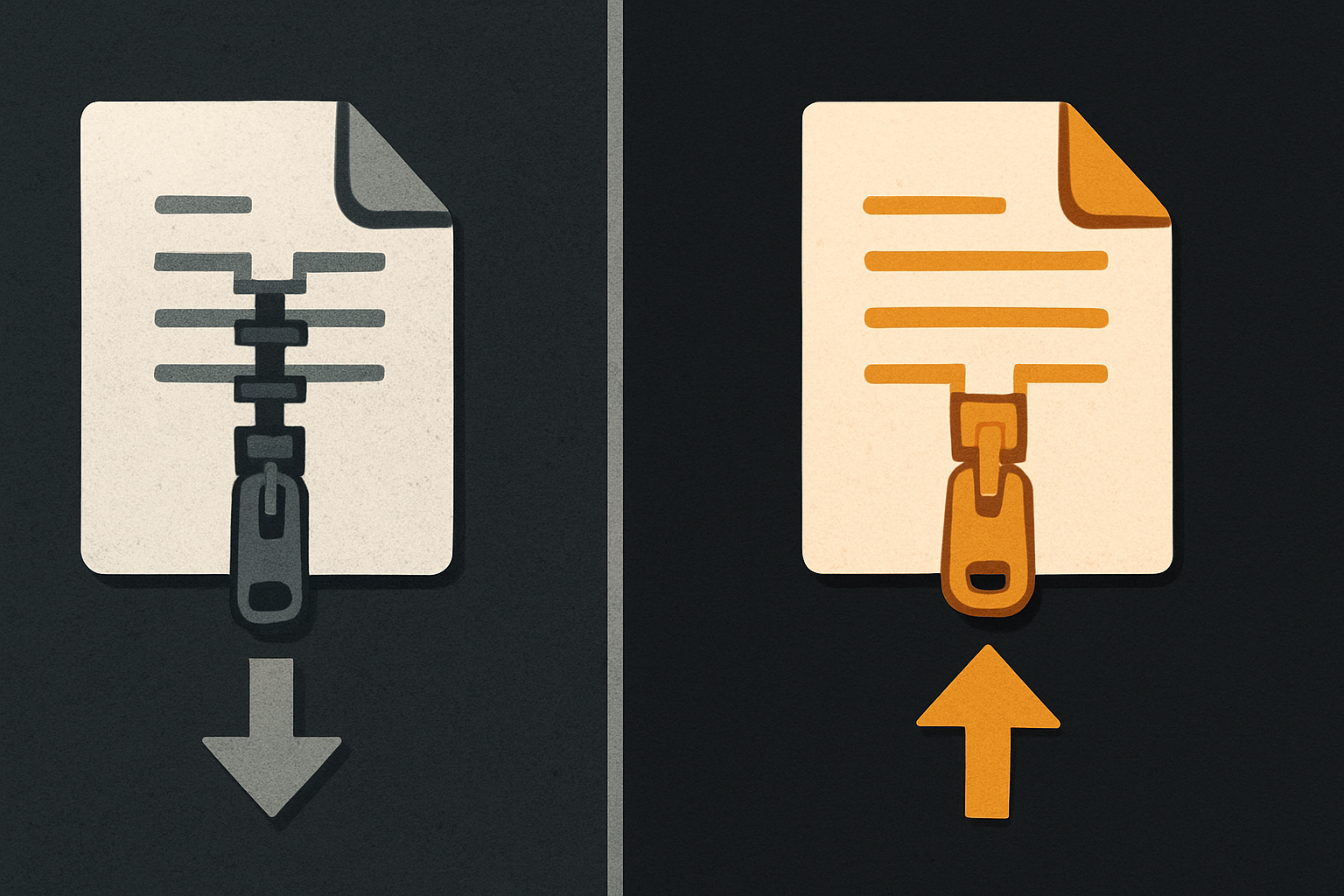
Anthropic cut Claude Code's system prompt from roughly 800 tokens to 164. The model kept passing the same benchmarks — possibly improved on them. That's the whole story, and it's worth pausing on before anyone rushes to add a "but."
Every developer who uses Claude Code paid for those 800 tokens on every single request. Today they pay for 164. That's not a marketing trim. That's a vendor telling you, with receipts, that a frontier model no longer needs to be babysat through its job description.
Anthropic engineer Thariq Shihipar announced the change at the AI Engineer World's Fair on July 2, 2026 — and the framing was unusually direct: newer models do worse, not better, when you over-prescribe.
What the system prompt actually does
A system prompt is the block of instructions that ships with every request. It tells the model who it is, what tools it has, what it must never do, and how to format its output. For a coding agent like Claude Code — a CLI that lets developers manage coding tasks through conversation — that block carries a lot: file system rules, git etiquette, edit conventions, tone, refusal patterns, when to ask vs. when to act.
In Claude Code's case, the old block was ~800 tokens. Every developer who typed claude fix the failing test paid for those 800 tokens to ride along, even though most of them were rules the model had already internalized through training. It's like paying a contractor to reread the employee handbook on every job site visit.
11 production screens. Login, database, payments — all wired.
The SaaS Dashboard Kit ships everything already connected. Nothing to set up. Live demo at saas.otf-kit.dev.
Why cutting it didn't break anything
The interesting part isn't the size reduction. It's what the reduction implies about the model.
Per Shihipar, Anthropic's newer Fable 5 (Mythos-class) models show enhanced imaginative capabilities. Overly prescriptive prompts don't just fail to help — they actively stifle performance. Earlier-generation models needed worked examples and explicit boundaries because they hadn't yet internalized the conventions. The newer architecture has. Spell out every rule, and you're fighting the model's own judgment.
That's the philosophical shift: away from rigid, hard-coded prompts toward context-driven instruction. The system prompt now describes intent; the model fills in the convention.
This is also why performance didn't drop. The deleted tokens weren't carrying signal — they were carrying redundancy. The model already knew "be concise," "follow the existing code style," "don't edit files you weren't asked to touch." Spelling it out didn't improve compliance. It just consumed context window.
The arithmetic that matters
The win is concrete even if you skip the dollar math:
- 800 → 164 tokens per turn is an ~80% drop in the always-on part of every request.
- A developer running 200 turns a day no longer burns ~127,000 tokens/day on instructions.
- A team of 50 running agents for a month saves tens of millions of input tokens.
The bigger enable isn't the saved tokens. It's the headroom. Every token you don't burn on the system prompt is a token you can spend on the actual problem — the file the agent has to read, the failing test output it has to interpret, the diff it has to write back. The agent can afford to actually look at your code now.
How to use this today
If you're already running Claude Code, you're getting the leaner prompt automatically. A few ways to actually exploit the new headroom:
1. Push more real context into the working window. The prompt used to eat ~800 tokens before the agent saw your first line of code. Now that budget is yours. Drop in more of the codebase, more failing test logs, more of the design doc. The agent has room to read.
# Claude Code CLI — pass more files into context
claude "fix the auth flow" \
  --include src/auth/** \
  --include docs/auth-design.md \
  --include tests/auth.test.ts
2. Stop duplicating the system prompt in your own instructions. A common reflex: developers paste "be concise, follow existing style, don't edit tests" into a project-level CLAUDE.md. With the new model, that's noise. Strip it. Trust the convention.
3. Build your own agent prompts around intent, not rules. If you ship an agent for your product, take the lesson directly. Replace Always respond in JSON with the following fields… with You are a support agent. Resolve the ticket using the tools available. If you can't, hand off. The model fills in the schema.
4. Re-benchmark your existing prompts. Anything you wrote before mid-2026 was tuned for a model that needed the hand-holding. Re-test against the leaner generation. You may find the same prompt works with two paragraphs deleted.
Audit pass for any system prompt you maintain
Every team with a custom system prompt — support bots, internal copilots, code review agents, anything — should ask the same question Shihipar asked: which of these instructions is the model actually using?
## System prompt audit checklist

- [ ] List every behavioral rule in your current prompt
- [ ] For each rule, ask: would the model still do this if I deleted the line?
- [ ] Delete the rules that pass the "still does it" test
- [ ] Re-run your eval suite against the trimmed prompt
- [ ] Compare tokens-per-turn before and after
You will almost certainly find 30–50% of your prompt is redundancy the model already handles. Trim it. Spend the saved tokens on the parts of the conversation that actually need context — the user's actual question, the actual file the agent needs to read.
The part that doesn't change when the prompt gets leaner
Here's the OTF angle, and it's a complement, not a caveat.
A leaner Claude Code prompt means the agent has more context budget to spend on real work — including the UI work. But "more budget" doesn't solve the underlying problem every AI coding agent still hits: the output has to look right on web, iOS, and Android, and the conventions for each platform aren't the same.

When you ask Claude Code (or Cursor, or any agent) to build a settings page, the prompt still eats words describing platform-specific behavior: spacing scales, font weights, focus rings, safe-area insets, list dividers. Every one of those words is a token you just won back from the system prompt trim — and every one of them is still a place where the agent can guess wrong.
The durable layer is the component itself: the same <Card>, the same <Dialog>, the same <Form> rendered identically across web, iOS, and Android from one API. The agent doesn't have to know the platform conventions because the component encodes them. You spent the saved tokens on the right thing — getting the agent to read more of your codebase — not on re-teaching it what a button looks like on Android.
That's the part that doesn't change when the model changes: the convention layer underneath the prompt churn. Anthropic made the prompt smaller. Your job is to make sure the output lands on every screen the user actually picks up.
What this enables
If every frontier agent is heading toward smaller, more trusting system prompts, the budget shifts to the user side. That means:
- Longer effective context windows for the same price — the model's "first 800 tokens" stop being a tax.
- More tool calls per session — agents can afford to actually run the tests, read the file, check the diff.
- Cheaper multi-agent setups — orchestrators that fan out to sub-agents stop paying 800 tokens × N agents per turn.
The era of "stuff the system prompt with every possible rule" is closing. The era of "give the model intent and trust the convention" is opening. Ship your own agents on the right side of that line.
Ship the product, not the setup.
- 11 production screens — auth, billing, team, analytics, settings
- Real database, payments, and login — all wired on day 1
- AI configs pre-tuned so your agent extends instead of regenerates