
Cursor Origin: AI-Powered Code Hosting and GitHub Integration

Two years ago "AI coding tool" meant a chat box bolted onto a sidebar. Today it means the editor, the agent, and the code's home are starting to merge into a single surface. Cursor's new Origin code hosting feature is the most coherent version of that bet so far.
For years the loop has been: open editor → write code → push to GitHub → switch to browser to review → switch back to editor to fix → repeat. Every switch is context tax. Origin collapses that loop. The repo, the pull request, the review comment, and the AI agent all live in the same window. That is a real productivity move, not a marketing line.
What Cursor Origin actually is
Origin is Cursor's code hosting layer, currently in early beta for paid Cursor users. Per the launch coverage on CryptoPanic, the feature supports three things that matter:
- Creating new repositories from inside Cursor.
- Two-way synchronization with existing GitHub repositories.
- Built-in pull requests, code browsing, and AI Agent integration — all in the same interface.
You can read code, ask the agent questions about it, edit it, and merge PRs without leaving Cursor. That last sentence is the whole product. Everything else is implementation detail.
The GitHub sync is the load-bearing part
A standalone repo host would be unremarkable. The interesting move is the two-way sync with GitHub — and not just at the commit level. Comments sync both directions: a comment you leave in Cursor shows up on GitHub, and a reply from a reviewer on GitHub comes back into Cursor. The same PR, the same conversation, two surfaces.
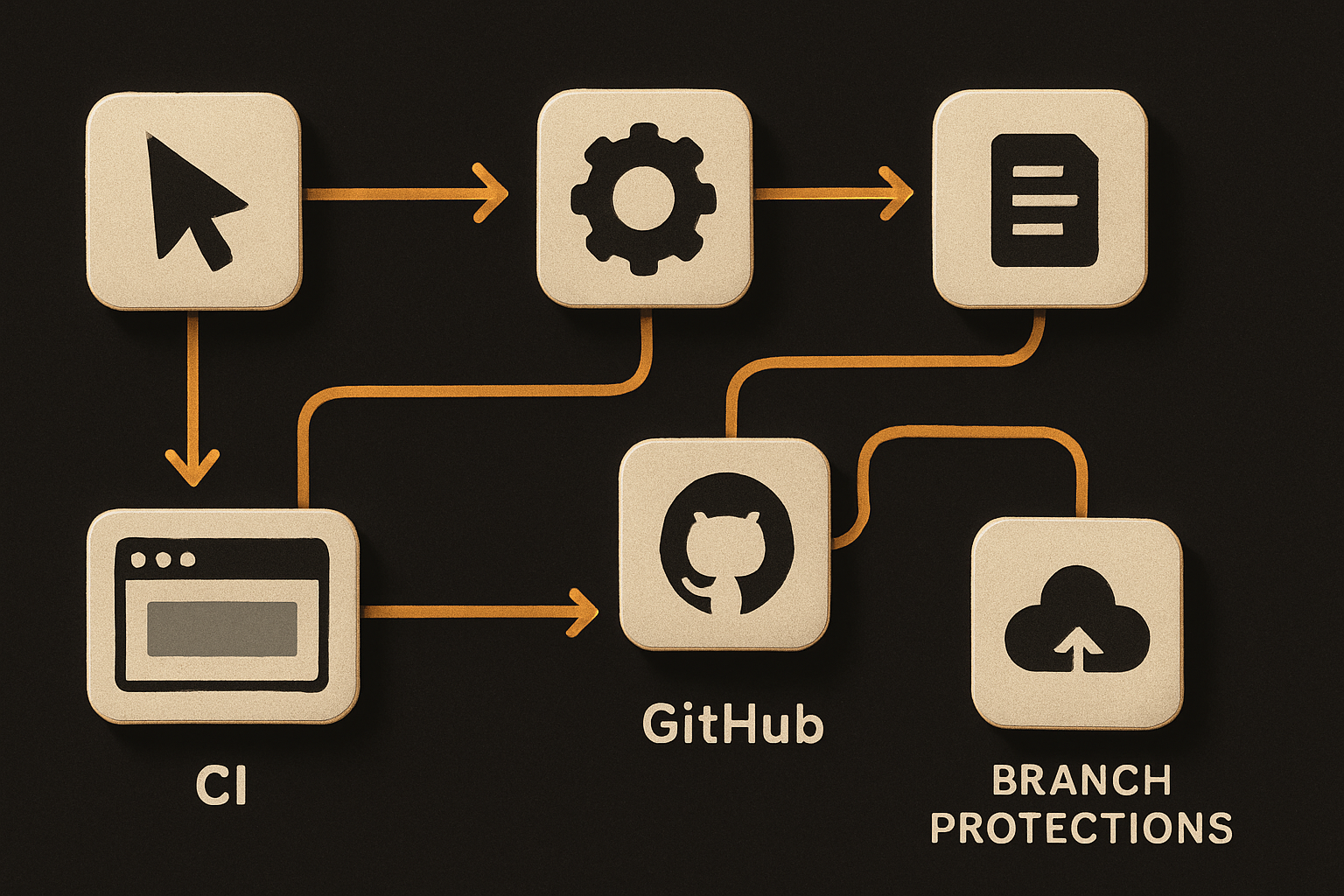
The reason this matters: most teams already have a GitHub-shaped workflow — branch protections, CI status checks, review assignments. Origin doesn't ask you to replace any of that. It mirrors it. Your CI still runs on GitHub. Your protections still apply. Your reviewers don't need to install Cursor. They reply on GitHub the way they always did, and you see it inline.
That is a quietly smart bet. It sidesteps the usual "we're a GitHub replacement" war and lands closer to "we're the best place to author code against the GitHub you already have."
11 production screens. Login, database, payments — all wired.
The SaaS Dashboard Kit ships everything already connected. Nothing to set up. Live demo at saas.otf-kit.dev.
The AI Agent lives where the work lives
The other half of Origin is the AI Agent's new seat at the table. Before, the agent lived in a chat panel — useful, but adjacent to the work. With Origin, the agent sits in the same surface as the repo, the diff, and the PR. So when you ask "what does this function do" or "find the call sites", the answer is grounded in the actual file you are looking at, not a re-pasted snippet.
The launch coverage specifically calls out the four verbs: read code, ask questions, make edits, merge PRs. Read + ask + edit + merge, in one place. That sequence is most of a developer's day.
How to actually use this today
If you have a paid Cursor plan, Origin is available in early beta now. The concrete path:
1. Enable Origin
Open Cursor → Settings → Beta → toggle Origin. Restart the editor. A new "Origin" panel appears in the sidebar.
2. Create a new repo, or attach an existing one
From the Origin panel, click New Repo, give it a name, init with a README, done. You get a clone URL you can git remote add from your local terminal as usual.
# Connect your local checkout to the new Origin repo
git remote add origin git@cursor.example:your-org/your-repo.git
git push -u origin main
To attach an existing GitHub repo, click Connect GitHub Repo and pick from the list. Origin will mirror it.
3. Verify the two-way sync
# Make a commit locally and push:
git add .
git commit -m "origin sync smoke test"
git push origin main
Open the same file in Origin's PR panel — your diff should appear without a manual refresh. Then leave a review comment on the PR in GitHub. It should show up inside Cursor within a few seconds. If it does not, you have found an early-beta edge case — file it via the in-app feedback button.
4. Use the agent against your own code
Open any file in an Origin-synced repo, hit the agent hotkey, and ask:
"What are the side effects of
transformPayloadand which tests cover it?"
The agent reads the file, follows imports, and answers against the real source — not a copy-pasted fragment. Edits land as a normal diff you can review before committing.
5. Merge without leaving the surface
When the PR is green and reviewed, the merge button is right there in Cursor. No browser tab, no context switch. The merge hits GitHub; CI runs as configured; the PR closes; the conversation thread syncs back. Loop closed.
What this enables
The honest appraisal: if you have been bouncing between Cursor, GitHub's web UI, your terminal, and Slack to ship a single feature, Origin removes a real chunk of that friction. The two-way comment sync in particular is the part that surprised me — it is the kind of plumbing that is invisible when it works and maddening when it does not.
It also makes the agent's suggestions more trustworthy, because they are now anchored to the canonical repo state rather than whatever the editor last indexed. When the agent says "this will break tests X and Y", it has actually looked at tests X and Y in the synced repo.
The part that does not change when the tool does
Tools churn. Today's editor-with-built-in-agent is tomorrow's "AI IDE" or whatever name we land on next. Origin, Codex-style agents, Claude Code, Rork — they all keep getting better, and they all keep getting rebuilt on a six-month cadence.
The part that does not change is the shape of the deliverable: a real product that runs the same on web, iOS, and Android, where the same component behaves the same in all three surfaces. That is a UI kit concern, not an editor concern — and it is the layer OTF is built for. Use Origin for the authoring loop; ship the result through a kit that survives the next editor replacement.
What to watch
It is early beta. Expect sync lag, expect missing edge cases in the GitHub API surface, expect the occasional comment that goes one direction and not the other. The plumbing is real, but it is brand new. If you try it on a production-critical repo, do it on a branch first.
Worth keeping an eye on: whether Origin opens up to non-paid users, whether the agent's edit capabilities grow beyond in-place refactors into cross-repo changes, and how the two-way sync holds up under load on long review threads. Those are the answers that will tell us whether Origin is a feature or a foundation.
For now: it is a genuinely useful step. The repo, the PR, the agent, the merge — one surface. That is what a modern coding loop should feel like, and Origin is the first thing to actually deliver it.
Ship the product, not the setup.
- 11 production screens — auth, billing, team, analytics, settings
- Real database, payments, and login — all wired on day 1
- AI configs pre-tuned so your agent extends instead of regenerates