
Claude Code Auto Mode change AI Coding Experience

The click-through fatigue was the tell. Every few tool calls, a dialog asking "Allow Claude to run this command?" — and humans, conditioned by repetition, hit yes without reading. Anthropic's auto mode, defaulting across Claude Code's Pro, Max, and Team plans on August 14, 2026, replaces that loop with a classifier that checks each tool call before it lands.
That move deserves credit. Confirmation fatigue is a documented failure mode in security UX, and Anthropic paired the product change with real numbers — not a press line, an actual study.
How the classifier actually decides
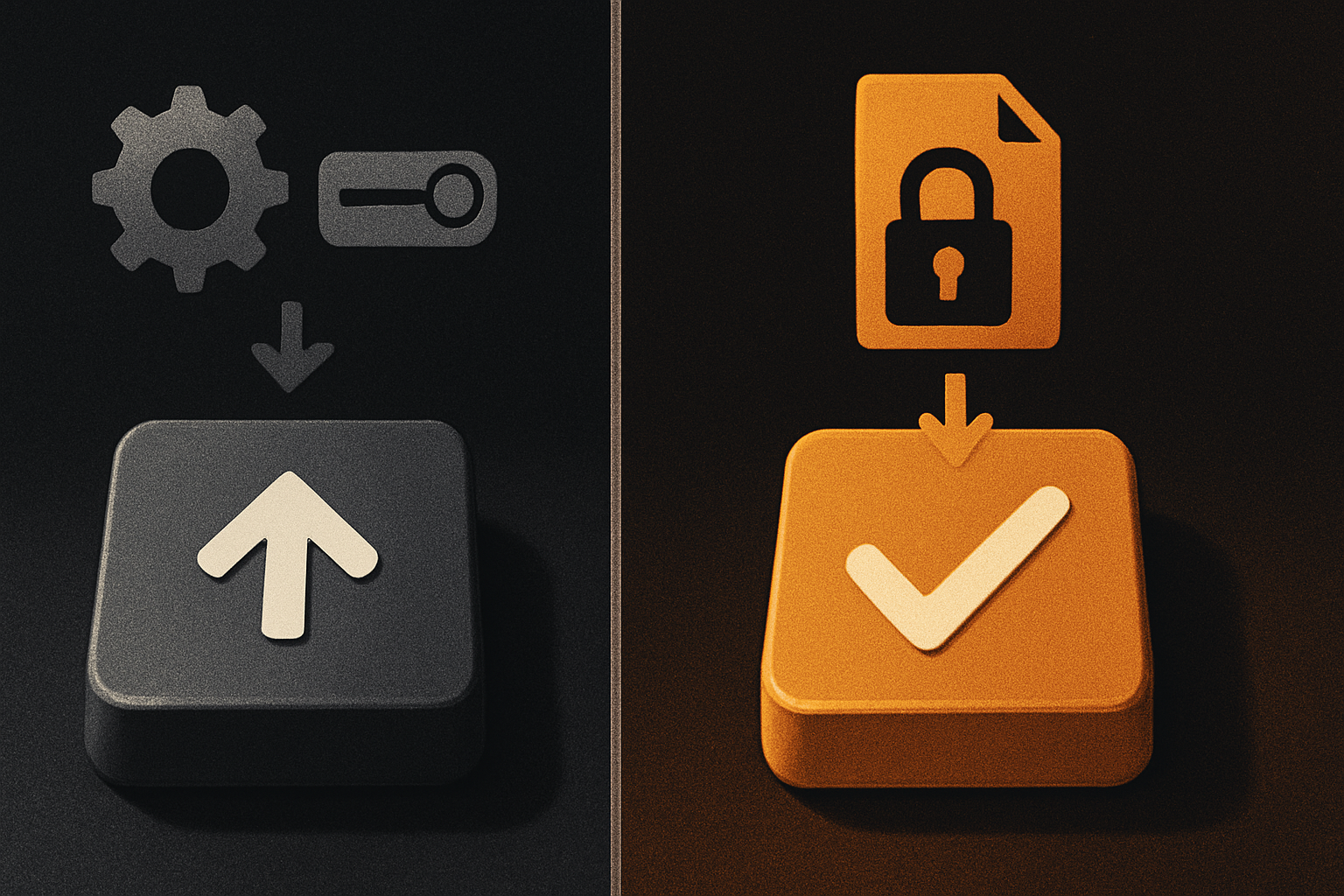
The classifier inspects each tool call before execution. Three categories trigger a fallback: irreversible actions, destructive operations, anything clearly out of bounds. If a call hits one of those buckets, Claude first tries to find a safer path — an alternative command, a less destructive sequence. If no safe path exists, it falls back to asking for permission the old way. And here's the safety valve at the session level: if blocks keep accumulating, the whole session reverts to manual approval, dropping you back into the prompt loop until things calm down.
It's a graceful-degradation design, not a hard wall — and that distinction matters when the agent is mid-task. Hard walls break long-running workflows. A classifier that escalates only when it should keeps the throughput high and the unsafe actions rare.
The classifier sits between the model's tool-call decision and the shell. The model proposes; the classifier reviews. If the proposal is clean, it executes. If the proposal smells, the model gets a "find another way" signal and rewrites. If rewriting fails, the human gets the dialog.
The numbers that justify the default
Anthropic ran a 1,053-person user study across paid Claude Code users. Result: auto mode blocked 89% of dangerous commands. Human testers in the same study refused only 13.6% of the time — meaning the human approval pattern let through roughly seven out of eight risky calls.
Read those two numbers together and the implication lands: the classifier outperformed the human approval pattern by a factor of roughly six and a half, and it did it without the click fatigue that produced the human number in the first place. Fatigue isn't a side effect of permission prompts; it's their default state. Auto mode is what the human pattern was trying to be.
Independent verification backs the claim. Trajectory Labs ran 720 indirect prompt injection attacks — the kind where adversarial text sneaks into a file or a webpage and tries to hijack the agent — against Claude Fable 5, Opus 5, and Sonnet 5 running in auto mode. Zero succeeded. That's not a partial win. That's a clean result across three model variants in one batch.
There's also a small but meaningful pricing signal: Anthropic will stop charging for the extra tokens the classifier consumes on each tool call. The safety layer is now free to run, not a metered add-on you have to weigh against throughput.
11 production screens. Login, database, payments — all wired.
The SaaS Dashboard Kit ships everything already connected. Nothing to set up. Live demo at saas.otf-kit.dev.
What's still unsolved
Simon Willison's commentary on the rollout — independent, widely read, and not part of the press cycle — calls out the part Anthropic's numbers don't cover: a malicious third-party package that exfiltrates data on its own, without a "dangerous" tool call signature. The classifier flags actions that look irreversible or destructive. A npm install of a poisoned dependency that quietly ships your .env to a webhook doesn't look like either — it looks like a normal install. Auto mode won't catch it.
The fix isn't better prompts. It's supply-chain hygiene: pinned versions, lockfile review, --ignore-scripts where you don't need install scripts, scoped tokens with expiry, and a human-in-the-loop review of any dependency that wasn't in yesterday's lockfile. Auto mode raises the floor; it doesn't replace the floor.
Two more blind spots worth naming. First, anything the agent reads from a remote source — a fetched URL, a README, an issue comment — is still a prompt-injection vector at the model layer, even with auto mode enabled. Auto mode covers the tool-call side; the input side is the model's job. Second, the classifier itself is a model, and models miss things. Treat auto mode as the new default, not as the upper bound of safety.
How to actually use it today
The rollout lands August 14, 2026, on Pro, Max, and Team. New sessions inherit auto mode by default; admins and individual users can pin a different permission setting to keep the old prompt loop if they need to phase the change in.
A short checklist for the first week:
# 1. Verify your plan is in scope
claude config get plan

# 2. Confirm auto mode is on for this session
claude config get permissionMode
# expected: "auto" | "default" | "acceptEdits" | "bypassPermissions"

# 3. If you want to keep manual prompts, pin it now
claude config set permissionMode default

# 4. Watch the classifier's decisions in the first sessions
claude logs --filter classifier

# 5. Audit a week of blocked calls before tuning allowlists
claude logs --filter classifier --since 7d | jq '.reason'
For team admins: the override is per-user or org-wide via the Claude Code admin console. Pin default for a buffer week if your repos haven't been touched in a while and you want a controlled rollout. For solo devs: leave it on auto, but spend the first session inside a low-stakes repo so you can read the classifier's decisions in the log feed. Once you've seen what it flags — and what it lets through — you'll trust the pattern, or you'll know exactly which commands to add to your own allowlist.
A useful habit: review the classifier-blocked actions weekly. If the classifier is blocking the same git push --force every time, that's a candidate for a per-repo allowlist. If it's blocking nothing all week, your surface area is genuinely boring and you can stop worrying. The middle case — irregular blocks with no clear pattern — is where you tune the allowlist narrowly, command by command, instead of pinning bypassPermissions and hoping for the best.
The part that doesn't change when the model does
Models churn. Today's Sonnet 5 is next year's deprecated checkpoint. Auto mode itself may evolve — Anthropic has already shipped one revision of the classifier design, and Trajectory Labs' test ran against three model variants in a single batch. Permission UX, classifier accuracy, even the default-on decision are all subject to change between releases. The tool layer is a moving target.
What doesn't change is the layer your agent touches: the same component rendered on web, iOS, and Android from one API; the auth flow that signs the user in regardless of which AI tool prompted the request; the data shape the agent reads from and writes to. The agent becomes disposable when a better one ships; the durable layer underneath it is what you don't want to rebuild every six months.
Auto mode is a real safety advance, the numbers are unusually strong for a UX change, and the rollout path is sensible. Use it. Pair it with the supply-chain hygiene it can't cover. And keep the cross-platform surface that your agent calls into stable — that's the part that doesn't change when the model does.
Ship the product, not the setup.
- 11 production screens — auth, billing, team, analytics, settings
- Real database, payments, and login — all wired on day 1
- AI configs pre-tuned so your agent extends instead of regenerates