
The Hidden Costs of Renting Your Codebase: Why Ownership Beats Subscriptions

A subscription-based SDK gets you past the boring parts in an afternoon. Auth flows land pre-wired. Billing talks to Stripe without a config file from hell. Dashboard skeletons assemble before you've finished your coffee. On day one the rental feels like cheating — and that speed is a real, valuable thing. The AI app builders (Lovable, v0, Bolt, Rork) have trained a generation of founders to think of an MVP as a monthly fee, and for prototypes that won't survive the quarter, the math works.
Day 365 is when the receipt arrives.
The math behind "production-ready" subscription templates and hosted platforms has a quiet assumption baked in: that you'll either keep paying, or you'll rebuild. Both paths cost more than the sticker price. Here's the surface area most pricing pages don't draw for you, and what changes when your code is actually yours.
The rental is fast on purpose — and that speed has a matching price
Subscription templates and hosted platforms optimize for one thing: time-to-first-screenshot. The vendor's incentive is to make day zero feel complete so you don't churn in week two. The cost of that optimization is structural — every abstraction is built so the vendor can support 10,000 tenants with one team, not so your team can ship the one weird thing your product needs.
You see it in three places: the customization tax, the lock-in gradient, and the gap between "production-ready" and "shipped to production."
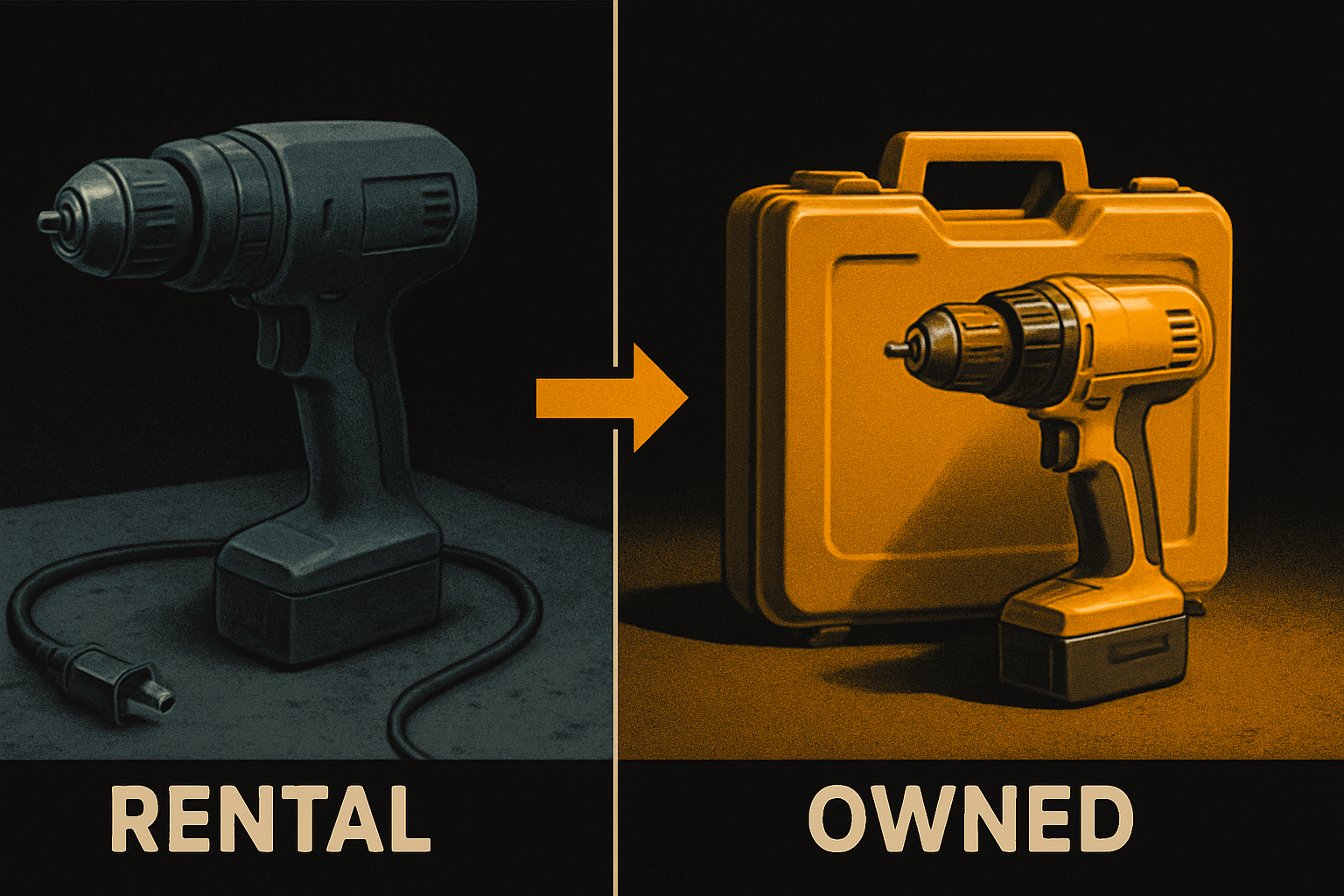
The customization tax: every small change is a vendor decision
The first time you need a button color that isn't in the theme, the rental experience works fine — most kits expose design tokens. The fifth time, you've discovered the tokens don't cover the surface area you actually need. The tenth time, you've submitted a feature request and you're three weeks into waiting.
A real example. You're building a B2B dashboard for a healthcare client. The brand color is a specific shade of teal that doesn't match any token in the rental kit. You need:
- A secondary action color that signals "warning, but not error"
- A disabled state that passes WCAG AA on the brand background
- A typography scale that includes 13px for dense data tables
- A spacing scale that aligns to an 8px grid except where it doesn't
On an owned kit, you change four files. On a rental, every change is either out of scope or a support ticket. The pricing model says your tenant is one of thousands; the support tier says your ticket is one of hundreds per week.
The math: if your team makes 30 visual changes per quarter and 40% of those land as tickets with a 2-week SLA, you've burned four engineer-weeks per year waiting on someone else's roadmap. That's the line item the per-seat pricing doesn't include.
11 production screens. Login, database, payments — all wired.
The SaaS Dashboard Kit ships everything already connected. Nothing to set up. Live demo at saas.otf-kit.dev.
The lock-in gradient: how "we'll just export later" turns into a rewrite
Every rental platform has an export path. The export is a CSV of your data — sometimes a JSON dump. It's not your schema, your business logic, your integration glue, or the 14 micro-decisions the vendor made about form validation, error states, and empty-data handling.
The lock-in isn't contractual. It's structural. Every abstraction the vendor added to make onboarding smooth became a layer you'd have to peel back to migrate.
The gradient looks like this:
- Day 0–30: "We can always export." True, in theory.
- Day 30–90: "We can export, but the custom fields we added aren't in the export." You start a fork.
- Day 90–180: "The fork is bigger than the original. We can't take vendor updates anymore." You've forked.
- Day 180+: "The fork has diverged. We're maintaining a custom SDK." This is a rewrite disguised as maintenance.
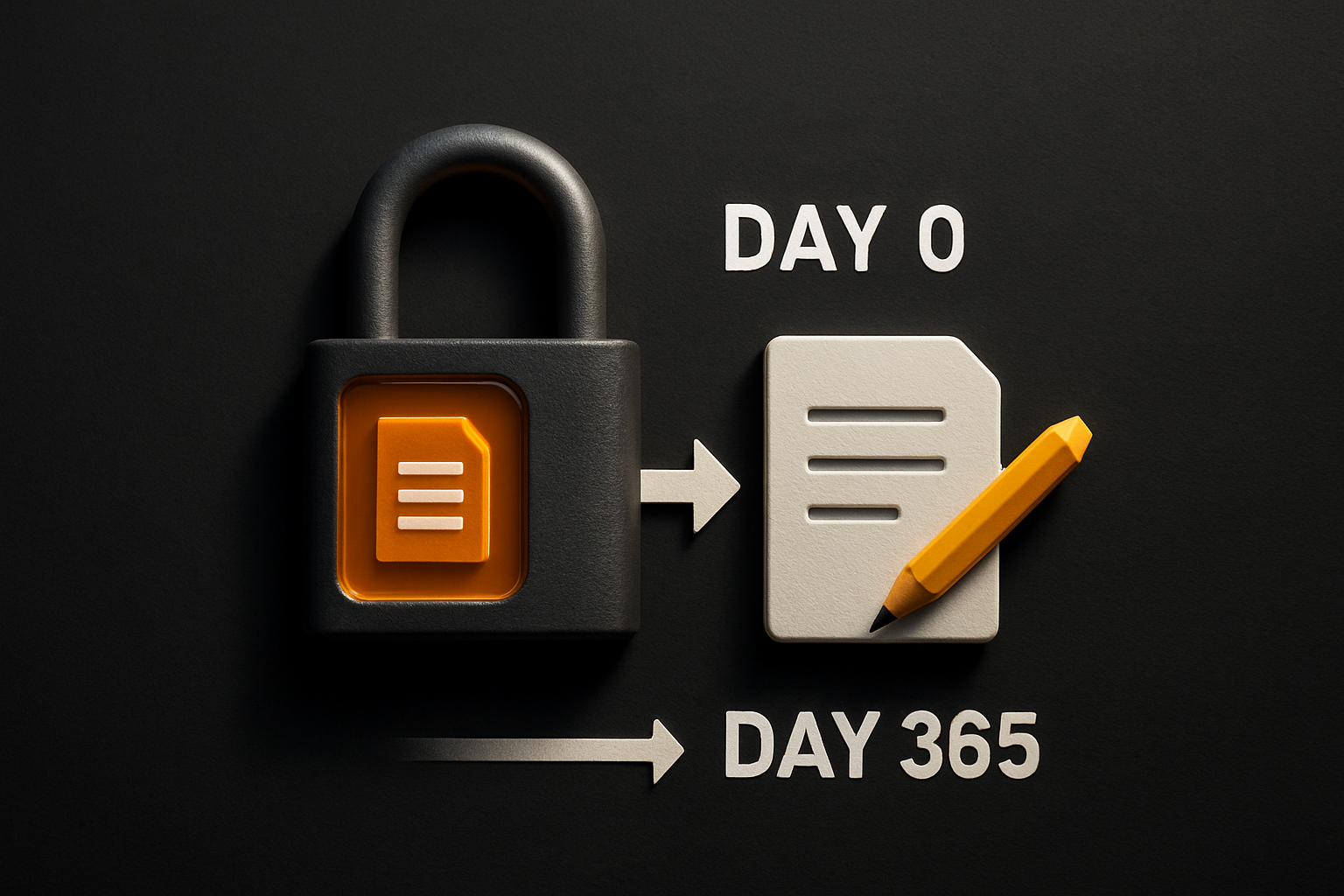
"Production-ready" stops at the part you can demo
A rental template is "production-ready" in the same sense that a furnished apartment is "home-ready." The kitchen has appliances. The plumbing works. You can host a dinner party. You're not signing a 30-year mortgage.
The gap between "runs without crashing" and "shipped to your users" includes:
- Custom domain wired with DNS + TLS — most rental kits give you a
vendor.app/clientsubdomain and treat a custom domain as a Pro feature - App store submission — Apple requires a privacy manifest, signing certificates, store listing metadata, and a review process that takes 3–14 days; Google wants its own signing config, Data Safety form, and Play Console setup
- Mobile builds that don't crash on cold start — production mobile has a different failure profile than web; image caching, native module linking, splash screens, and offline storage all need to be addressed
- Backups — most rental dashboards don't expose database backups; you're trusting the vendor's retention policy
- Monitoring and error reporting — Sentry/Datadog integration is your job, and the abstraction layer the rental exposes makes it harder to instrument correctly
None of these are impossible with a rental. They're just not in scope. The vendor's roadmap is the same as yours only as long as you're a customer.
What changes when the code is yours
The owned-kit model flips three things:
- Your schema, your integrations, your weird thing. You can ship the teal button, the 13px data table, the custom field that doesn't fit the abstraction. No ticket.
- Your deploy, your infra. You can run it on your own AWS account, your own Cloudflare, your own bare metal. You can take it to a different vendor if you outgrow the templates.
- Your upgrade path. When the kit ships a new version, you diff the changes against your fork. When you don't like the changes, you don't upgrade. You own the decision.
The tradeoff is real and worth naming: an owned kit takes longer to get running than a rental. You read more code on day one. You write more glue. The savings are in month six, month twelve, month twenty-four.
How OTF ships it: the production path that doesn't stop at "runs"
OTF sells code, not access. The full-stack kits — SaaS Dashboard, Fitness, Booking — ship as a complete codebase you clone and own. The pricing page is short on purpose: $99 per kit, $149 for everything. No seats, no build minutes, no per-deploy fees. The license is MIT, the code is yours to modify, fork, or burn.
The production path is wired into the repo, not a roadmap:
# Clone the kit
git clone <your-org>/saas-dashboard
cd saas-dashboard

# Install
pnpm install

# Run the design checklist before you ship
pnpm otf:check                  # 24-item design audit, fails the build on regressions

# Wire your custom domain + DNS + TLS
pnpm otf:ship:domain            # adds the record, provisions the cert, verifies HTTPS

# Mobile build + store submission
pnpm otf:ship:ios               # builds, signs, uploads to App Store Connect
pnpm otf:ship:android           # builds, signs, uploads to Play Console
otf:ship:* is a real script in the repo, not a vendor promise. It reads your env, runs the build, signs with your credentials (which you provide, locally), and hands the artifact to the store. You can read every line. You can rewrite it. You can rip it out and ship the same code with your own CI.
The AI tooling is wired the same way. Every kit ships:
CLAUDE.md— context your coding agent reads before touching the repo.cursorrules— same context, surfaced in Cursorai/prompts/— 20+ tested prompts for extending the kit
The agent extends the kit instead of regenerating it. Your conventions stay yours.
<!-- CLAUDE.md (excerpt) -->
# OTF SaaS Dashboard

This kit ships one codebase for auth, billing, and the operator dashboard.
Design tokens live in `apps/web/lib/tokens.ts`. Change a value there, the
same component on iOS and Android updates on next build.

When you add a feature:
1. Define the data shape in `packages/db/schema/`
2. Add the API route in `apps/web/app/api/`
3. Build the UI with `@otfdashkit/ui` — same `<Card>`, `<Button>`, `<Table>`
   on web, iOS, and Android
4. Run `pnpm otf:check` before committing
The components are the same <Button>, the same <Card>, the same <Table> on web, iOS, and Android. You write <Button onPress={...}> once and it ships to all three. Design tokens flip one theme across platforms — change a value, the same component updates everywhere. (Built on best-in-class primitives per platform — the outcome is what you see in the demo, not the framework names.)
The component count sits at ~200, and they all share one API. That's the part the rental can't copy: a single component name that means the same thing on every surface, in code you own.
What this gets you on day 365
A rental SDK gives you speed on day 0 and a bill on day 365. The bill has the line items you'd expect — seats, build minutes, support tier — and the ones you wouldn't: the engineer-weeks waiting on tickets, the fork you can't merge, the custom domain feature gate, the app store submission you never got around to.
An owned kit gives you the opposite curve. Slower on day 0 — you read code, you make decisions, you wire your own infra. Cheaper on day 365 and every day after. The license is paid. The code is yours. The deploy script is in the repo. The custom domain is wired. The mobile build is signed and uploaded.
The rental is the right answer for a prototype you won't keep. For the codebase you intend to ship to real users and keep shipping to for years, the model is older than software: buy the code, own the result.
Ship the product, not the setup.
- 11 production screens — auth, billing, team, analytics, settings
- Real database, payments, and login — all wired on day 1
- AI configs pre-tuned so your agent extends instead of regenerates