
GitHub Outage: Microsoft Restoring Services After Major Disruption

GitHub went down at 3:40 pm CEST on Monday. By 7 pm CEST, service conditions were starting to improve. That's a three-and-a-half-hour window from first alert to first signs of recovery — faster than most teams can spin up a Slack incident channel, never mind triage one. It's also the recovery cadence the rest of the industry will quietly be benchmarked against for the next quarter.
But the technical cause is still undisclosed. Copilot ran with limited functionality through the evening. Issues stayed partial. And every team that treated GitHub as their single source of truth spent a Monday afternoon relearning what "single point of failure" means in production.
This isn't a recap. You lived the recap. It's the playbook for the next one — the one your team hasn't scheduled yet.
What actually happened on Monday
The window is narrow and the source is one status endpoint. GitHub's status page began reporting elevated error rates and reduced availability from at least 3:40 pm CEST on Monday. Around 7 pm CEST, conditions started improving as the team identified the causes and began restoring availability.
A few facts ride with that timeline:
- The outage was unplanned, not a maintenance window.
- Multiple core services — not just one — were running hot.
- Recovery was gradual, not a single flip from red to green.
- The status page itself stayed partially degraded while the underlying services were recovering.
That last point is the one people forget. When the status page is the system you need to read the status page, you're flying without instruments.
The blast radius: Copilot, Issues, and the rest
The article names two services explicitly: GitHub Copilot and GitHub Issues. Copilot ran with "limited functionality" through the entire window. Issues stayed in partial outage as recovery progressed. Both are load-bearing for different teams.
Copilot is the AI pair-programmer that runs through your editor. When it goes partial, autocomplete slows, inline suggestions thin out, and the chat experience degrades. For teams that have budgeted sprint velocity around AI-assisted coding, that's a real productivity hit — not a "nice to have" outage.
Issues is the project-management plane that sits on top of GitHub. Triage queues, bug reports, feature requests, the GitHub Projects board the PM checks every morning. When Issues is partial, the engineering flywheel stalls even if the repos themselves are still pushable.
The article frames this as "potentially significant for organisations that rely heavily on GitHub for collaborative software projects." That's diplomatic. The honest version: if your team uses GitHub Issues as your project tracker, you don't have a fallback tracker. You have a Slack channel and a lot of "is anyone else seeing this?"
11 production screens. Login, database, payments — all wired.
The SaaS Dashboard Kit ships everything already connected. Nothing to set up. Live demo at saas.otf-kit.dev.
Why the cause isn't public yet
The article is explicit: "The specific technical cause of the outage has yet to be disclosed." That's normal for a Monday afternoon. Postmortems take weeks. Root cause analyses involve vendors, infrastructure, and customer commitments that nobody publishes under deadline.
So anyone writing about "the cause" on day one is making it up. The honest categories for a platform this size are:
- A database primary failover that didn't promote cleanly.
- A misrouted configuration push.
- An upstream provider (DNS, identity, object storage) that wobbled.
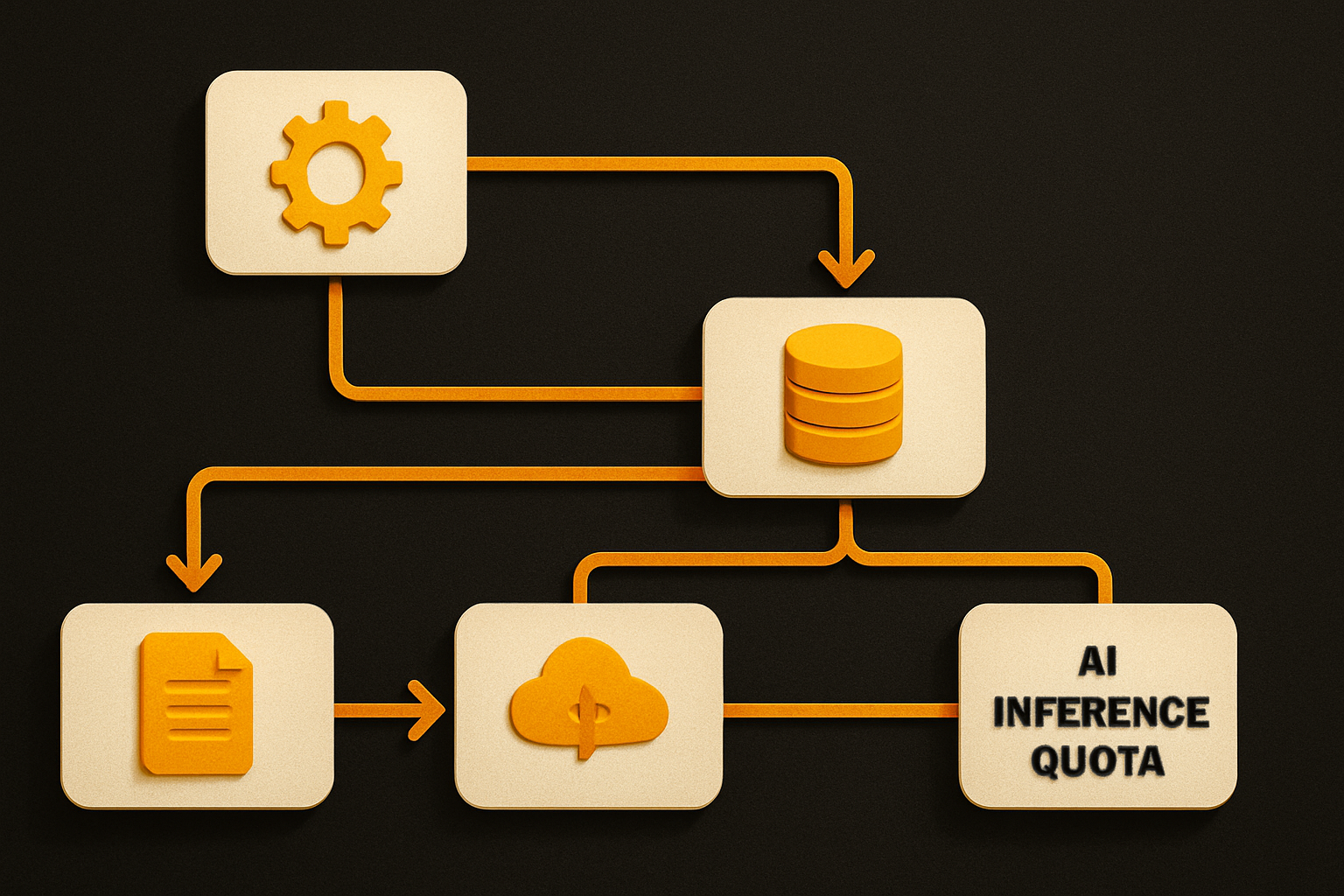
- An AI inference plane that exhausted a quota or hit a capacity cap.
Copilot in particular runs on a different compute substrate than the rest of GitHub. When you see "limited functionality" instead of a hard fail, that's usually the inference fleet throttling, not the control plane being down. The two systems fail differently on purpose.
You don't need to know which of these it was. You need to know that the categories are the same ones that will bite the next outage too, and the one after that.
The three things to set up before the next outage
A platform outage is the wrong time to discover your dependencies. Here's the minimum that pays for itself every quarter.
1. A local mirror you can push to
The fastest mitigation is having a git remote that isn't GitHub. For most teams that's one of:
# Add a GitLab or Bitbucket mirror as a fallback push target
git remote add backup git@gitlab.com:your-org/your-repo.git

# Or a self-hosted Gitea on your own infra
git remote add local ssh://git@git.internal/your-team/your-repo.git

# Push to both in one move during an outage
git push backup main
You don't need to make the backup the primary. You need a git push backup main that you can run when github.com is timing out. The integration tax is small. The regret of not having it is large.
2. A status feed in your peripheral vision
Subscribe to GitHub's status channel before the outage, not during it. The two feeds that actually work:
# RSS feed — works in any reader, no auth required
curl -s <github-status-rss> | head -20

# JSON API — for tooling and Slack bots
curl -s <github-status-api> \
  | jq '.components[] | {name, status}'
Wire one of these into a Slack channel or a desktop sidebar. The teams that recovered fastest on Monday were the ones whose status alert fired before the human radar did.
3. A documented "GitHub is down" runbook
This is the part nobody writes until the second outage. Skim it in advance:
# Runbook: GitHub partial outage

## Detection
- Status page RSS / Slack alert fires
- Editor shows Copilot errors / PR checks failing

## Triage
- Document on-call: <name>
- Comms channel: #incident-<date>

## Workarounds
- Code: push to `backup` remote, sync PRs later
- Issues: move active threads to a temp tracker
- Copilot: pair sessions, manual autocomplete, code review

## Recovery
- Replay pushes from `backup` to origin
- Backfill Issues from temp tracker
- Post RCA within 5 business days
The runbook doesn't need to be fancy. It needs to exist. The hour you spend on it now is the hour you save during the next 3:40 pm.
How to monitor GitHub status in real time
Most teams have a person pinging the status page in a tab. That's a person-job, not a system. The minimal system version is:
# Poll the JSON API every 60s, alert on degraded components
while true; do
  curl -s <github-status-api> \
    | jq -r '.components[] | select(.status != "operational") | .name + ": " + .status' \
    | xargs -I{} notify-send "GitHub: {}"
  sleep 60
done
For serious production setups, point your existing observability stack at the same endpoint and treat it like any other third-party dependency. Tag components by service (copilot, issues, api) so outages roll up to the right dashboards.
The point isn't the tool. It's that the status check is automated, repeatable, and on the same plane as the alerts you already trust.
The layer that doesn't break when the vendor does
GitHub is a vendor. So is your CDN, your package registry, your identity provider, your AI inference provider, and your monitoring stack. When any one of them wobbles, the question isn't "did it happen" — it's "what in my stack still works without them."
That's the layer underneath — the part of your app that ships regardless of which SaaS is having a Tuesday. The UI surface. The shared components. The cross-platform shell that runs on web, iOS, and Android from one codebase, one API. If your shipping controls, navigation, and shared components are durable, a GitHub outage means your team can't git push from the office for an afternoon. The app you ship to customers stays unaffected.
Vendor churn is a fact. The layer underneath it doesn't have to be.
What this gets you
GitHub's silence on the cause is procedural — vendors don't publish root cause analyses on day one, and the postmortem will land when the RCA is ready. The durable answer isn't to wait for it; it's to set up the runbook and the mirror before the next one. If you take one thing from this post, take the runbook. Write it before the next outage. The local mirror and the RSS subscription are dependencies you set up once and stop thinking about.
Everything else — the cause analysis, the AI-plane speculation, the SLA debates — is noise until something breaks. After it breaks, it's already too late to plan.
The status page is back to green. Make sure you are too.
Ship the product, not the setup.
- 11 production screens — auth, billing, team, analytics, settings
- Real database, payments, and login — all wired on day 1
- AI configs pre-tuned so your agent extends instead of regenerates