
Live Activity or push notification? Choose by user need
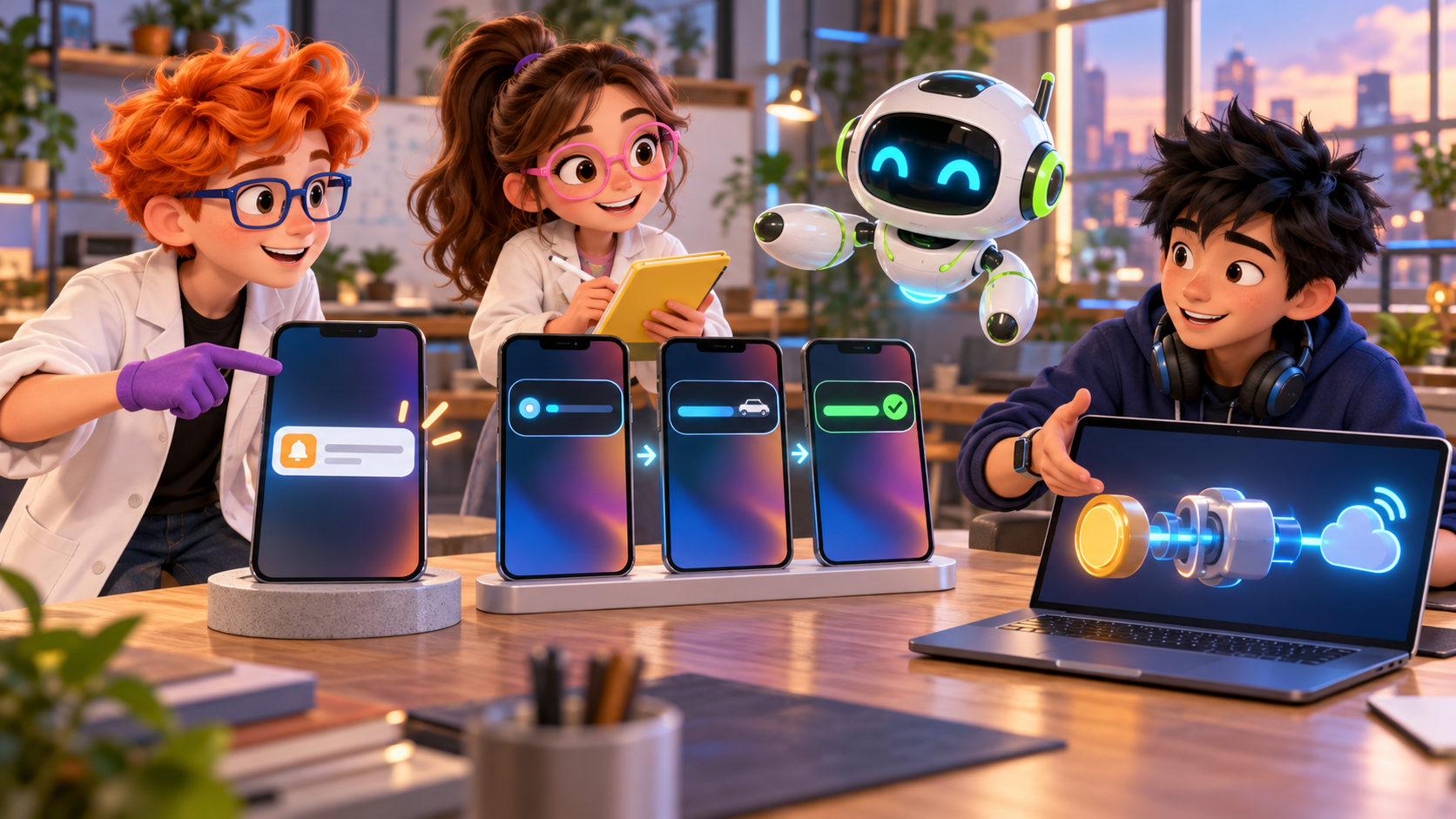
A push notification tells someone that something happened. A Live Activity keeps a changing event visible while it is happening. For a delivery, a long-running upload, or a job that moves through several meaningful stages, the choice affects both the user experience and the server work you must own.
The useful question is not which surface is newer. Ask what the person needs to know, how often that state changes, and whether they need to see it without reopening the app. A short alert may be enough for a completed action. A continuing event can justify a Live Activity, but it creates an ongoing data and notification path behind the screen.
Choose by the shape of the moment
A regular push notification is a message delivered to the device. It works well when one event deserves an interruption or reminder: a payment was received, a build failed, or a teammate mentioned you. The person can tap it and open the app for details. If the update is not important enough to interrupt them, you may not need a push at all; an in-app inbox or a refreshed screen may fit better.
A Live Activity is for a current event whose state changes over time and is useful at a glance. Apple describes the surface through ActivityKit as a way to display live data; Expo’s October 1 example uses a receipt moving from received to processing and then completed or failed. The user can follow that progression on the Lock Screen or in the Dynamic Island rather than receiving a separate alert for every stage.
That makes a Live Activity a poor fit for a vague status that can wait until the next app visit. It is a better candidate when the event has a clear beginning and end, the current state stays useful, and a person benefits from checking it without opening the app. Food delivery and live scores are familiar examples. A background task can also qualify if the intermediate stages help the user decide whether to wait, retry, or take another action.
The two surfaces can work together. A Live Activity can carry the changing state; a push alert can call attention to an important transition. They should not duplicate every update. If a user receives an alert for each small progress change, the notification stream becomes noisy while the ongoing display already answers the question.
Treat the Live Activity as a separate delivery path
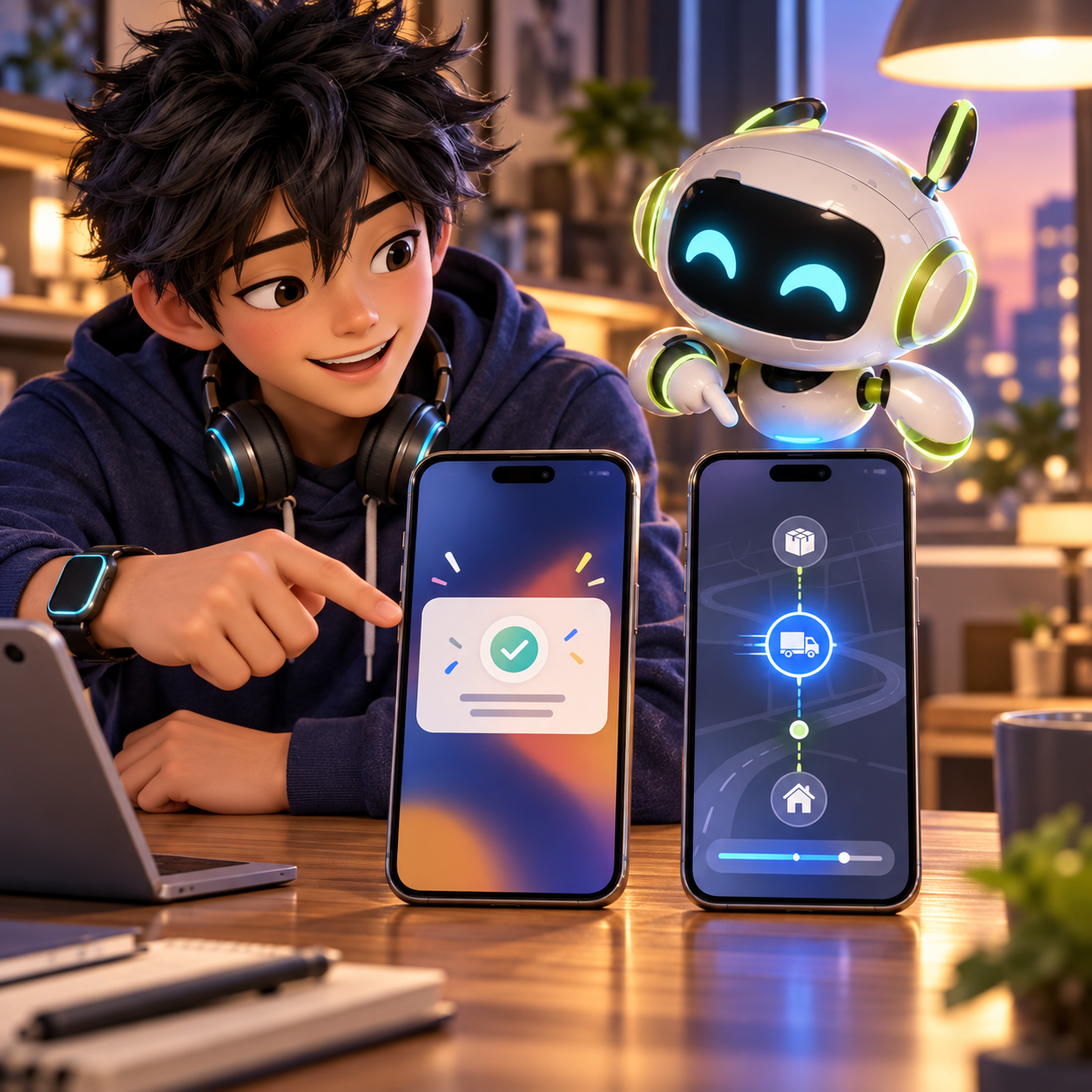
A Live Activity is not simply a push notification with a different design. On iOS, the app defines the activity’s attributes and content state, and the system renders the current content in the supported presentation. The app may start an activity locally. It can also support push-to-start, where a backend that learns about an event asks Apple Push Notification service to start one.
For remote updates, ActivityKit issues a push token associated with the Live Activity. It is different from the device’s ordinary notification token, belongs to an activity, and can change while that activity is active. The client has to register the token with your service, and your service has to keep the current token associated with the right user and event. When a replacement arrives, the previous token must be retired so future updates go to the current destination.
The server also needs to translate application state into the content state the activity can display. Your job system might record queued, running, needs_input, and finished; the activity may need a smaller, stable shape such as a label, progress value, and last-updated time. That mapping is product logic. ActivityKit does not know what your job states mean or which parts should be visible to the user.
Finally, your backend sends the update to Apple’s push service with the ActivityKit-specific request details and payload. Apple documents remote start, update, and end events, plus the headers and payload fields they require. The operating system can render a delivered update without your application code running for that particular update. That reduces the need to wake the app for every display change, but it does not remove your backend’s responsibility to maintain accurate state and send valid updates.
One codebase. iOS, Android, and web.
The Fitness Kit ships with auth, a database, and a backend already connected — no setup. Live demo at fitness-preview.otf-kit.dev.
Estimate the ongoing backend work
Before choosing this surface, account for more than the first successful update. Your service needs to receive and store per-activity tokens, handle token rotation, associate them with the right event, and remove tokens Apple reports as invalid. If you support push-to-start, you also need to know when a new activity should begin and prevent retries from starting duplicates.
The content-state mapper needs a source of truth. If several background jobs can update the same event, derive the outgoing state from the latest persisted state rather than assuming that events arrive in order. Decide what happens when an event is cancelled, fails, or completes, and how long its final state should remain visible. A stale or contradictory activity is worse than no activity because it appears current even when your backend has stopped keeping it current.
Plan for delivery limits and imperfect connectivity as well. Devices may be offline; a late update may arrive after the activity has ended. Apple also applies update budgets, and frequent-update capability does not mean unlimited delivery. The service should send updates when the displayed state meaningfully changes, not on every internal progress tick. If the task generates frequent events, consolidate them into useful state transitions before sending.
Testing should cover the whole chain: activity creation, token registration, a state change, an invalid or rotated token, a device that misses an update, and the ending behavior. An accepted request to Apple’s push service does not by itself prove that the displayed content is correct. Verify the on-device result and that the next update still uses the latest token.
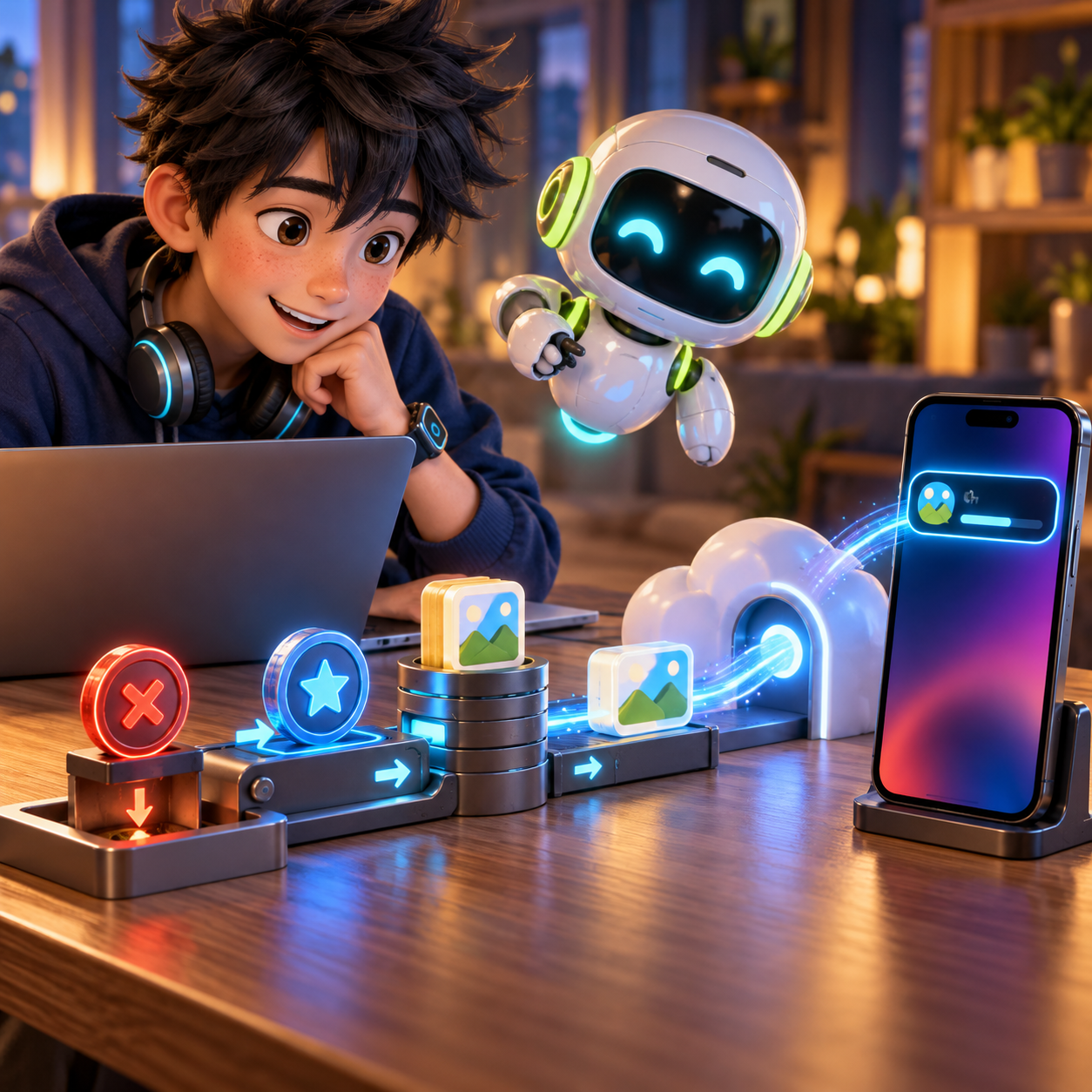
For an ordinary push notification, you still need a server to decide when to send it and handle Apple’s delivery response, but the lifecycle is usually simpler: create a message for an event, send it to the device token, and let the person open the app for detail. If the message is the whole update, that can be enough. If the app needs to keep changing the same glanceable surface, a Live Activity adds a second stateful product surface and its own token and content lifecycle.
Use a small decision test
For each candidate event, write down the first state, the meaningful transitions, and the terminal state. Then ask three questions:
- Does the user benefit from seeing the latest state without opening the app?
- Will the event last long enough, and change in meaningful enough ways, to justify an ongoing display?
- Can your backend own the token lifecycle, state mapping, and remote update path for as long as the activity remains relevant?
If the first two answers are no, use a regular push only when the event needs an interruption; otherwise keep the information in the app. If they are yes but the third answer is no, start with a local activity only when the app itself can maintain the state while active, or defer remote updates until the backend path is ready. Do not present a static message as live progress.
If you are comparing notification delivery approaches, our production guide to push tokens, receipts, and retries covers the ordinary push reliability concerns. The push-notification production checklist is also useful for the device-token and server handoff basics. Live Activities share some delivery infrastructure, but the per-activity token and state mapping make their backend requirements distinct.
What this means for OTF
OTF kits do not include Live Activity screens or the server-side token and update lifecycle described here. Treat this as a product capability to design and implement for your own app, with iOS as the platform in scope. A starter kit can provide general application structure, but it does not supply this feature or its APNs integration.
Sources
- Expo: Live Activities with Expo, End to End: Client and Backend — read October 10, 2026.
- Apple Developer Documentation: Starting and updating Live Activities with ActivityKit push notifications — read October 10, 2026.
- Apple Developer Documentation: Displaying live data with Live Activities — read October 10, 2026.
Stop wiring. Start shipping.
- Login, database, and backend already connected — nothing to set up
- iOS + Android + web from one codebase
- AI configs pre-tuned + 40+ tested prompts included